# about actor color Interpolate
**URL:** https://discourse.vtk.org/t/about-actor-color-interpolate/4765
**Category:** Support
**Created:** [December 2, 2020, 9:30am UTC](https://discourse.vtk.org/t/about-actor-color-interpolate/4765 "2020-12-02T09:30:16Z")
**Posts on this page:** 2
**Page:** 1
### Author:  [@DL\_men](https://discourse.vtk.org/u/DL_men)
#### Post date: [December 2, 2020, 9:30am UTC](https://discourse.vtk.org/t/about-actor-color-interpolate/4765/1 "2020-12-02T09:30:16Z")
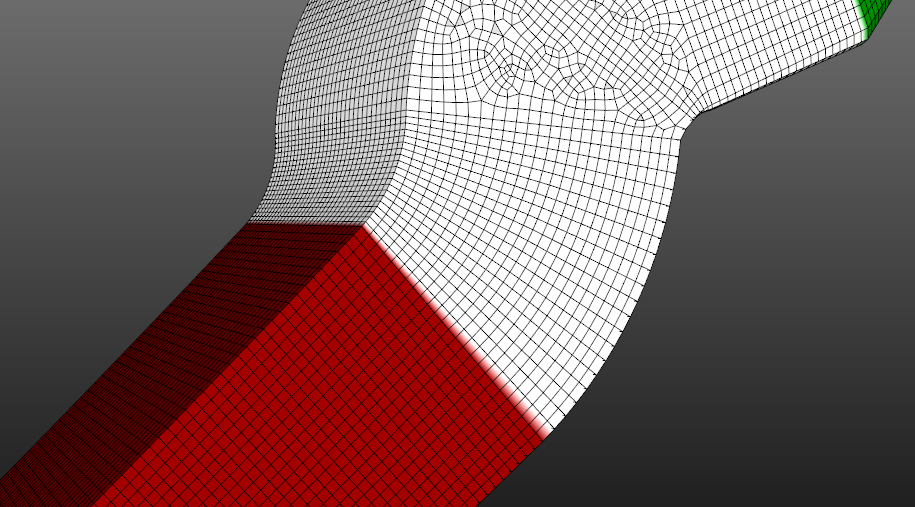
I colored the actor with the following codes:
data = actor.GetMapper().GetInput()
data.GetPointData().SetScalars(color\_array)
How to make the bounds clearly without Interpolate like the following pic.
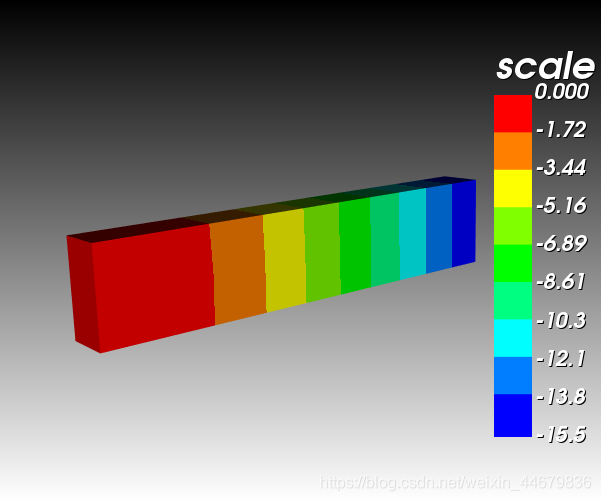
SetInterpolateScalarsBeforeMapping may not useful…
---
### Author:  [@marcomusy](https://discourse.vtk.org/u/marcomusy)
#### Post date: [December 3, 2020, 1:39pm UTC](https://discourse.vtk.org/t/about-actor-color-interpolate/4765/2 "2020-12-03T13:39:00Z")
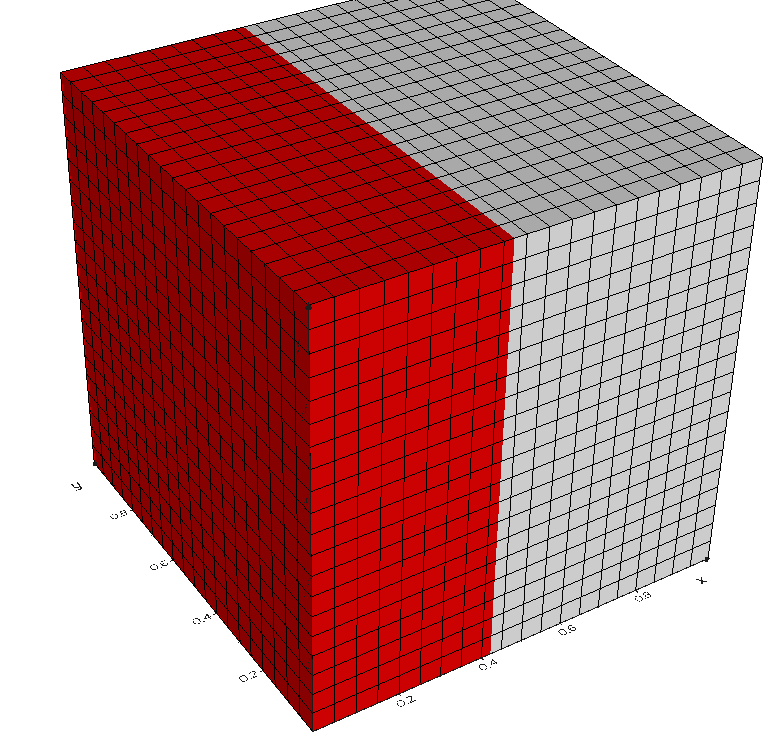
Creating a LUT with 2 colors and using `SetInterpolateScalarsBeforeMapping ` seems to work for me. Test:
```python
from vedo import *
cub = CubicGrid(n=(20,20,20)).alpha(1).lw(1)
arr = cub.points()[:,0]
lut = buildLUT([(0.42,'red'), (1,'white')])
cub.cmap(lut, arr).show(axes=1)
```