# Actor flash once after change actor input connect
**URL:** https://discourse.vtk.org/t/actor-flash-once-after-change-actor-input-connect/5642
**Category:** Support
**Created:** [April 26, 2021, 1:06pm UTC](https://discourse.vtk.org/t/actor-flash-once-after-change-actor-input-connect/5642 "2021-04-26T13:06:28Z")
**Posts on this page:** 5
**Page:** 1
### Author:  [@11112](https://discourse.vtk.org/u/11112)
#### Post date: [April 26, 2021, 1:06pm UTC](https://discourse.vtk.org/t/actor-flash-once-after-change-actor-input-connect/5642/1 "2021-04-26T13:06:28Z")
I have an actor in renderer window with QVTKOpenGLNativeWidget
And every time I changed actor input poly data, than I interact with mouse.
It will show old vision suddenly.
Why that happened? Any solution?
```auto
actor->GetMapper()->SetInputPort(newPolyData);
renderer->Render();
```
That’s all
---
### Author:  [@mwestphal](https://discourse.vtk.org/u/mwestphal)
#### Post date: [April 26, 2021, 2:06pm UTC](https://discourse.vtk.org/t/actor-flash-once-after-change-actor-input-connect/5642/2 "2021-04-26T14:06:53Z")
@Thomas_Caissard : Did you hit this issue recently ?
---
### Author:  [@Thomas\_Caissard](https://discourse.vtk.org/u/Thomas_Caissard)
#### Post date: [April 26, 2021, 3:30pm UTC](https://discourse.vtk.org/t/actor-flash-once-after-change-actor-input-connect/5642/3 "2021-04-26T15:30:20Z")
Did you correctly attached the renderer to the window and the window to the renderer ? What most likely happens is that your window is not aware of the renderer, and when you interact with it, it renders an empty one.
---
### Author:  [@11112](https://discourse.vtk.org/u/11112)
#### Post date: [May 10, 2021, 2:43am UTC](https://discourse.vtk.org/t/actor-flash-once-after-change-actor-input-connect/5642/4 "2021-05-10T02:43:25Z")
Yes, I did assign renderer to window and widget.
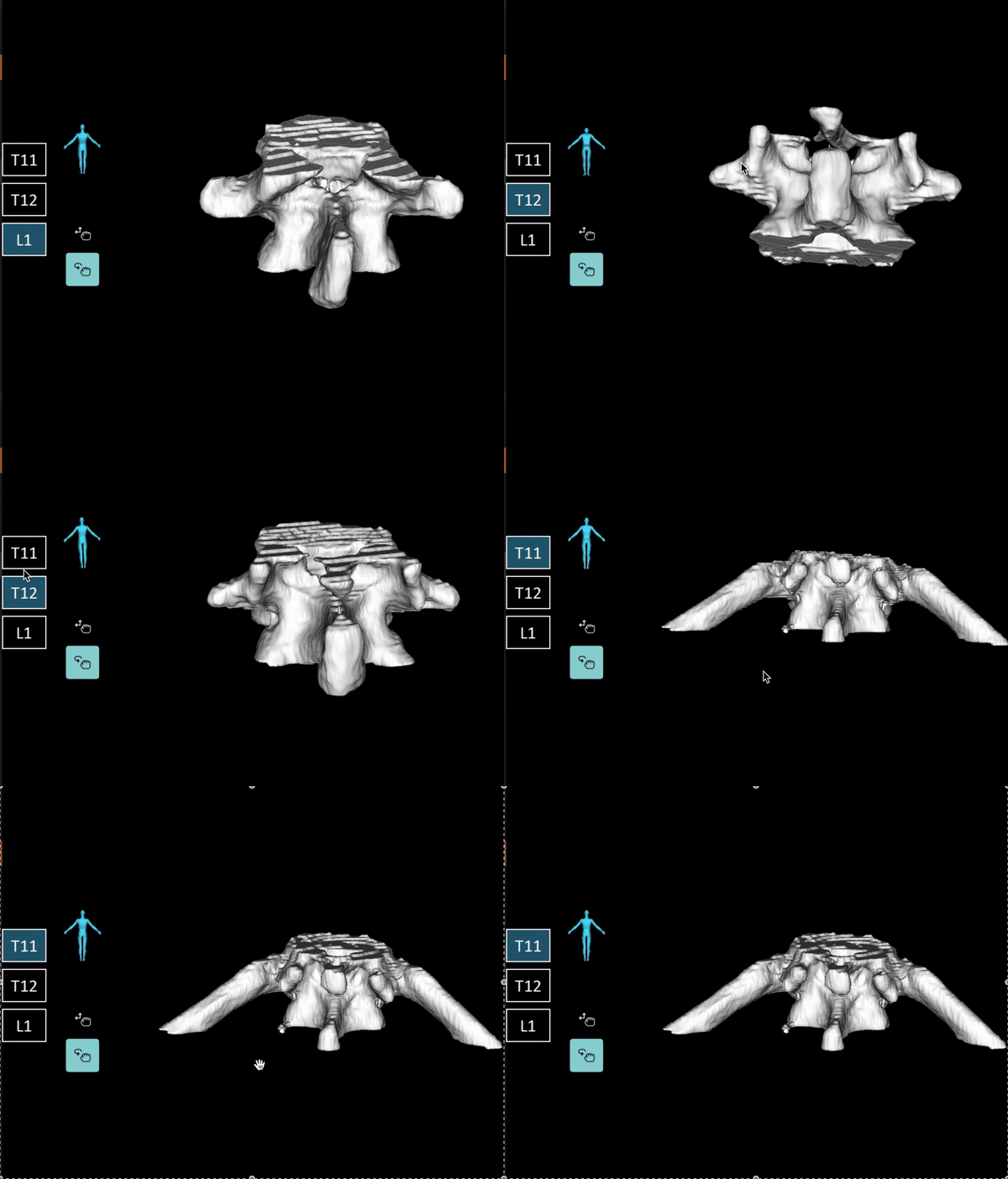
Here is a demo image.
---
### Author:  [@11112](https://discourse.vtk.org/u/11112)
#### Post date: [May 13, 2021, 5:52am UTC](https://discourse.vtk.org/t/actor-flash-once-after-change-actor-input-connect/5642/5 "2021-05-13T05:52:15Z")
Hi Thomas,
Can u see know what’s the matter in my program with this picture?
Thanks!