# Apply transformation to nifiti image
**URL:** https://discourse.vtk.org/t/apply-transformation-to-nifiti-image/4017
**Category:** Support
**Created:** [August 19, 2020, 10:31am UTC](https://discourse.vtk.org/t/apply-transformation-to-nifiti-image/4017 "2020-08-19T10:31:45Z")
**Posts on this page:** 6
**Page:** 1
### Author:  [@isuruwi](https://discourse.vtk.org/u/isuruwi)
#### Post date: [August 19, 2020, 10:31am UTC](https://discourse.vtk.org/t/apply-transformation-to-nifiti-image/4017/1 "2020-08-19T10:31:45Z")
I want to apply transformations to a given nifti image. How can I apply such as translate, scale, rotation to that? See below example for further reference.
// read nifti image
vtkSmartPointer niftiReader = vtkSmartPointer::New();
niftiReader-\>SetFileName(ref\_volumetric\_mesh\_voxelized\_path.c\_str());
niftiReader-\>Update();
//define transformation
vtkSmartPointer transform = vtkSmartPointer::New();
transform-\>Translate(0.6, 0.3, 0.8);
transform-\>Scale(1.2, 1.0, 1.3);
transform-\>RotateY(2);
And now I want to apply above transformation to the 3D image ? Can you please elaborate with an example please ?
---
### Author:  [@lassoan](https://discourse.vtk.org/u/lassoan)
#### Post date: [August 19, 2020, 1:55pm UTC](https://discourse.vtk.org/t/apply-transformation-to-nifiti-image/4017/2 "2020-08-19T13:55:40Z")
You can use vtkImageReslice filter for resampling a transformed image to a different geometry.
---
### Author:  [@isuruwi](https://discourse.vtk.org/u/isuruwi)
#### Post date: [August 19, 2020, 4:05pm UTC](https://discourse.vtk.org/t/apply-transformation-to-nifiti-image/4017/3 "2020-08-19T16:05:41Z")
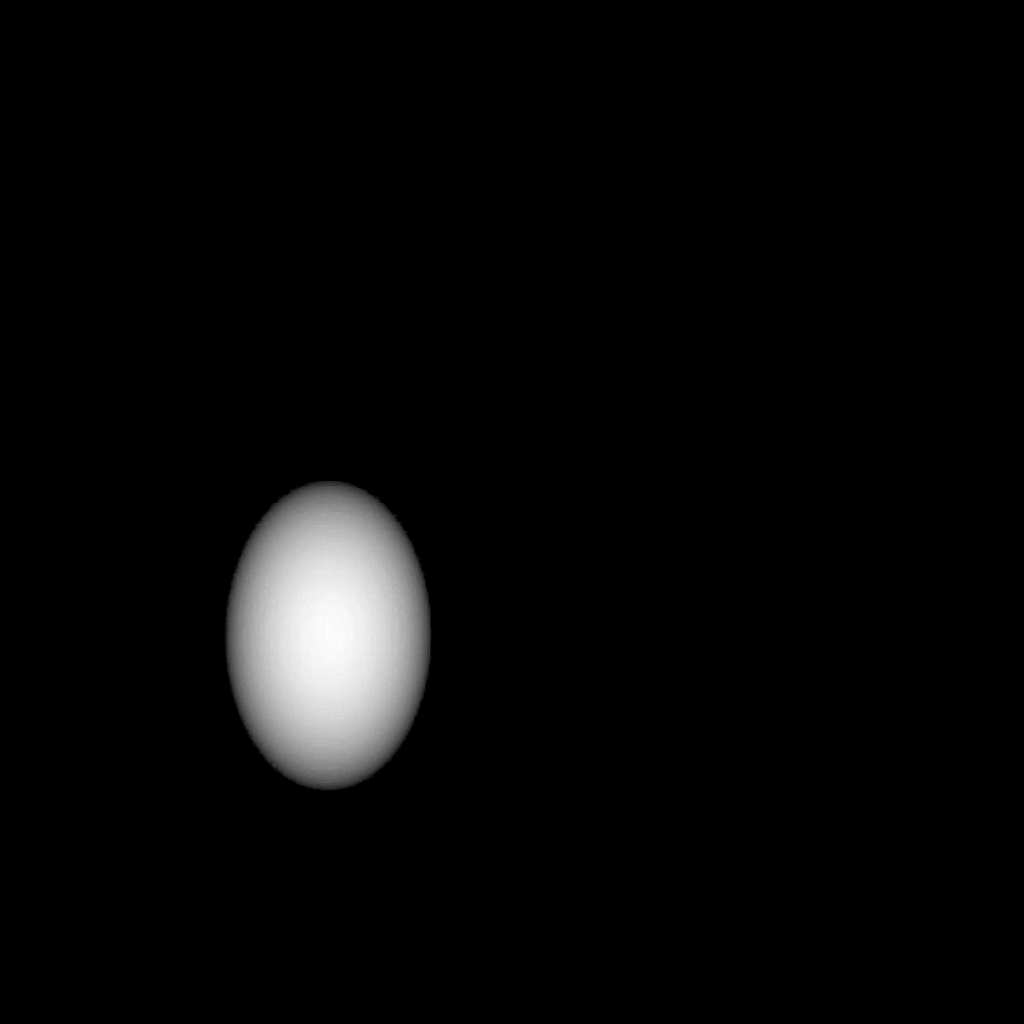
I just applied the vtkImageReslice filter as you can see below and then pass the output nifti image through the DRR algorithm. I have noticed that the output DRR image doesn’t scale-up the ellipsoid (see the attached images) even I passing the transformations as **transform-\>Scale(1.7, 1.8, 1.8)**.
Did I perform something wrong when applying the vtkImageReslice filter or is this the normal behaviour since the scaling part applies to every voxel in the 3D image ?
```
vtkSmartPointer niftiReader =
vtkSmartPointer::New();
niftiReader->SetFileName(ref_volumetric_mesh_voxelized_path.c_str());
niftiReader->Update();
vtkSmartPointer unstructuredGridReader =
vtkSmartPointer::New();
unstructuredGridReader->SetFileName(ref_volumetric_mesh_path.c_str());
unstructuredGridReader->Update();
// Rotate about the center of the image
vtkSmartPointer transform =
vtkSmartPointer::New();
transform->Scale(1.7, 1.8, 1.8);
vtkSmartPointer transformFilterForUSG =
vtkSmartPointer::New();
transformFilterForUSG->SetInputConnection(unstructuredGridReader->GetOutputPort());
transformFilterForUSG->SetTransform(transform);
//vtkSmartPointer pd = transformFilter->GetOutput();
vtkSmartPointer unstructuredGridWriter =
vtkSmartPointer::New();
unstructuredGridWriter->SetFileName(deformed_volumetric_mesh_path.c_str());
unstructuredGridWriter->SetInputConnection(transformFilterForUSG->GetOutputPort());
unstructuredGridWriter->Write();
// Reslice does all of the work
vtkSmartPointer reslice =
vtkSmartPointer::New();
reslice->SetInputConnection(niftiReader->GetOutputPort());
reslice->SetResliceTransform(transform);
reslice->SetInterpolationModeToCubic();
reslice->SetOutputSpacing(
niftiReader->GetOutput()->GetSpacing()[0],
niftiReader->GetOutput()->GetSpacing()[1],
niftiReader->GetOutput()->GetSpacing()[2]);
reslice->SetOutputOrigin(
niftiReader->GetOutput()->GetOrigin()[0],
niftiReader->GetOutput()->GetOrigin()[1],
niftiReader->GetOutput()->GetOrigin()[2]);
reslice->SetOutputExtent(niftiReader->GetOutput()->GetExtent());
reslice->Update();
```
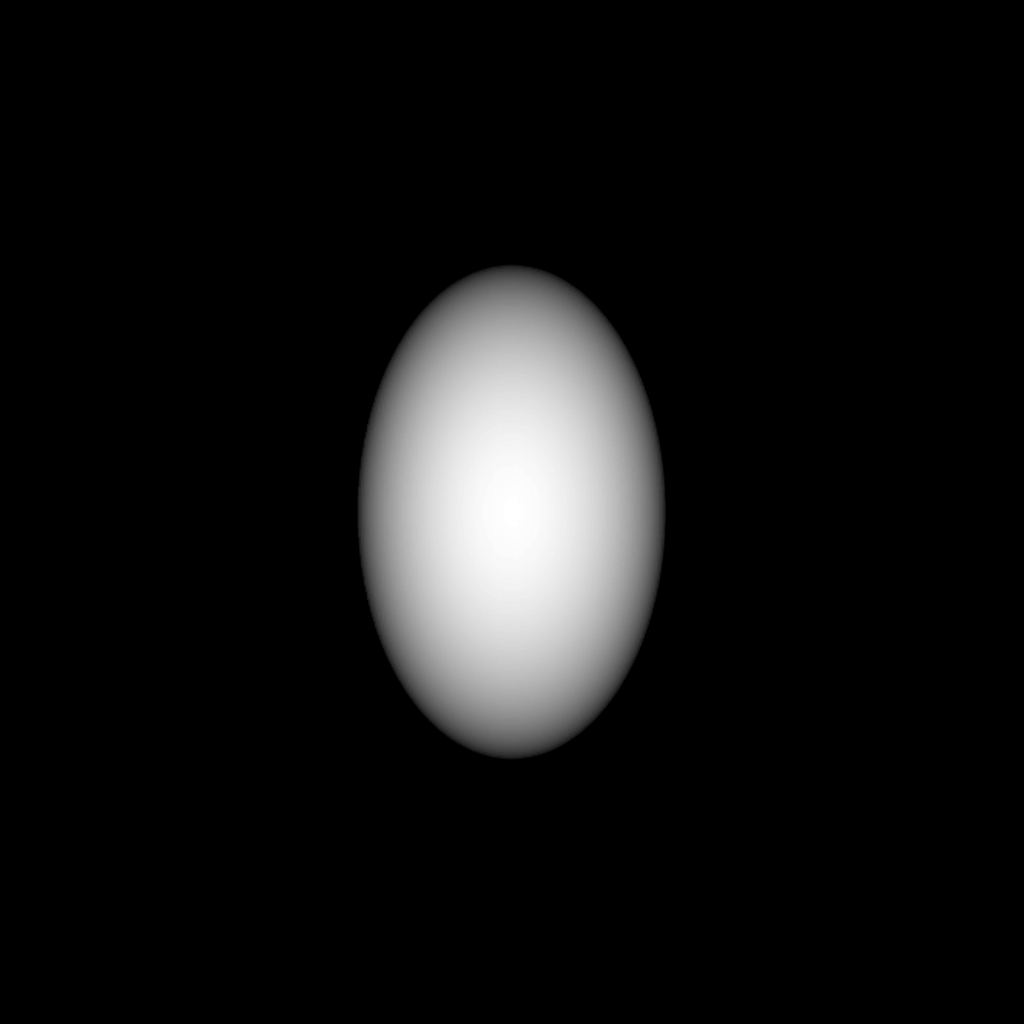
This is the original nifiti image before applying the transformation.
This DRR image produced after applying the transformation
 !
---
### Author:  [@lassoan](https://discourse.vtk.org/u/lassoan)
#### Post date: [August 19, 2020, 9:12pm UTC](https://discourse.vtk.org/t/apply-transformation-to-nifiti-image/4017/4 "2020-08-19T21:12:04Z")
You don’t need a transform filter, but set the transform as input to the image reslice filter.
---
### Author:  [@isuruwi](https://discourse.vtk.org/u/isuruwi)
#### Post date: [August 22, 2020, 5:21pm UTC](https://discourse.vtk.org/t/apply-transformation-to-nifiti-image/4017/5 "2020-08-22T17:21:08Z")
I have applied vtkImageReslice filter to transform the given nifti image.
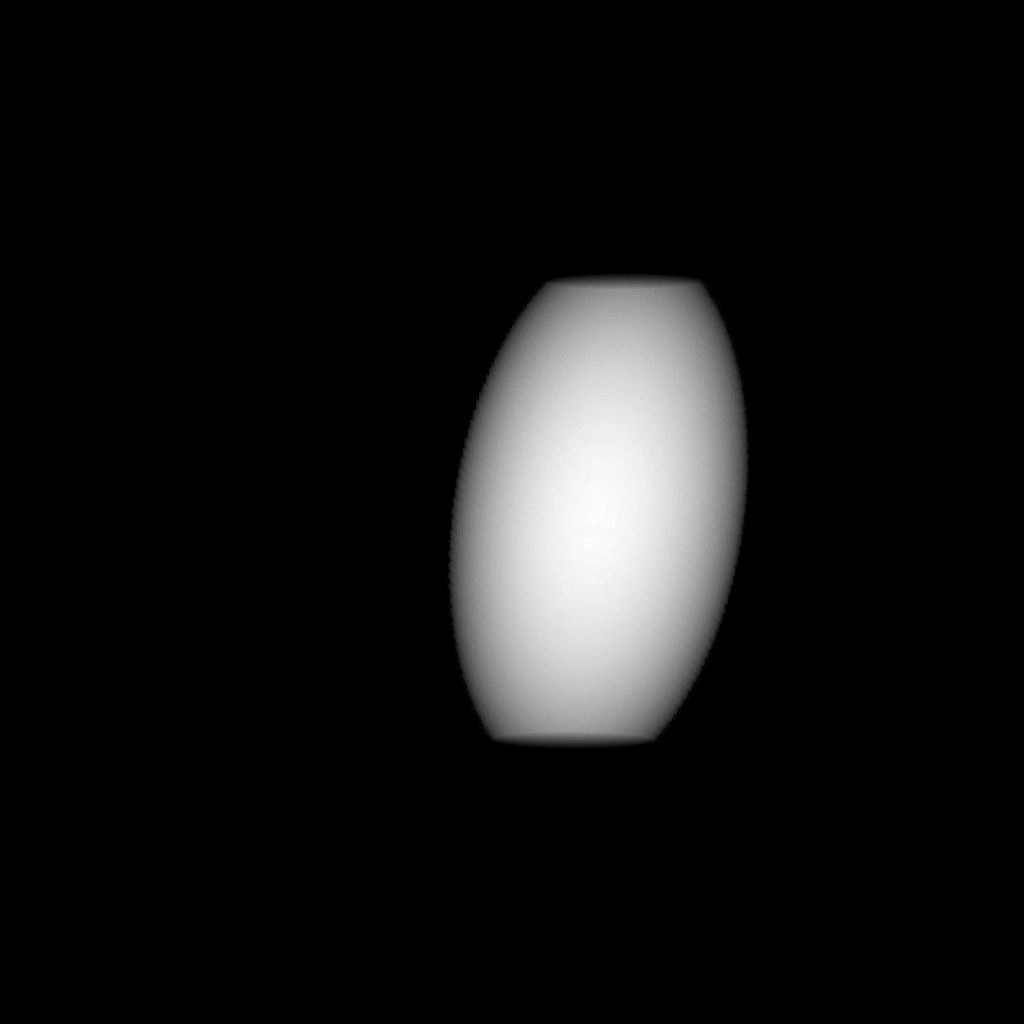
I have produced deformed versions, but for some images I was unable to get the whole ellipsoid and only appear some part of the ellipsoid (see attached sample images)?
I’m writing this to ask about the SetResliceAxes functionality. Should I use this here in order to overcome this issue? if so how ?
// Reslice does all of the work
vtkSmartPointer reslice =
vtkSmartPointer::New();
reslice-\>SetInputConnection(niftiReader-\>GetOutputPort());
reslice-\>SetResliceTransform(transform);
reslice-\>SetInterpolationModeToCubic();
reslice-\>SetOutputSpacing(
niftiReader-\>GetOutput()-\>GetSpacing()[0],
niftiReader-\>GetOutput()-\>GetSpacing()[1],
niftiReader-\>GetOutput()-\>GetSpacing()[2]);
reslice-\>SetOutputOrigin(
niftiReader-\>GetOutput()-\>GetOrigin()[0],
niftiReader-\>GetOutput()-\>GetOrigin()[1],
niftiReader-\>GetOutput()-\>GetOrigin()[2]);
reslice-\>SetOutputExtent(niftiReader-\>GetOutput()-\>GetExtent());
reslice-\>Update();

---
### Author:  [@lassoan](https://discourse.vtk.org/u/lassoan)
#### Post date: [August 22, 2020, 7:02pm UTC](https://discourse.vtk.org/t/apply-transformation-to-nifiti-image/4017/6 "2020-08-22T19:02:47Z")
If you don’t want the ellipsoid to be cropped then make the output extent larger.