# Create a stl model from binary images with specific spacing.
**URL:** https://discourse.vtk.org/t/create-a-stl-model-from-binary-images-with-specific-spacing/1868
**Category:** Support
**Created:** [October 4, 2019, 2:07pm UTC](https://discourse.vtk.org/t/create-a-stl-model-from-binary-images-with-specific-spacing/1868 "2019-10-04T14:07:02Z")
**Posts on this page:** 3
**Page:** 1
### Author:  [@qoqo](https://discourse.vtk.org/u/qoqo)
#### Post date: [October 4, 2019, 2:07pm UTC](https://discourse.vtk.org/t/create-a-stl-model-from-binary-images-with-specific-spacing/1868/1 "2019-10-04T14:07:03Z")
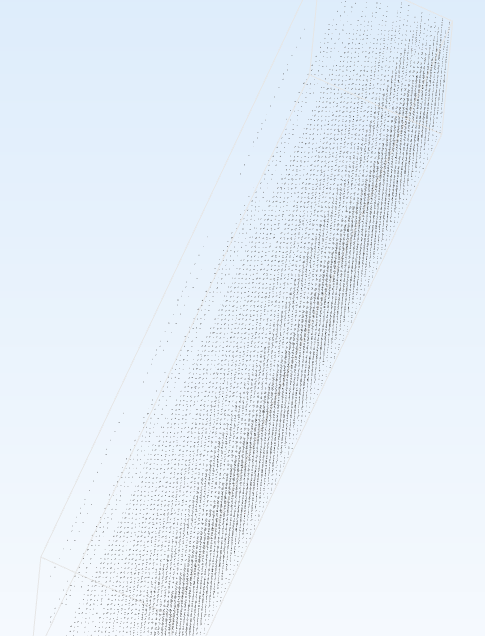
Dear VTK users, I am a newbie VTK user (python). Does anyone know how to generate a stl model from 3 dimentional binary images? For example, I have a folder including 800 jpg images. Then I need to stack them into 3D matrix and convert it in binary. The size of the matrix is (800, 512, 512). And the corresponding voxel spacing is (0.7, 0.4, 0.4). I used the example from this [link](https://stackoverflow.com/questions/37283961/python-numpy-array-to-vtk-stl-file-creator-how-to-set-spacing). But I got the model like this following picture that is a bunch of discrete points. And I don’t how to fix it. Thanks in advance for the replies.
---
### Author:  [@lassoan](https://discourse.vtk.org/u/lassoan)
#### Post date: [October 4, 2019, 7:11pm UTC](https://discourse.vtk.org/t/create-a-stl-model-from-binary-images-with-specific-spacing/1868/2 "2019-10-04T19:11:06Z")
There are many examples for this on VTK examples site. You can check out [this one](https://lorensen.github.io/VTKExamples/site/Python/DataManipulation/MeshLabelImageColor/) and find others by searching for marchingcubes, flyingedges, or contour filter.
---
### Author:  [@marcomusy](https://discourse.vtk.org/u/marcomusy)
#### Post date: [October 5, 2019, 11:00pm UTC](https://discourse.vtk.org/t/create-a-stl-model-from-binary-images-with-specific-spacing/1868/3 "2019-10-05T23:00:42Z")
i have this example if you want to use the [vtkplotter](https://github.com/marcomusy/vtkplotter/tree/master/examples/volumetric) helper package: [numpy2volume.py](https://github.com/marcomusy/vtkplotter/blob/master/examples/volumetric/numpy2volume.py), you can set the spacing in
`v = Volume(matrix, spacing=(0.7, 0.4, 0.4))` and generate isosurfaces with
`s = v.isosurface(threshold=...)`
You can equally use PyVista: find an example [here](https://docs.pyvista.org/examples/00-load/create-uniform-grid.html#sphx-glr-examples-00-load-create-uniform-grid-py).