# Excess memory usage when visualising vtkCubes or other objects
**URL:** https://discourse.vtk.org/t/excess-memory-usage-when-visualising-vtkcubes-or-other-objects/3923
**Category:** Support
**Created:** [August 6, 2020, 9:04am UTC](https://discourse.vtk.org/t/excess-memory-usage-when-visualising-vtkcubes-or-other-objects/3923 "2020-08-06T09:04:43Z")
**Posts on this page:** 5
**Page:** 1
### Author:  [@mastrogiorgis](https://discourse.vtk.org/u/mastrogiorgis)
#### Post date: [August 6, 2020, 9:04am UTC](https://discourse.vtk.org/t/excess-memory-usage-when-visualising-vtkcubes-or-other-objects/3923/1 "2020-08-06T09:04:43Z")
Hi,
I noticed an excessive usage of memory when using vtkCubes to visualise an 8x8x2 blocks as seen in the image.
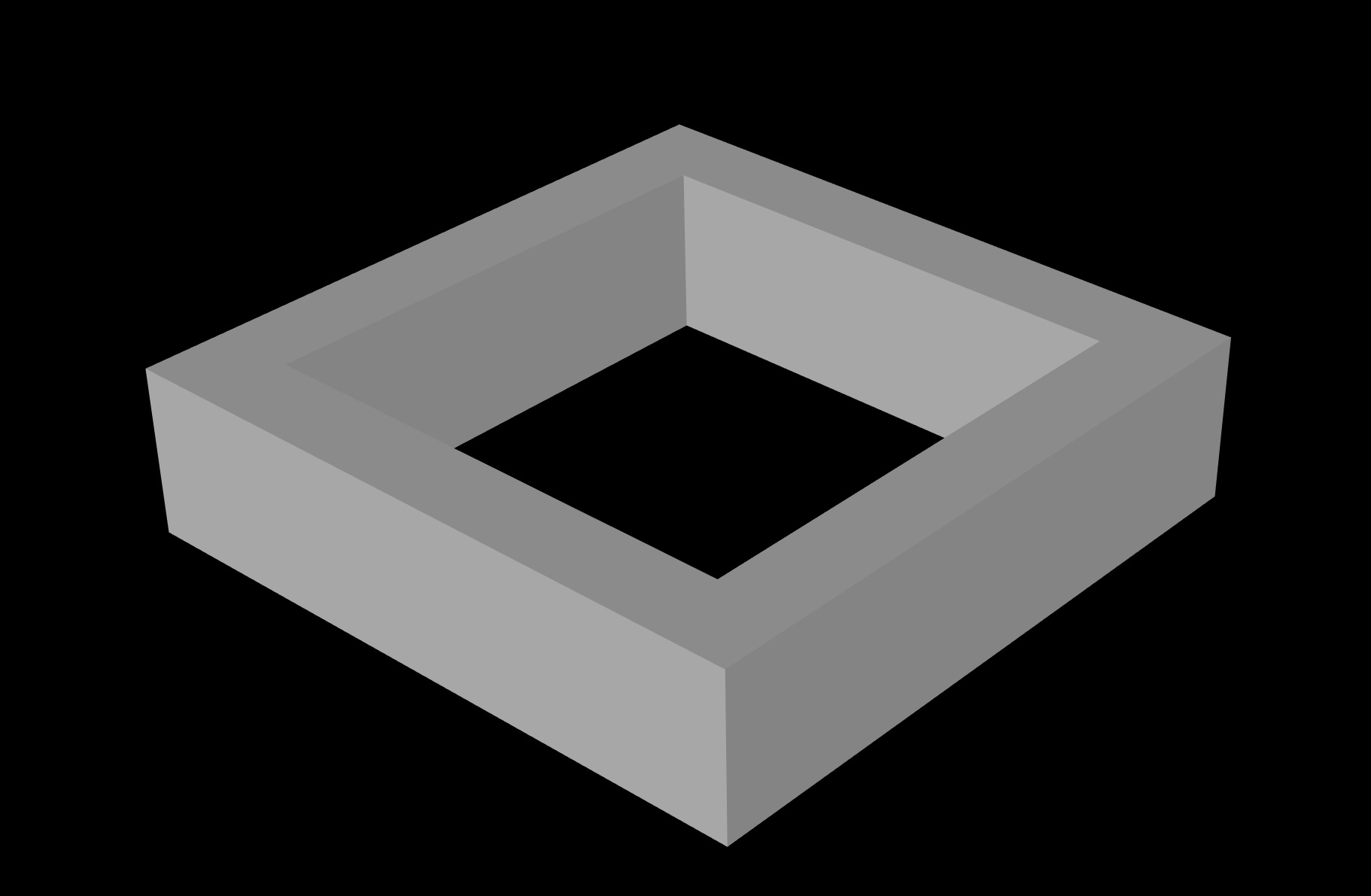
The memory usage is ~ 380Mb

Is there anything I can try to reduce this?
Many thanks.
---
### Author:  [@lassoan](https://discourse.vtk.org/u/lassoan)
#### Post date: [August 6, 2020, 12:14pm UTC](https://discourse.vtk.org/t/excess-memory-usage-when-visualising-vtkcubes-or-other-objects/3923/2 "2020-08-06T12:14:08Z")
380MB total memory usage for a 3D visualization application is pretty good. You may be able to reduce it by loading only certain VTK modules, but probably this would require VTK9 and/or custom VTK build.
---
### Author:  [@mastrogiorgis](https://discourse.vtk.org/u/mastrogiorgis)
#### Post date: [August 6, 2020, 2:42pm UTC](https://discourse.vtk.org/t/excess-memory-usage-when-visualising-vtkcubes-or-other-objects/3923/3 "2020-08-06T14:42:17Z")
Hi Andras and thanks for the info. I noticed that cubes take a while to visualisation when I get a 25x25x6 sized geometry. Is there a way I can accelerate this as I thought it was a memory issue at first.
PS. The memory when visualising the 25x25x6 is about 800mb
---
### Author:  [@lassoan](https://discourse.vtk.org/u/lassoan)
#### Post date: [August 6, 2020, 3:51pm UTC](https://discourse.vtk.org/t/excess-memory-usage-when-visualising-vtkcubes-or-other-objects/3923/4 "2020-08-06T15:51:31Z")
If you use a GUI toolkit as well then 800MB is understandable, but otherwise it seems a bit too high (if 25x25x6 means you visualize 25x25x6=3750 cells, which is nearly zero amount of data). Maybe you import a lot of libraries that are not strictly needed, which takes time and memory. To see what’s going on, you can have a look at the list of loaded shared libraries (see instructions for Windows [here](https://kb.froglogic.com/misc/getting-list-of-loaded-dlls/)).
---
### Author:  [@mastrogiorgis](https://discourse.vtk.org/u/mastrogiorgis)
#### Post date: [March 21, 2021, 10:45pm UTC](https://discourse.vtk.org/t/excess-memory-usage-when-visualising-vtkcubes-or-other-objects/3923/5 "2021-03-21T22:45:21Z")
Hi again,
Revisiting this topic due to a similar but a bit confusing memory usage issue.
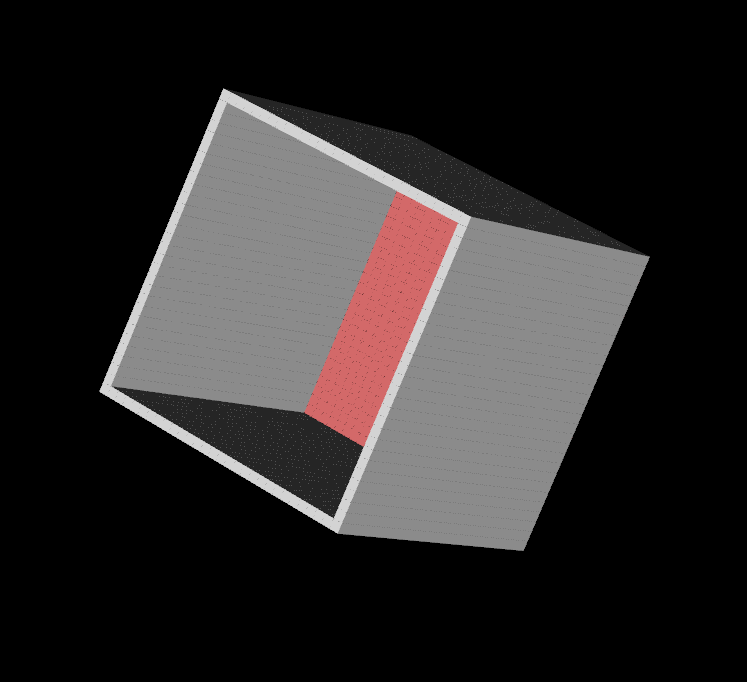
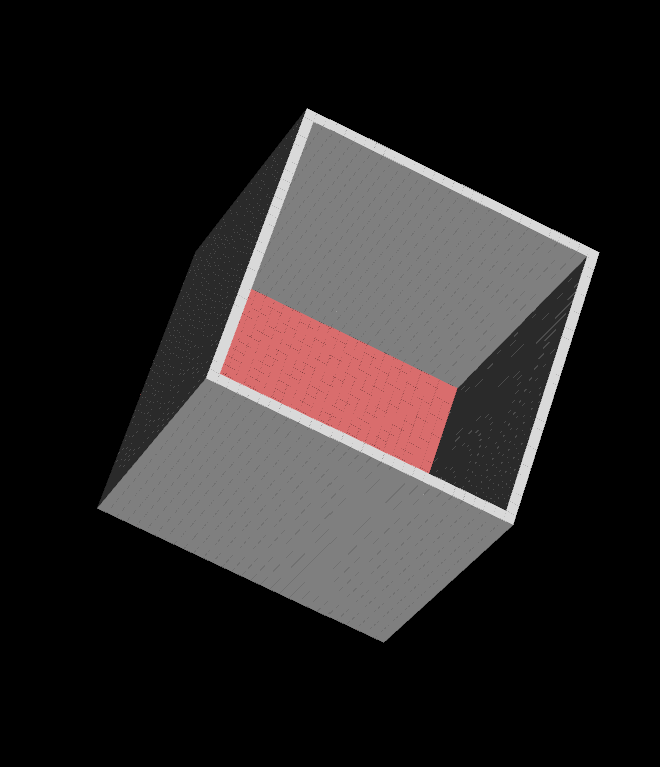
I noticed that the mem usage fires up (from 400 to 480mb) when I move/zoom in-out the vtkCubes drawing in a PyQt window while the mem usage remains the same if I use the vtk native one.
I’m using the QVTKRenderWindowInteractor.
Is this an expected behaviour?
Many thanks,