### Author:  [@baoyun](https://discourse.vtk.org/u/baoyun)
#### Post date: [July 19, 2023, 10:07pm UTC](https://discourse.vtk.org/t/existing-html-element-setcontainer-work-well-for-paraview-no-sucess-for-vtk-js-as-client/11987/1 "2023-07-19T22:07:07Z")
- I have a html element, \
- I obtained the native element, and want to pass it as container for remote view in client side
@ViewChild(‘imageDiv’) imageDiv!: ElementRef;
let div = this.imageDiv.nativeElement;
- Using paraview, it works perfect, the image render at correct location and expected size:
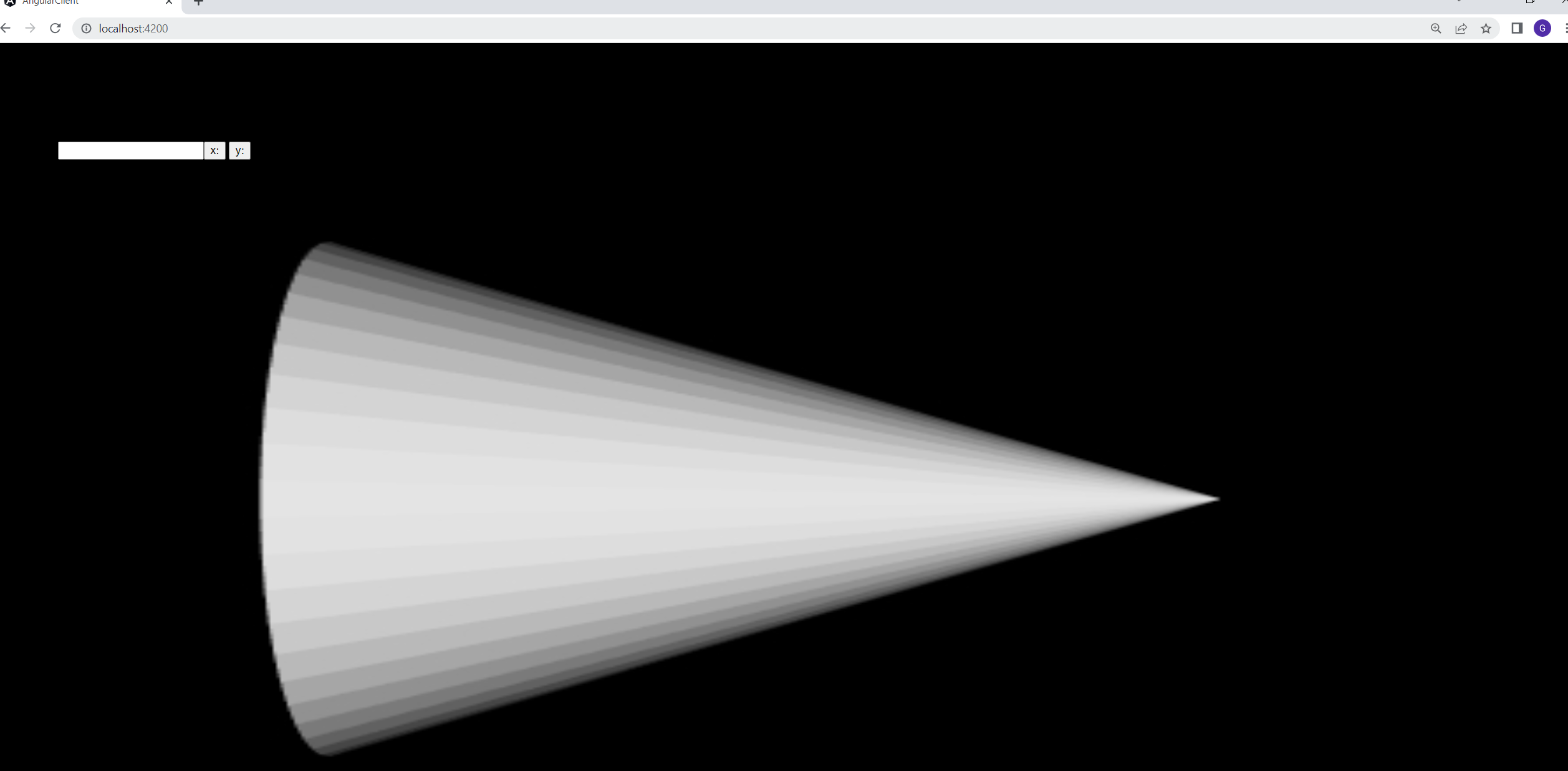
- but when using vtk.js as client for remote rendering, I pass same element as container, the rendered image take the entire screen not the size defined for the
Any help will be appreciated.
---
### Author:  [@baoyun](https://discourse.vtk.org/u/baoyun)
#### Post date: [July 19, 2023, 10:25pm UTC](https://discourse.vtk.org/t/existing-html-element-setcontainer-work-well-for-paraview-no-sucess-for-vtk-js-as-client/11987/2 "2023-07-19T22:25:52Z")
For vtk client, if I try view.getContainer, The container was passed sucessfully with and heigh = 450, that I defined.
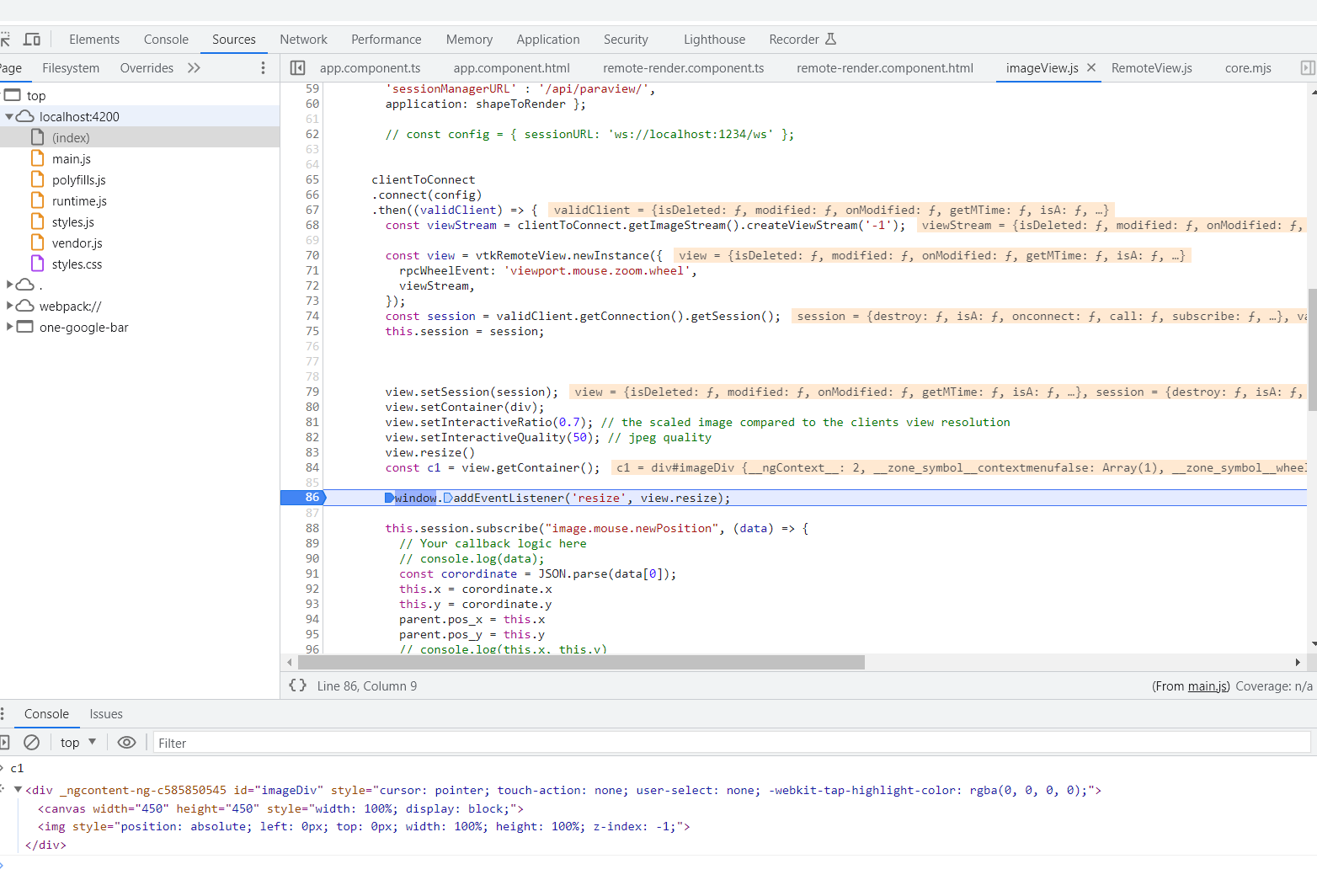
But after rendered, it occupied entire screen:
---
### Author:  [@baoyun](https://discourse.vtk.org/u/baoyun)
#### Post date: [July 19, 2023, 11:04pm UTC](https://discourse.vtk.org/t/existing-html-element-setcontainer-work-well-for-paraview-no-sucess-for-vtk-js-as-client/11987/3 "2023-07-19T23:04:53Z")
Let me do some update, if I create new element, and append to existing element, then the render window honor the size I give, don’t know why, but it serve my purpose.
```
const divRenderer = document.createElement('div');
this.div.appendChild(divRenderer);
divRenderer.style.position = 'relative';
divRenderer.style.width = '450px';
divRenderer.style.height = '450px';
divRenderer.style.overflow = 'hidden';
```
Don’t understand why directly set containter use existing element doesn’t honor the size. Is that designed behavior.
---
### Author:  [@Forrest](https://discourse.vtk.org/u/Forrest)
#### Post date: [July 20, 2023, 3:46pm UTC](https://discourse.vtk.org/t/existing-html-element-setcontainer-work-well-for-paraview-no-sucess-for-vtk-js-as-client/11987/4 "2023-07-20T15:46:08Z")
The injected `
![]()
` element is designed to fill its containing block (with `position: absolute`). You should add the CSS `position: relative` to `#imageDiv` for it to honor the size, just like you did with your child element solution.
---
### Author:  [@baoyun](https://discourse.vtk.org/u/baoyun)
#### Post date: [July 20, 2023, 5:16pm UTC](https://discourse.vtk.org/t/existing-html-element-setcontainer-work-well-for-paraview-no-sucess-for-vtk-js-as-client/11987/5 "2023-07-20T17:16:45Z")
thanks, a lot. That worked.