# Extract polydata attributes 2D view/render/capture screenshot
**URL:** https://discourse.vtk.org/t/extract-polydata-attributes-2d-view-render-capture-screenshot/4291
**Category:** Support
**Created:** [September 24, 2020, 8:36pm UTC](https://discourse.vtk.org/t/extract-polydata-attributes-2d-view-render-capture-screenshot/4291 "2020-09-24T20:36:07Z")
**Posts on this page:** 3
**Page:** 1
### Author:  [@Juan\_C\_Prieto](https://discourse.vtk.org/u/Juan_C_Prieto)
#### Post date: [September 24, 2020, 8:36pm UTC](https://discourse.vtk.org/t/extract-polydata-attributes-2d-view-render-capture-screenshot/4291/1 "2020-09-24T20:36:07Z")
Hello,
I am trying to extract polydata attributes and save them in 2D images. In other words, take an input mesh and generate renderings from different view points.
I use the vtkCellLocator to find intersections using a finite segment starting from a 2D plane. When an intersection is found, I extract the Normal vector and the distance from the 2D plane (Z Buffer).
Here is the result:
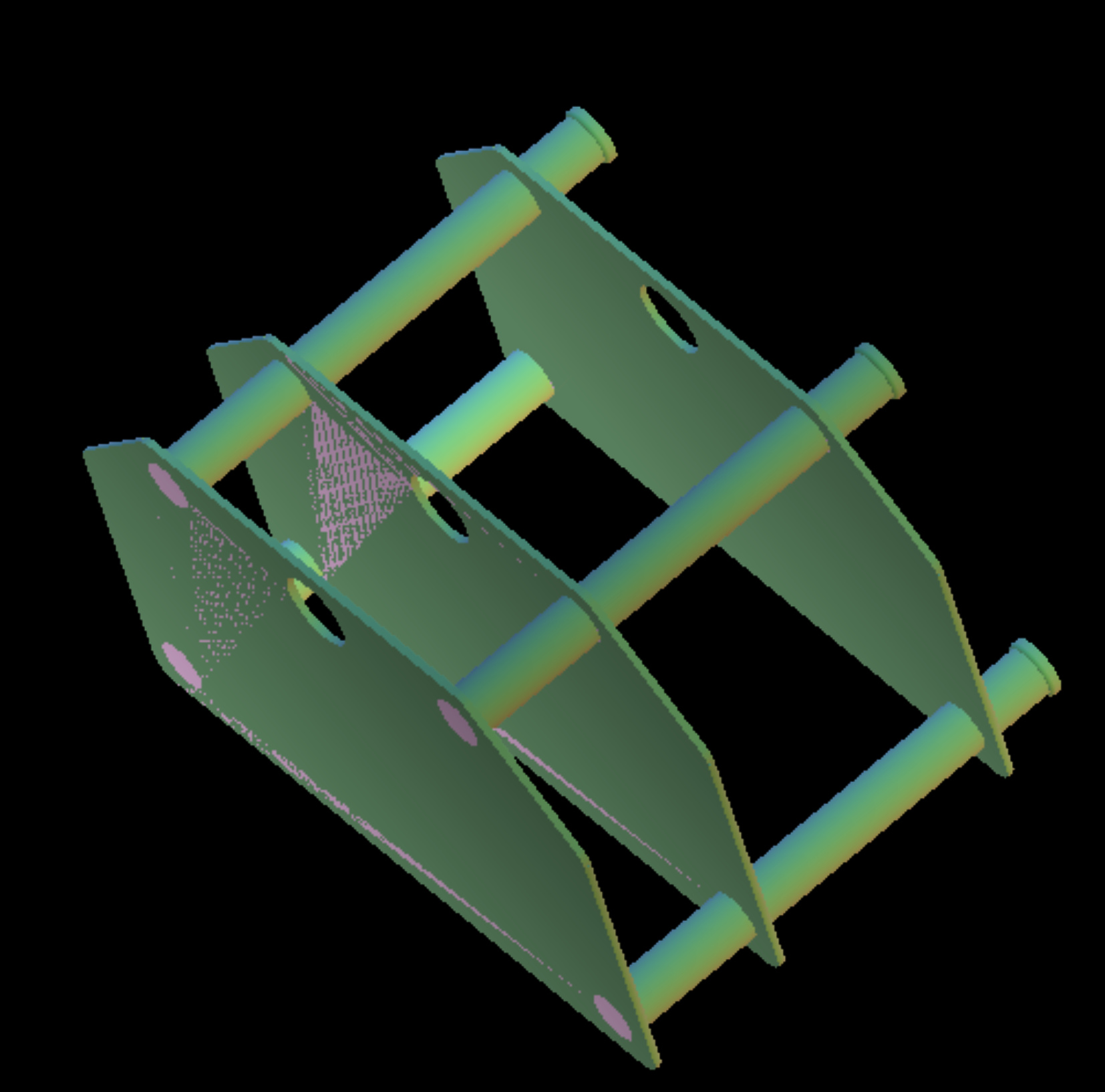
The problem starts when the vtkCellLocator does not locate the correct intersection/cell (see incorrect coloring of the resulting image). I have tried subdividing the surface using ALL the available subdivision filters to improve the vtkCellLocator but it does not work consistently or the surface degenerates.
Here is an example of a degenerated surface.
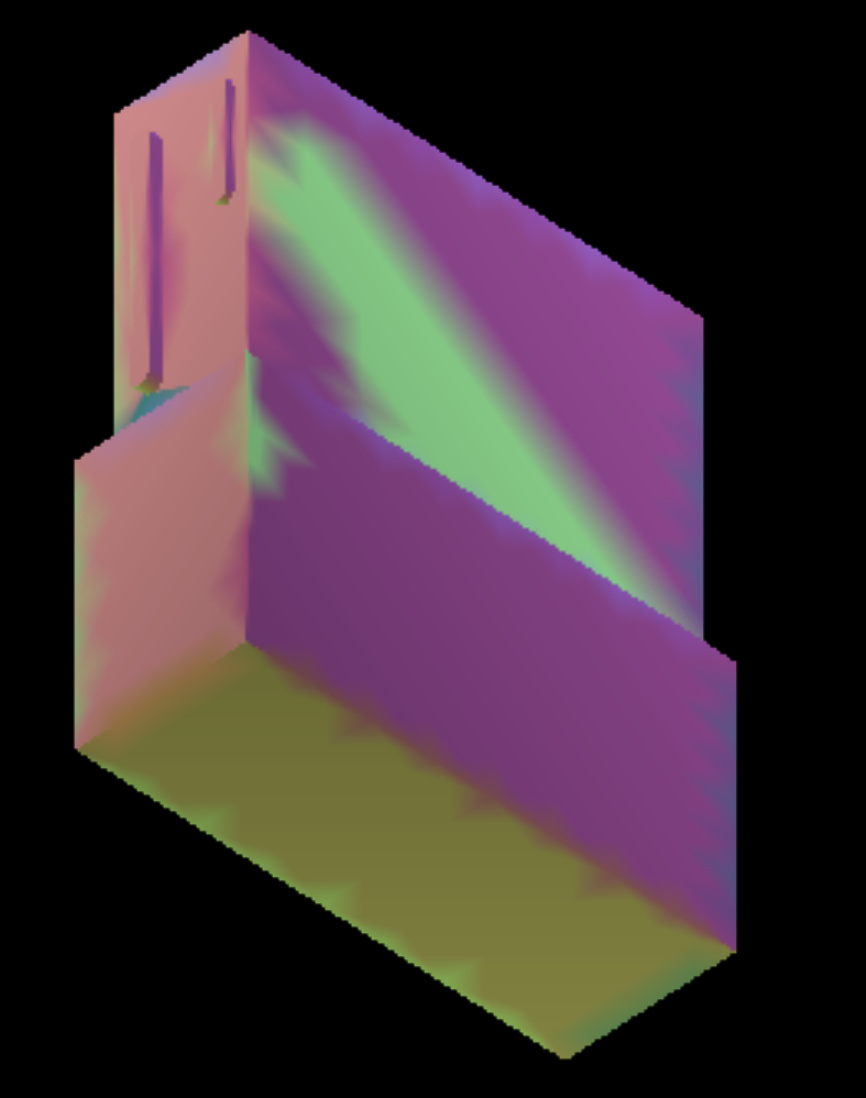
My question is, is there a better way to achieve this goal? Extract polydata attributes from a view point and save them as 2D images?
Here are some screenshots using ShapePopulationViewer and coloring by direction. I was expecting to have similar results but it is not the case.
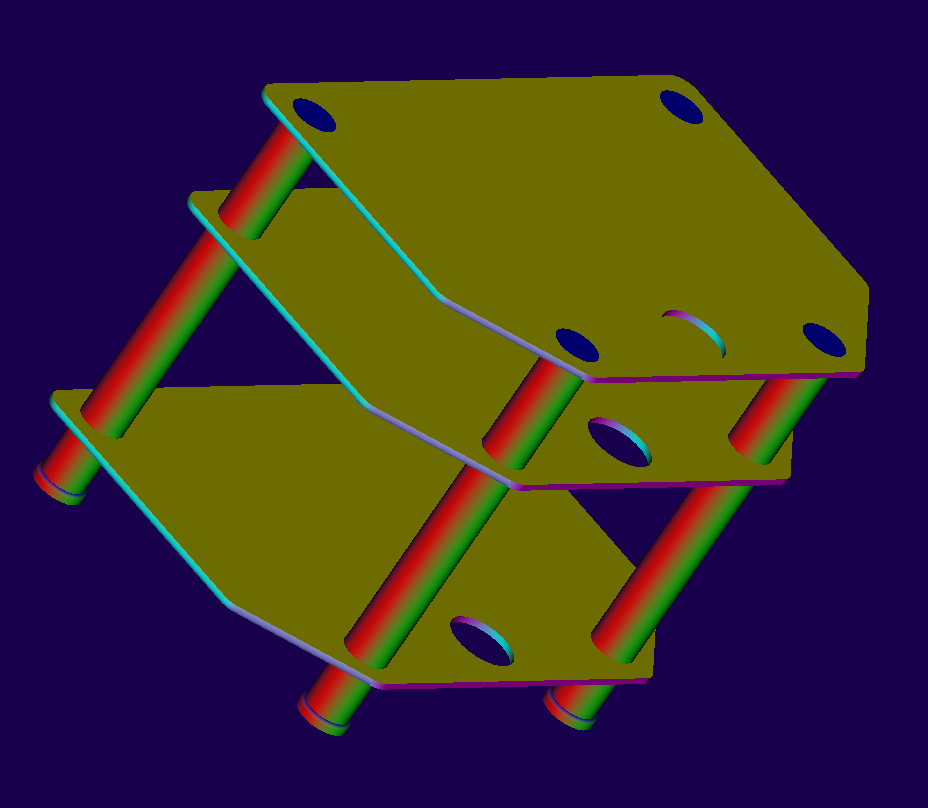

Any comment or feedback is greatly appreciated.
Thanks
---
### Author:  [@Juan\_C\_Prieto](https://discourse.vtk.org/u/Juan_C_Prieto)
#### Post date: [October 3, 2020, 11:06pm UTC](https://discourse.vtk.org/t/extract-polydata-attributes-2d-view-render-capture-screenshot/4291/2 "2020-10-03T23:06:55Z")
Following this example using shaders [ColorByNormal](https://lorensen.github.io/VTKExamples/site/Cxx/Shaders/ColorByNormal/)
combined with the [windowToImageFilter](https://lorensen.github.io/VTKExamples/site/Java/Utilities/Screenshot/) I am able to achieve extracting images/screenshots from different viewpoints.
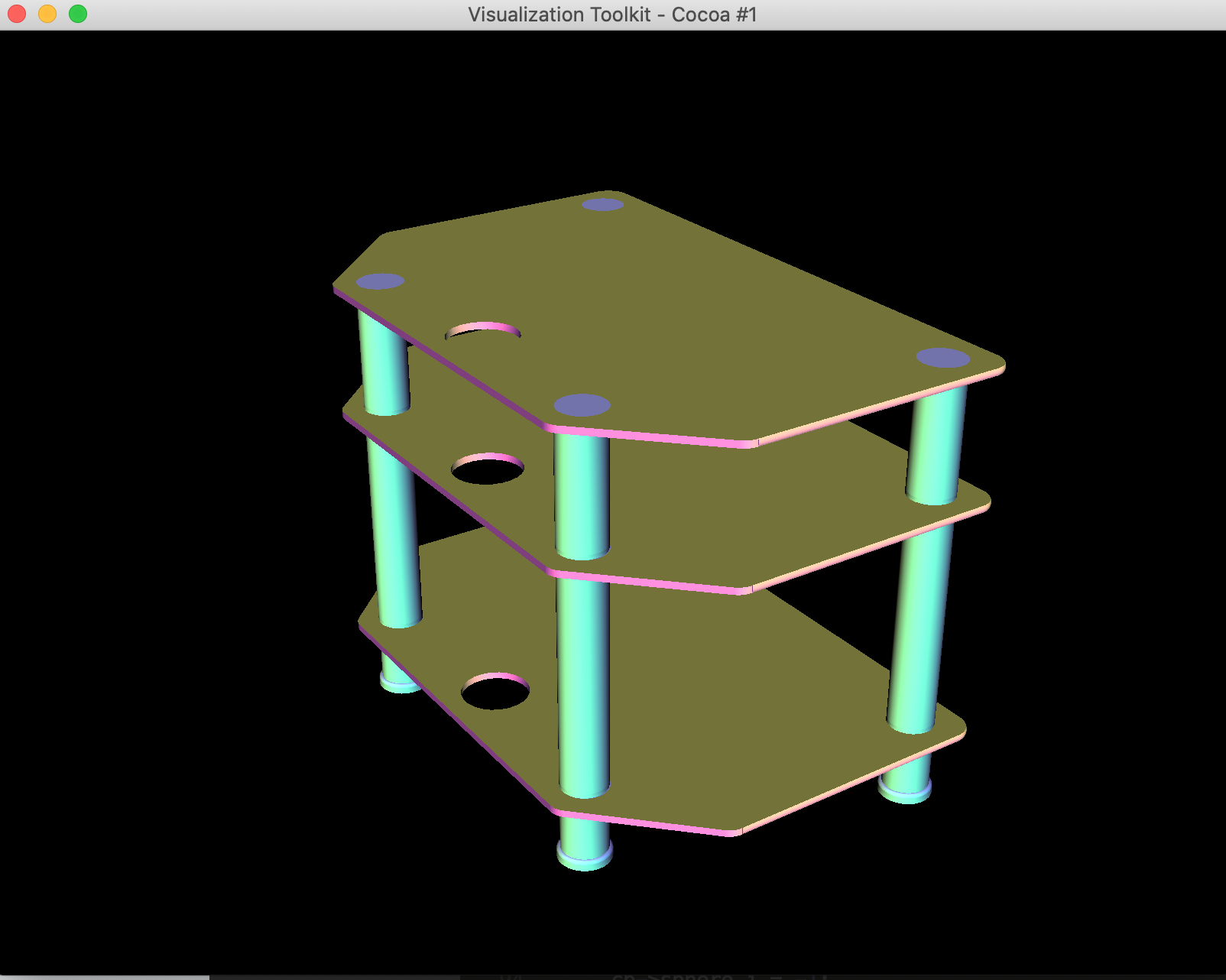
The program works well in a MACOS environment but not in Linux el7.x86\_64.
I’m using VTK-9.0. Are there any special options I should be using when compiling VTK in Linux?
How can I make this program work offscreen?
I tried setting vtkRenderWindow::OffScreenRenderingOn() but access the XServer is still needed when executed (I get segfault when running it remotely without ssh -XY option).
When using option -XY I get the following error (the problem is not XServer as I am able to execute other applications)
> X Error of failed request: BadValue (integer parameter out of range for operation)
> Major opcode of failed request: 149 (GLX)
> Minor opcode of failed request: 3 (X\_GLXCreateContext)
> Value in failed request: 0x0
> Serial number of failed request: 52
> Current serial number in output stream: 53
When compiling VTK I tried setting the option ‘VTK\_USE\_X’ to OFF. The error is the same as above.
Another option was to use ‘VTK\_OPENGL\_HAS\_OSMESA’ to ON but this gives the following error.
> CMake Error at CMake/vtkModule.cmake:4145 (message):
> Could not find the OSMesa external dependency.
> Call Stack (most recent call first):
> CMake/vtkModule.cmake:4695 (vtk\_module\_find\_package)
> Utilities/OpenGL/CMakeLists.txt:49 (vtk\_module\_third\_party\_external)
Please help.
Best,
---
### Author:  [@Juan\_C\_Prieto](https://discourse.vtk.org/u/Juan_C_Prieto)
#### Post date: [October 4, 2020, 4:00am UTC](https://discourse.vtk.org/t/extract-polydata-attributes-2d-view-render-capture-screenshot/4291/3 "2020-10-04T04:00:26Z")
Solution:
Compile with VTK\_USE\_X=OFF VTK\_OPENGL\_HAS\_EGL=ON
instead of generic vtkRenderWindow use vtkEGLRenderWindow