# Eye-Dome Lighting: vtkEDLShading (example request)
**URL:** https://discourse.vtk.org/t/eye-dome-lighting-vtkedlshading-example-request/508
**Category:** Support
**Created:** [March 17, 2019, 4:15am UTC](https://discourse.vtk.org/t/eye-dome-lighting-vtkedlshading-example-request/508 "2019-03-17T04:15:22Z")
**Posts on this page:** 7
**Page:** 1
### Author:  [@banesullivan](https://discourse.vtk.org/u/banesullivan)
#### Post date: [March 17, 2019, 4:15am UTC](https://discourse.vtk.org/t/eye-dome-lighting-vtkedlshading-example-request/508/1 "2019-03-17T04:15:22Z")
Could someone share an example of how to use the `vtkEDLShading` class in VTK?
This is [commonly used in ParaView](https://blog.kitware.com/eye-dome-lighting-a-non-photorealistic-shading-technique/) but I can’t seem to find any examples using it in pure-VTK.
Any help would be much appreciated!
---
### Author:  [@Michael](https://discourse.vtk.org/u/Michael)
#### Post date: [March 18, 2019, 7:55am UTC](https://discourse.vtk.org/t/eye-dome-lighting-vtkedlshading-example-request/508/2 "2019-03-18T07:55:35Z")
Hi,
Please have a look at [https://vtk.org/Wiki/VTK/MultiPass\_Rendering](https://vtk.org/Wiki/VTK/MultiPass_Rendering)
This page explains how render passes work.
---
### Author:  [@banesullivan](https://discourse.vtk.org/u/banesullivan)
#### Post date: [March 19, 2019, 12:32am UTC](https://discourse.vtk.org/t/eye-dome-lighting-vtkedlshading-example-request/508/3 "2019-03-19T00:32:52Z")
Thanks, @Michael: that helped me figure out what I need to implement. I did some searching around in the VTK tests and converted the EDL cpp test case to Python (see snippet below). This was actually rather easy to implement and I added an option to [`vtki`](http://docs.vtki.org) to plot with eye dome lighting! See [https://github.com/vtkiorg/vtki/pull/128](https://github.com/vtkiorg/vtki/pull/128)
## General Useage
A general solution to use Eye Dome Lighting on a renderer:
```python
...
renderer = vtk.vtkRenderer()
...
# create the basic VTK render steps
basic_passes = vtk.vtkRenderStepsPass()
# blur the resulting image
# The blur delegates rendering the unblured image to the basic_passes
edl = vtk.vtkEDLShading()
edl.SetDelegatePass(basic_passes)
#tell the renderer to use our render pass pipeline
glrenderer = vtk.vtkOpenGLRenderer.SafeDownCast(renderer)
glrenderer.SetPass(edl)
...
```
## Example of Eye Dome Lighting
And the converted, simplified test case:
```python
import vtk
renderer = vtk.vtkRenderer()
renderer.SetBackground(0.3, 0.4, 0.6)
renderWindow = vtk.vtkRenderWindow()
renderWindow.SetSize(600, 600)
renderWindow.AddRenderer(renderer)
iren = vtk.vtkRenderWindowInteractor()
iren.SetRenderWindow(renderWindow)
# Read poly data
filename = 'foo.vtp'
reader = vtk.vtkXMLPolyDataReader()
reader.SetFileName(filename)
reader.Update()
mesh = reader.GetOutput()
mapper = vtk.vtkPolyDataMapper()
mapper.SetInputDataObject(mesh)
actor= vtk.vtkActor()
actor.SetMapper(mapper)
renderer.AddActor(actor)
# create the basic VTK render steps
basicPasses = vtk.vtkRenderStepsPass()
# blur the resulting image
# The blur delegates rendering the unblured image
# to the basicPasses
edl = vtk.vtkEDLShading()
edl.SetDelegatePass(basicPasses);
# tell the renderer to use our render pass pipeline
glrenderer = vtk.vtkOpenGLRenderer.SafeDownCast(renderer);
glrenderer.SetPass(edl)
# And view it
iren.Start()
```
---
### Author:  [@banesullivan](https://discourse.vtk.org/u/banesullivan)
#### Post date: [March 19, 2019, 12:39am UTC](https://discourse.vtk.org/t/eye-dome-lighting-vtkedlshading-example-request/508/4 "2019-03-19T00:39:26Z")
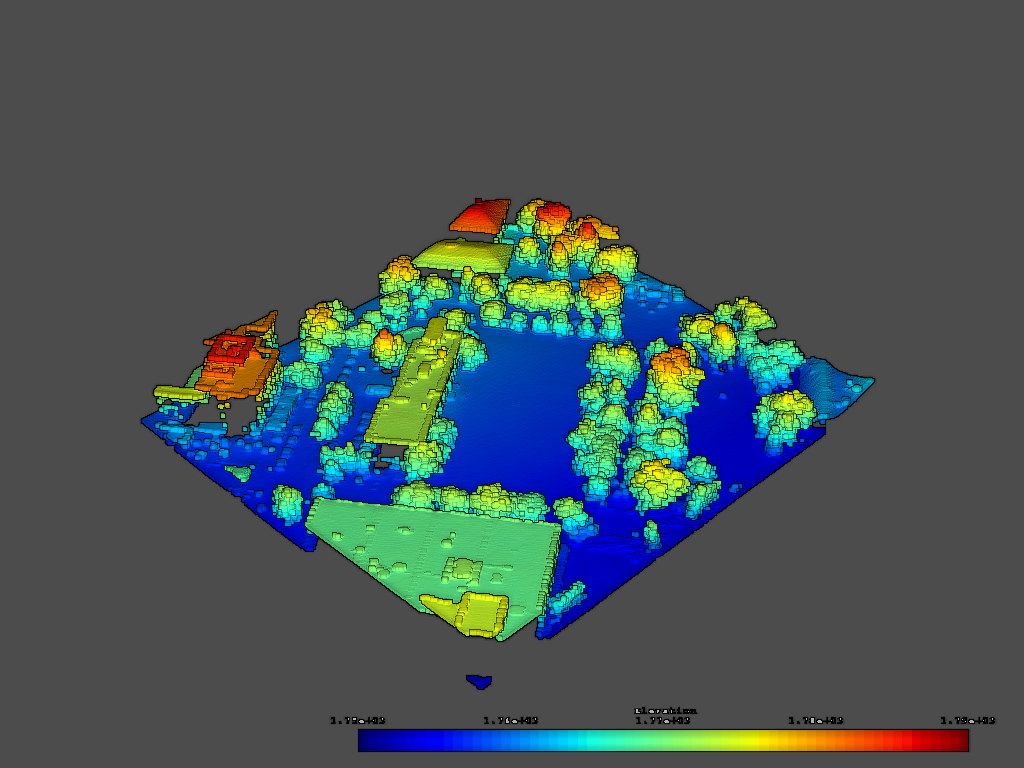
One follow up question: is it possible to not shade specific actors like scalar bars? See image below where a scalar bar is shaded and looks not great. I know this is implemented in ParaView, but not sure how
---
### Author:  [@Michael](https://discourse.vtk.org/u/Michael)
#### Post date: [March 21, 2019, 10:13am UTC](https://discourse.vtk.org/t/eye-dome-lighting-vtkedlshading-example-request/508/5 "2019-03-21T10:13:07Z")
Hi,
Nice screenshot!
This should be possible if you render opaque/translucent geometry with the EDL render pass and render overlay separately and mix them up (using vtkSequencePass I guess).
See vtkOpaquePass and vtkOverlayPass.
Let me know if you manage to get something working.
---
### Author:  [@marcomusy](https://discourse.vtk.org/u/marcomusy)
#### Post date: [March 21, 2019, 10:22am UTC](https://discourse.vtk.org/t/eye-dome-lighting-vtkedlshading-example-request/508/6 "2019-03-21T10:22:29Z")
you might render it on a different layer (see [bgImage.py](https://github.com/marcomusy/vtkplotter/blob/master/examples/basic/bgImage.py)), something like
```python
...
self.backgroundRenderer = vtk.vtkRenderer()
self.backgroundRenderer.SetLayer(0)
self.backgroundRenderer.InteractiveOff()
self.backgroundRenderer.SetBackground(1, 1, 1)
arenderer.SetLayer(1)
self.renwindow.SetNumberOfLayers(2)
self.renwindow.AddRenderer(self.backgroundRenderer)
self.backgroundRenderer.AddActor(image_actor)
```
---
### Author:  [@banesullivan](https://discourse.vtk.org/u/banesullivan)
#### Post date: [September 1, 2019, 7:05pm UTC](https://discourse.vtk.org/t/eye-dome-lighting-vtkedlshading-example-request/508/7 "2019-09-01T19:05:38Z")
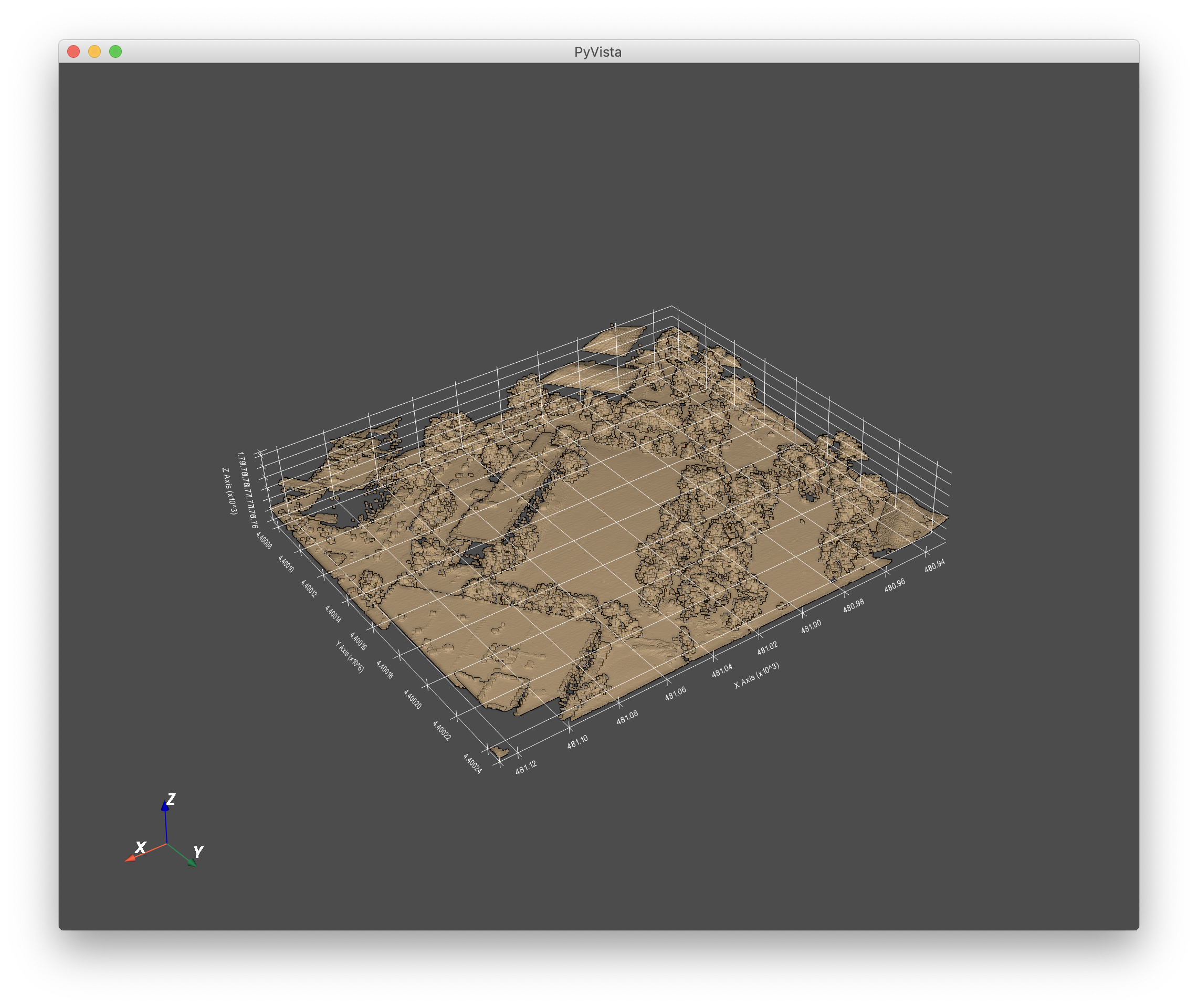
I ended up getting this to work in [https://github.com/pyvista/pyvista/pull/367](https://github.com/pyvista/pyvista/pull/367) by using 2 layers of `vtkRenderer`s. I only run the EDL shading pass on the renderer layer with data and leave another renderer to hold all the axes grid, scalar bar, etc. actors.
One problem I’m running into right now is how the axes grid appears above the data in the scene when it should be behind.