# How to disable the low pass filter effect on vtkImageViewer2?
**URL:** https://discourse.vtk.org/t/how-to-disable-the-low-pass-filter-effect-on-vtkimageviewer2/4759
**Category:** Support
**Created:** [December 1, 2020, 8:57am UTC](https://discourse.vtk.org/t/how-to-disable-the-low-pass-filter-effect-on-vtkimageviewer2/4759 "2020-12-01T08:57:30Z")
**Posts on this page:** 3
**Page:** 1
### Author:  [@Kim\_William](https://discourse.vtk.org/u/Kim_William)
#### Post date: [December 1, 2020, 8:57am UTC](https://discourse.vtk.org/t/how-to-disable-the-low-pass-filter-effect-on-vtkimageviewer2/4759/1 "2020-12-01T08:57:30Z")
Hi all 🙂
I have a question about vtkImageViewer2.
I have tested loading and drawing an image with the sample code.
Link: [https://lorensen.github.io/VTKExamples/site/Cxx/Images/StaticImage/](https://lorensen.github.io/VTKExamples/site/Cxx/Images/StaticImage/)
It works well except for one thing.
The shown image looks like to be applied low pass filter effect.
vtkImageViewer2:
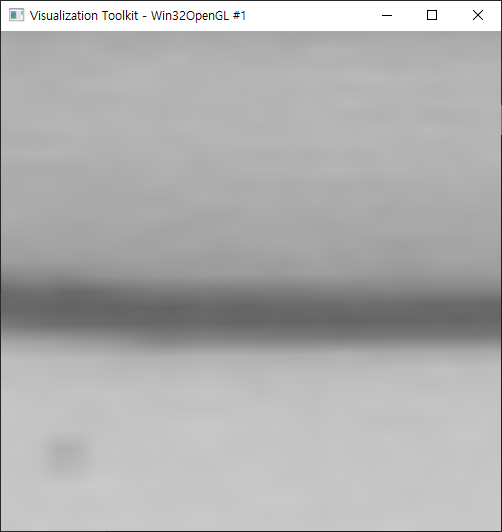
original:
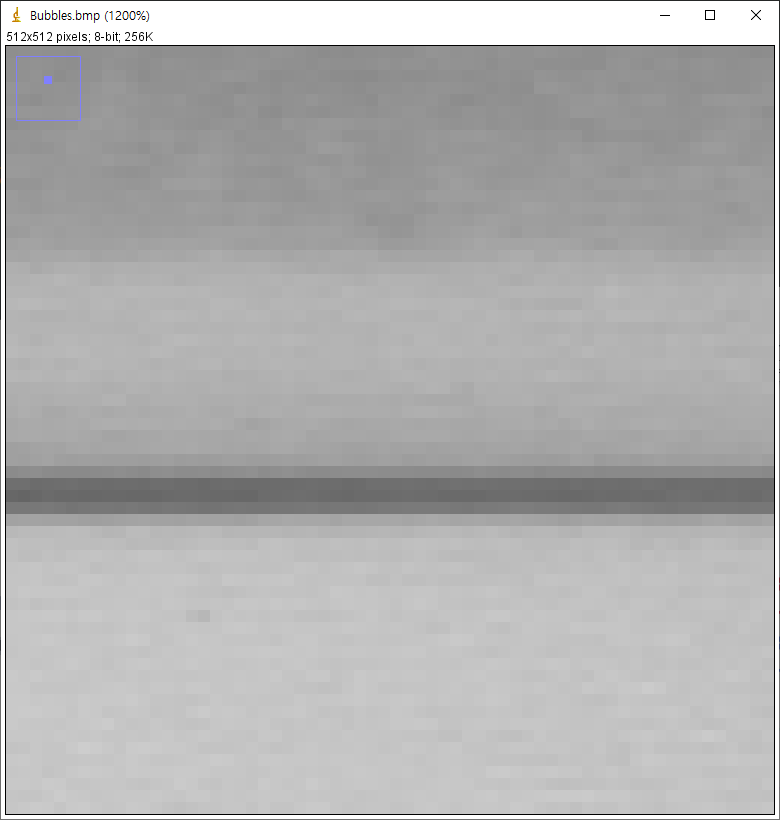
How to disable this effect?
Could you please give me an advise for me?
Thank you 🙂
---
### Author:  [@dgobbi](https://discourse.vtk.org/u/dgobbi)
#### Post date: [December 1, 2020, 6:33pm UTC](https://discourse.vtk.org/t/how-to-disable-the-low-pass-filter-effect-on-vtkimageviewer2/4759/2 "2020-12-01T18:33:37Z")
Maybe you just need to increase the window size so that it’s at least as large as the image size? E.g:
```auto
imageViewer->GetRenderWindow()->SetSize(780, 780);
```
Edit: also, it’s possible that what you are seeing is antialiasing, not actual blurring. Try turning off interpolation to see if that helps.
```auto
imageViewer->GetImageActor()->GetProperty()->SetInterpolationTypeToNearest();
```
---
### Author:  [@Kim\_William](https://discourse.vtk.org/u/Kim_William)
#### Post date: [December 2, 2020, 1:16am UTC](https://discourse.vtk.org/t/how-to-disable-the-low-pass-filter-effect-on-vtkimageviewer2/4759/3 "2020-12-02T01:16:04Z")
Hi David.
Thank you for your help!
I can resolve this problem by using ‘SetInterpolationTypeToNearest()’.
Thank you 🙂
Have a nice day!