# How to triangulate a surface from point cloud
**URL:** https://discourse.vtk.org/t/how-to-triangulate-a-surface-from-point-cloud/2240
**Category:** Support
**Created:** [December 9, 2019, 3:58pm UTC](https://discourse.vtk.org/t/how-to-triangulate-a-surface-from-point-cloud/2240 "2019-12-09T15:58:12Z")
**Posts on this page:** 6
**Page:** 1
### Author:  [@T4mmi](https://discourse.vtk.org/u/T4mmi)
#### Post date: [December 9, 2019, 3:58pm UTC](https://discourse.vtk.org/t/how-to-triangulate-a-surface-from-point-cloud/2240/1 "2019-12-09T15:58:12Z")
Hi all,
Quite new to vtk and meshing in general (got a raster processing background).
I understand the concept of mesh (and polydata) as a tuple of :
- vertices/points _(i.e. space coordinates)_: (x,y,z) in 3D
- cells _(i.e. list of vertices/points defining the geometric primitives)_: (pt1,pt2,pt3) for triangles
I did manage to convert Numpy array of coordinates to VTK `Points`, `PointSet` or even `PolyData` (yeah, working with python 😕 sorry)
```auto
import numpy as np
import vtk
from vtk.util.numpy_support import numpy_to_vtk, vtk_to_numpy
from vtk.numpy_interface import dataset_adapter as dsa
# lets create dummy {x,y,z} coordinates
pts = np.random.rand(512*3).reshape(-1,3)
# build points & polydata from numpy_to_vtk
points = vtk.vtkPoints()
points.SetData(numpy_to_vtk(pts))
poly = vtk.vtkPolyData()
poly.SetPoints(points)
# build points & polydata from dataset_adapter
point_set = dsa.PointSet(pts)
poly_data = dsa.PolyData(pts)
```
Dunno which way is the correct one … but the `dataset_adapter` way comes with more problems:
```auto
print(f"There are {point_set.GetNumberOfPoints()} points.")
AttributeError: 'numpy.ndarray' object has no attribute 'GetNumberOfPoints'
```
**Anyway I want to just build the cells list from these vertices**
> what is the correct and most efficient way to do this ?
---
### Author:  [@lassoan](https://discourse.vtk.org/u/lassoan)
#### Post date: [December 9, 2019, 5:39pm UTC](https://discourse.vtk.org/t/how-to-triangulate-a-surface-from-point-cloud/2240/2 "2019-12-09T17:39:23Z")
We usually create a VTK array that has the appropriate size, get read-write access to it using vtk\_to\_numpy, then copy values from numpy array (element-wise, using `a[:]=b` syntax). This way, arrays created in VTK are owned by VTK and arrays created by numpy are owned by numpy objects, so we don’t need to worry about reallocation or deleting these arrays.
You can get read-write access as numpy array to point coordinates like this:
>
You can access cells similarly.
Surface reconstruction from point cloud is a hard problem. VTK has a few filters that can do this, but of course each has its limitations. If your source data contains cells (not just a point cloud) then import those cells into VTK, too.
---
### Author:  [@T4mmi](https://discourse.vtk.org/u/T4mmi)
#### Post date: [December 10, 2019, 8:20am UTC](https://discourse.vtk.org/t/how-to-triangulate-a-surface-from-point-cloud/2240/3 "2019-12-10T08:20:14Z")
Hi @lassoan,
Thanks for your answer. It brings more questions actually …
I understand the concerns about sharing memory between `VTK` \<\> `Numpy`,
but when aware of the pitfalls it avoids HUGE data copies in both ways (both RAM and time consuming basically _for nothing_ else than _safety_).
**Anyway, I don’t have any other choice since VTK adapters does not seems to work as expected…**
> Surface reconstruction from point cloud is a hard problem. VTK has a few filters that can do this, but of course each has its limitations.
Yeah ok, but where can we find the doc about these methods ?!
And in my particular case, I dont wanna extract the surface, I just wanna mesh/triangulate the points _(i.e. create cells from a uniform grid array of `z` coordinates)_
> If your source data contains cells (not just a point cloud) then import those cells into VTK, too.
Actually thats why I’m trying to triangulate these points, because I don’t have the cells ☹
---
### Author:  [@Paulo\_Carvalho](https://discourse.vtk.org/u/Paulo_Carvalho)
#### Post date: [December 10, 2019, 2:24pm UTC](https://discourse.vtk.org/t/how-to-triangulate-a-surface-from-point-cloud/2240/4 "2019-12-10T14:24:36Z")
Hello, Thomas. Your problem is called “mesh generation” (a.k.a tesselation) which is an entire research field in itself. Please, take a look at this: [https://stackoverflow.com/questions/4882993/mesh-generation-from-points-with-x-y-and-z-coordinates](https://stackoverflow.com/questions/4882993/mesh-generation-from-points-with-x-y-and-z-coordinates) for suggestions of libraries specialized on mesh generation.
VTK of course has such an algorithm in a class called `vtkDelaunay3D` but, as stated in the topic, Delaunay 3D may yield poor results depending, of course, on your input data set (point cloud).
---
### Author:  [@lassoan](https://discourse.vtk.org/u/lassoan)
#### Post date: [December 10, 2019, 9:05pm UTC](https://discourse.vtk.org/t/how-to-triangulate-a-surface-from-point-cloud/2240/5 "2019-12-10T21:05:44Z")
> [@Paulo\_Carvalho](#):
>
> VTK of course has such an algorithm in a class called `vtkDelaunay3D`
There are a couple of more, see for example:
- [https://lorensen.github.io/VTKExamples/site/Cxx/Points/ExtractSurface/](https://lorensen.github.io/VTKExamples/site/Cxx/Points/ExtractSurface/)
- [https://lorensen.github.io/VTKExamples/site/Cxx/Points/PoissonExtractSurface/](https://lorensen.github.io/VTKExamples/site/Cxx/Points/PoissonExtractSurface/)
- [https://lorensen.github.io/VTKExamples/site/Cxx/Points/PowercrustExtractSurface/](https://lorensen.github.io/VTKExamples/site/Cxx/Points/PowercrustExtractSurface/)
- [https://lorensen.github.io/VTKExamples/site/Cxx/Points/ExtractSurfaceDemo/](https://lorensen.github.io/VTKExamples/site/Cxx/Points/ExtractSurfaceDemo/)
> [@T4mmi](#):
>
> create cells from a uniform grid array of `z` coordinates
You may use [vtkDepthImageToPointCloud](https://vtk.org/doc/nightly/html/classvtkDepthImageToPointCloud.html) filter to create point cloud from your depth image.
> [@T4mmi](#):
>
> Anyway, I don’t have any other choice since VTK adapters does not seems to work as expected…
They work as expected. You just have to be careful not to delete or modify memory layout of a buffer that is used in both VTK and numpy (I don’t think they can notify each other about the change). In general, it is not worth spending a lot of time with maintaining a shared buffer and easier to just deep-copy the data instead. However, if performance is critical then using shared buffers may be the better choice, despite the additional complexity.
---
### Author:  [@banesullivan](https://discourse.vtk.org/u/banesullivan)
#### Post date: [December 12, 2019, 5:39am UTC](https://discourse.vtk.org/t/how-to-triangulate-a-surface-from-point-cloud/2240/6 "2019-12-12T05:39:01Z")
@T4mmi, you may benefit from checking out [PyVista](https://docs.pyvista.org)’s interface to VTK to make working with your VTK dataset a bit easier. Here’s an example with the numpy array you shared:
```auto
import pyvista as pv
import numpy as np
pts = np.random.rand(512*3).reshape(-1,3)
# Make vtkPolyData of the points array
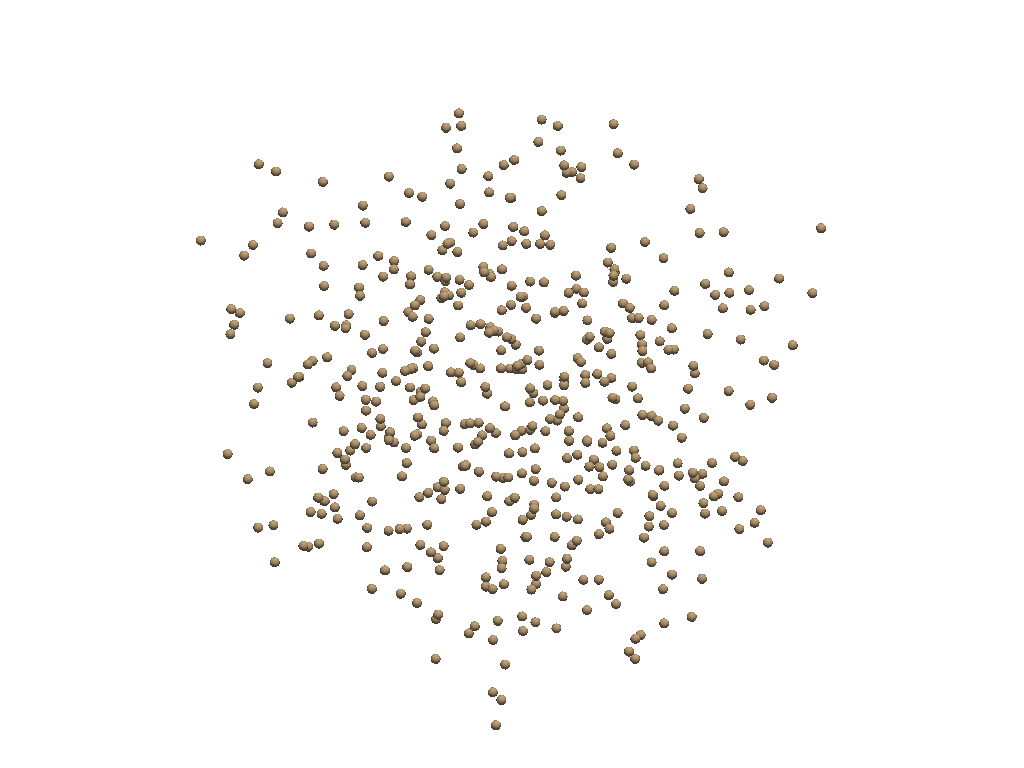
point_cloud = pv.PolyData(pts)
point_cloud.plot(render_points_as_spheres=True, point_size=10)
```
```auto
# runs the delaunay 3D algorithm
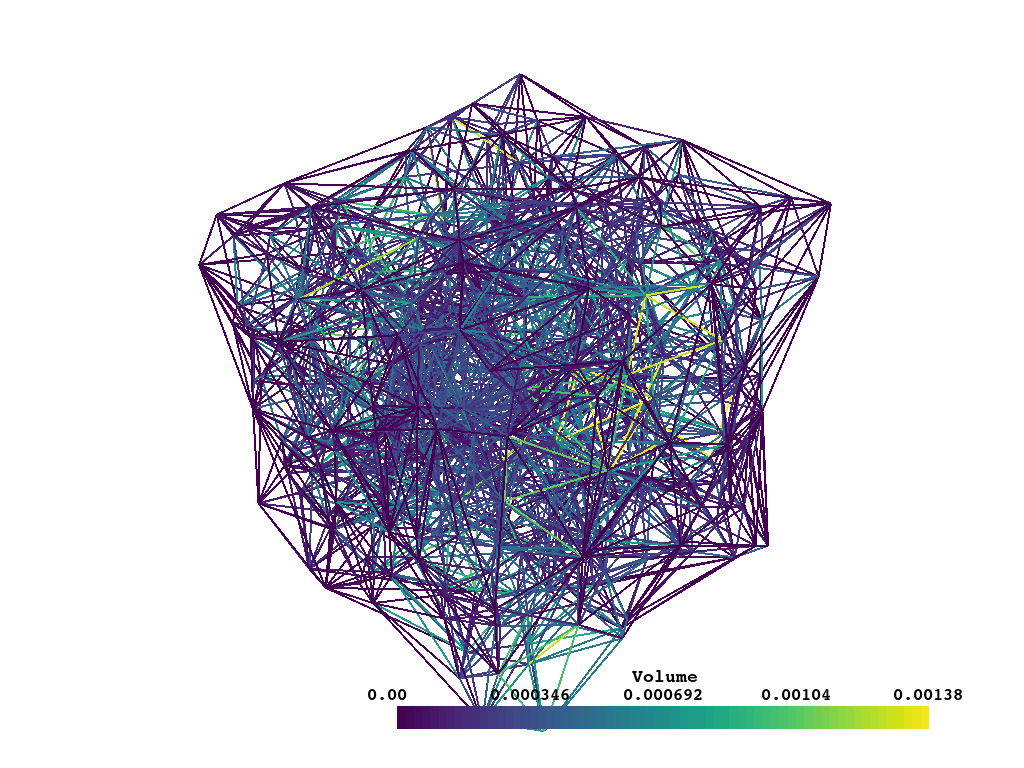
mesh = point_cloud.delaunay_3d(alpha=0.25)
# Make a wireframe with some data
wires = mesh.compute_cell_sizes(length=False, area=False, volume=True).wireframe()
# Plot it
wires.plot(line_width=2)
```