# implement with vue problem (ControlPanel,ref,controller)
**URL:** https://discourse.vtk.org/t/implement-with-vue-problem-controlpanel-ref-controller/9344
**Category:** Web
**Created:** [September 14, 2022, 7:55am UTC](https://discourse.vtk.org/t/implement-with-vue-problem-controlpanel-ref-controller/9344 "2022-09-14T07:55:38Z")
**Posts on this page:** 5
**Page:** 1
### Author:  [@mh0223](https://discourse.vtk.org/u/mh0223)
#### Post date: [September 14, 2022, 7:55am UTC](https://discourse.vtk.org/t/implement-with-vue-problem-controlpanel-ref-controller/9344/1 "2022-09-14T07:55:38Z")
Hi, I’m starting developing vtk.js application with vue.
So, I practice vtk.js examples.
But there are some problems.
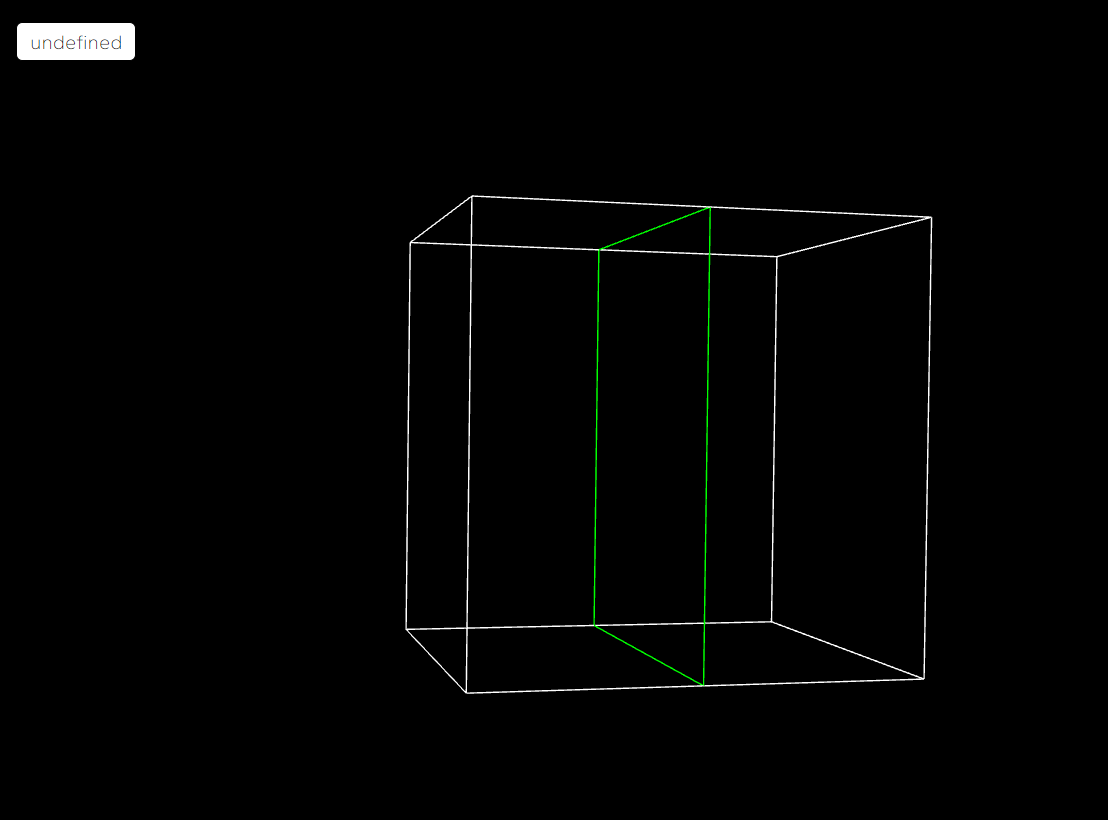
First, controlPanel doesn’t work. It just saying “undefined”.
I used addController() for controlPanel, and I put ref.value as argument but It doesn’t work either.
Second, I tried another example, mult MultiSliceImageMapper,
but reader.setUrl is not working.
.setUrl(`${ __BASE_PATH__ }/data/volume/headsq.vti`, { loadData: true })
I don’t know what that means ----\> { **BASE\_PATH** }.
I change it to relative path but browser can’t find my file.
What Can I do for this problem?
(my code is same as cutter example)
---
### Author:  [@finetjul](https://discourse.vtk.org/u/finetjul)
#### Post date: [September 14, 2022, 8:53am UTC](https://discourse.vtk.org/t/implement-with-vue-problem-controlpanel-ref-controller/9344/2 "2022-09-14T08:53:42Z")
Did you consider the following vue project template: [GitHub - Kitware/vue-vtk-js: Vue.js based components for vtk.js](https://github.com/Kitware/vue-vtk-js) ?
---
### Author:  [@Sebastien\_Jourdain](https://discourse.vtk.org/u/Sebastien_Jourdain)
#### Post date: [September 14, 2022, 2:40pm UTC](https://discourse.vtk.org/t/implement-with-vue-problem-controlpanel-ref-controller/9344/3 "2022-09-14T14:40:26Z")
`${ __BASE_PATH__ }` is used in our code base so when deployed on [github.io](http://github.io) we can add `/vtk-js/`. For you, you just need to provide a URL that your server is serving your data on…
Then the undefined part, it is most likely related to your build system and how you configured your loader.
But normally, none of that should really matter since the example is just showing you how to interact with the vtk.js classes and instances. The rest, especially if you are using Vue should be straight forward for you.
---
### Author:  [@mh0223](https://discourse.vtk.org/u/mh0223)
#### Post date: [September 15, 2022, 12:14am UTC](https://discourse.vtk.org/t/implement-with-vue-problem-controlpanel-ref-controller/9344/4 "2022-09-15T00:14:14Z")
That would be useful. Thank you.
---
### Author:  [@mh0223](https://discourse.vtk.org/u/mh0223)
#### Post date: [September 15, 2022, 12:16am UTC](https://discourse.vtk.org/t/implement-with-vue-problem-controlpanel-ref-controller/9344/5 "2022-09-15T00:16:15Z")
Thank you.
I tried local url.
But It said “not Not allowed to load local resource:”
That means URL is only for server?
Then, how I can load local file?