# Initial render is of low quality, creating poor sreenshots.
**URL:** https://discourse.vtk.org/t/initial-render-is-of-low-quality-creating-poor-sreenshots/3058
**Category:** Support
**Created:** [April 15, 2020, 1:37pm UTC](https://discourse.vtk.org/t/initial-render-is-of-low-quality-creating-poor-sreenshots/3058 "2020-04-15T13:37:17Z")
**Posts on this page:** 2
**Page:** 1
### Author:  [@Mskovmand](https://discourse.vtk.org/u/Mskovmand)
#### Post date: [April 15, 2020, 1:37pm UTC](https://discourse.vtk.org/t/initial-render-is-of-low-quality-creating-poor-sreenshots/3058/1 "2020-04-15T13:37:17Z")
I feel this question has somehow been asked in another topic ([raycasting initially renders at low resolution](https://discourse.vtk.org/t/raycasting-initially-renders-at-low-resolution/582/3)), and I asked in there myself but never got an answer.
I’m now back to this problem and I’m hoping someone can help me
I’m not using raycasting or anything. I’m simply creating actors that I add to my render window and I want a screenshot.
However, the initial render is of very low quality, which means that so is my screenshot.
2 figures here to show the difference.
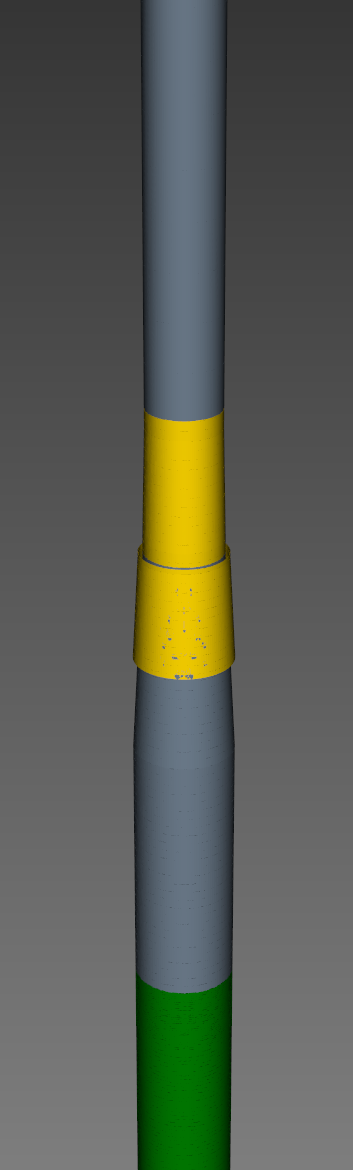 
The figure to the left is when the window opens up, and what I get when I create the screenshot
The figure to the right is after I used my right mouse button to zoom in a bit. Both rotating and zooming(out or in) corrects the issue, panning, however, does not.
I’ve tried invoking rotations events. But I’m not sure if I’m doing it right.
I’ve tried:
```auto
self.render_window_interactor.Initialize()
self.render_window_interactor.StartRotateEvent()
self.render_window_interactor.RotateEvent()
self.render_window_interactor.EndRotateEvent()
```
with no success, and I’ve tried
```auto
self.render_window_interactor.Initialize()
self.render_window_interactor.InvokeEvent("StartRotateEvent")
self.render_window_interactor.InvokeEvent("RotateEvent")
self.render_window_interactor.InvokeEvent("EndRotateEvent")
```
still with no success.
Is there anything I’m missing?
I also noticed this topic [Strange behavior. If camera is far away, VTK only renders upon clicking on the render window.](https://discourse.vtk.org/t/strange-behavior-if-camera-is-far-away-vtk-only-renders-upon-clicking-on-the-render-window/327)
I’m not sure I understand the answer, but I can see that changing the `SetThickness` has an effect, but it does not fix it.
It’s hard for me to share the code as it’s getting quite substantial. I hope this is enough for someone to help me. If not, let me know and I will try to create a sandbox example.
---
### Author:  [@Mskovmand](https://discourse.vtk.org/u/Mskovmand)
#### Post date: [April 16, 2020, 8:16am UTC](https://discourse.vtk.org/t/initial-render-is-of-low-quality-creating-poor-sreenshots/3058/2 "2020-04-16T08:16:58Z")
I’ve had time to look further into this after I figured out that the clipping certainly had something to do with this.
Setting my front clipping plane to 1 instead of 0.1 apparently fixes this.
`renderer.GetActiveCamera().SetClippingRange(z_near, z_far)`
Does interacting with the render window do something to the clipping range?
But for now, it looks like calculating the clipping range should work for me 🙂