# Issues with Trame, Docker, Caprover, Pyvista, Web App Setup
**URL:** https://discourse.vtk.org/t/issues-with-trame-docker-caprover-pyvista-web-app-setup/12024
**Category:** Support
**Created:** [July 25, 2023, 5:49pm UTC](https://discourse.vtk.org/t/issues-with-trame-docker-caprover-pyvista-web-app-setup/12024 "2023-07-25T17:49:23Z")
**Posts on this page:** 7
**Page:** 1
### Author:  [@Ryder\_Davidson](https://discourse.vtk.org/u/Ryder_Davidson)
#### Post date: [July 25, 2023, 5:49pm UTC](https://discourse.vtk.org/t/issues-with-trame-docker-caprover-pyvista-web-app-setup/12024/1 "2023-07-25T17:49:23Z")
First of all, I want to express my gratitude for the amazing work that you all do – not to mention a very responsive support forum. I am developing a web application that utilizes VTK – _viz._ Trame and Pyvista – to render Solar magnetograms (among other things). However, I am have difficulties setting up a Trame web application with multiuser support enabled.
I have followed the guide for the simple [ConeApp](https://github.com/Kitware/trame-app-cone.git) as well as the [Cookiecutter](https://github.com/Kitware/trame-cookiecutter.git). With the latter – when following the instructions for deploying through Docker – I receive the following console log:
```auto
Installing collected packages: trame-client, multidict, idna, frozenlist, charset-normalizer, attrs, async-timeout, yarl, aiosignal, aiohttp, wslink, trame-server, trame, testapp
Successfully installed aiohttp-3.8.5 aiosignal-1.3.1 async-timeout-4.0.2 attrs-23.1.0 charset-normalizer-3.2.0 frozenlist-1.4.0 idna-3.4 multidict-6.0.4 testapp-1.0.0 trame-3.0.2 trame-client-2.10.0 trame-server-2.11.7 wslink-1.11.1 yarl-1.9.2
Build complete
[+] Building 0.9s (7/7) FINISHED docker:desktop-linux
=> [internal] load build definition from Dockerfile 0.0s
=> => transferring dockerfile: 144B 0.0s
=> [internal] load .dockerignore 0.0s
=> => transferring context: 2B 0.0s
=> [internal] load metadata for docker.io/kitware/trame:latest 0.0s
=> [internal] load build context 0.5s
=> => transferring context: 27.49MB 0.5s
=> CACHED [1/2] FROM docker.io/kitware/trame 0.0s
=> [2/2] COPY --chown=trame-user:trame-user ./server /deploy/server 0.2s
=> exporting to image 0.1s
=> => exporting layers 0.1s
=> => writing image sha256:92129e83f42be6da35ad3a38e9315e879ac72234c3282db0f54bba9696a6659a 0.0s
=> => naming to docker.io/library/testapp 0.0s
What's Next?
View summary of image vulnerabilities and recommendations → docker scout quickview
(testenv) Ryders-MBP-2:docker rdavidson$ ./scripts/run_image.sh
* Restarting Apache httpd web server apache2 AH00558: apache2: Could not reliably determine the server's fully qualified domain name, using 172.17.0.2. Set the 'ServerName' directive globally to suppress this message
[OK]
Starting server...
Starting the wslink launcher at
======== Running on http://0.0.0.0:9000 ========
(Press CTRL+C to quit)
```
When I access localhost:8080 (Chrome: Version 114.0.5735.198 (Official Build) (arm64)) I simply get a loading screen
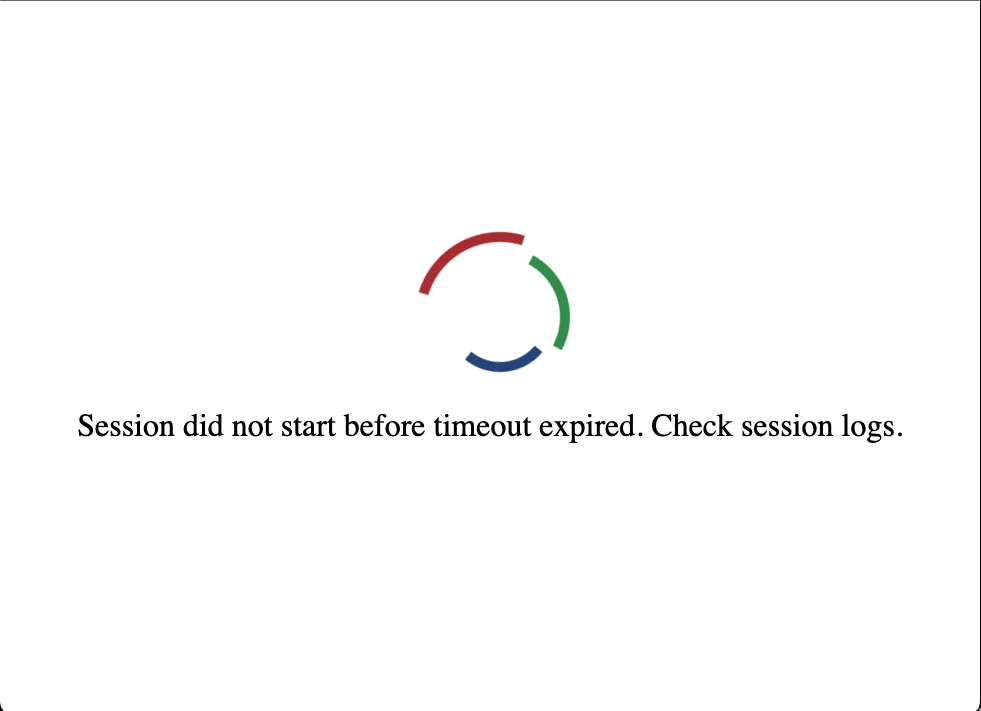
When building the aforementioned [ConeApp](https://github.com/Kitware/trame-app-cone.git) the same issue arises. When examing the laucher logs in Docker, the only message shown is within /deploy/server/logs/launcher/launcherLog.log:
`2023-07-25 17:17:05,760:DEBUG:asyncio:Using selector: EpollSelector`
However, at some point during my many attempts, I recieved an error indicating that because I was using trame3+ I would need to explicitly install trame-vuetify etc. (For whatever reason, I cannot for the life of me recreate that log file). In any case, I changed my requirements.txt to
```auto
trame
trame-vtk
trame-vuetify
trame-plotly
```
With this change, I can successfully deploy it through Docker (with multiuser support). However, when I run the `caprover deploy` command, I end up with the above loading screen at the new captain url. [In the caprover web interface, I enable Websocket Support and enabled HTTPS].
Another thing to note is that, for the ConeApp example (when just building and running it through Docker), if I add certain packages – os, re, and (most importantly) pyvista – I recieve the following console message:
```auto
Ryders-MBP-2:trame-app-cone rdavidson$ docker run -it --rm -p 8080:80 trame-app
* Restarting Apache httpd web server apache2 AH00558: apache2: Could not reliably determine the server's fully qualified domain name, using 172.17.0.2. Set the 'ServerName' directive globally to suppress this message
[OK]
Starting server...
Starting the wslink launcher at
/deploy/server/venv/bin/python: Error while finding module specification for 'wslink.launcher' (ModuleNotFoundError: No module named 'wslink')
Ryders-MBP-2:trame-app-cone rdavidson$
```
Any help on this matter would be _greatly_ appreciated. Please let me know what additional information you need to adaquately diagnose the problem. Eventually, I am hoping to deploy the app found here ([https://github.com/ryder-davidson/test-mhdweb3d.git](https://github.com/ryder-davidson/test-mhdweb3d.git)), although this has failed with both the wslink.launcher issue and the loading screen issue mentioned above. Thanks in advance!
---
### Author:  [@Sebastien\_Jourdain](https://discourse.vtk.org/u/Sebastien_Jourdain)
#### Post date: [July 25, 2023, 6:57pm UTC](https://discourse.vtk.org/t/issues-with-trame-docker-caprover-pyvista-web-app-setup/12024/2 "2023-07-25T18:57:31Z")
Hi Ryder,
Thanks for your kind words. Since your project is private I could not see exactly what you did.
Do you mind just adding me (@jourdain)?
Regarding your various issue, I’ll try to capture and answer them below.
a) For the “Session did not start before …” the relevant log is the one from the session and not necessarly from the launcher itself. It is the newest file next to the launcher log that has a session id as name. That will provide the process output at startup.
b) You fixed the trame v3 issue where the widgets dependencies became optional which force your app to list them based on what you use.
c) The last error tend to happen when using the `.../setup/initialize.sh` for installing a local package. I realized that we need `wheel` for that to work, so I updated the cookiecutter recently with [that line](https://github.com/Kitware/trame-cookiecutter/blob/master/%7B%7Bcookiecutter.package_name%7D%7D/bundles/docker/setup/initialize.sh#L2).
I’m not sure if I missed anything else so far but we can iterate on that thread after each fix.
HTH,
Seb
---
### Author:  [@Sebastien\_Jourdain](https://discourse.vtk.org/u/Sebastien_Jourdain)
#### Post date: [July 25, 2023, 10:23pm UTC](https://discourse.vtk.org/t/issues-with-trame-docker-caprover-pyvista-web-app-setup/12024/3 "2023-07-25T22:23:53Z")
Looking at your code, I think you need an offscreen version of vtk.
Also you file path will be different inside docker.
You might be able to fix it by adding a `setup/initialize.sh`
```bash
pip uninstall vtk
pip install --extra-index-url https://wheels.vtk.org vtk-osmesa
```
The session log will definitely help.
---
### Author:  [@Ryder\_Davidson](https://discourse.vtk.org/u/Ryder_Davidson)
#### Post date: [July 25, 2023, 11:21pm UTC](https://discourse.vtk.org/t/issues-with-trame-docker-caprover-pyvista-web-app-setup/12024/4 "2023-07-25T23:21:50Z")
Thanks for getting back to me so promptly. Just to clarify (for my sake): I was attempting to provide multiuser support for the app (found in the provided github repo) following the same process that is outlined [here](https://github.com/Kitware/trame/tree/master/examples/deploy/docker/SingleFile). When executing `docker build -t trame-app .` and `docker run -it --rm -p 8080:80 trame-app` at the root folder of my [project](https://github.com/ryder-davidson/test-mhdweb3d.git) I get the aforementioned error.
```auto
Starting server...
Starting the wslink launcher at
/deploy/server/venv/bin/python: Error while finding module specification for 'wslink.launcher' (ModuleNotFoundError: No module named 'wslink')
```
As such, there are no session logs to be found within /deploy/server/logs/ as the image never actually runs. You mentioned that I should add an initialize.sh file within the setup file. I did this but still came across that same error.
On a side note, (when attempting a different approach _i.e._ using `cookiecutter`) the default cone-app that comes with this package, when run according to the package’s README, yields the session.log:
```auto
```
* * *
## !!! You are currently using trame@3 which may break your application !!!
1. trame@3 only provides by default trame.widgets.[html,client] and remove
everything else as implicit dependency. Those other widgets will still
exist and will be supported, but they will need to be defined as a
dependency of your application.
2. trame@3 aims to use vue3 as a new default. But to smooth the transition
we will maintain the server.client\_type = ‘vue2’ default until
December 2023 which is the vue2 EOL.
Actions items
````auto
a. Make sure you set `server.client_type` to either 'vue2' or 'vue3'.
b. List the expected dependencies or have a 'trame<3' dependency
--------------------------------------------------------------------------------
=> Current client_type default: vue2
--------------------------------------------------------------------------------
Traceback (most recent call last):
File "/deploy/server/venv/bin/testappv1", line 5, in
from testappv1.app import main
File "/deploy/server/venv/lib/python3.9/site-packages/testappv1/app/ __init__.py", line 1, in
from .main import main
File "/deploy/server/venv/lib/python3.9/site-packages/testappv1/app/main.py", line 1, in
from .core import create_engine
File "/deploy/server/venv/lib/python3.9/site-packages/testappv1/app/core.py", line 6, in
from trame.ui.vuetify import SinglePageLayout
ModuleNotFoundError: No module named 'trame.ui.vuetify'
```
````
---
### Author:  [@Ryder\_Davidson](https://discourse.vtk.org/u/Ryder_Davidson)
#### Post date: [July 25, 2023, 11:28pm UTC](https://discourse.vtk.org/t/issues-with-trame-docker-caprover-pyvista-web-app-setup/12024/5 "2023-07-25T23:28:32Z")
I figured that the simplest approach would be to get the SinglePage app to work, then additively substitute my app for the default-cone-app – see what works and what doesn’t. The base case would be that I can get this SinglePage cone app to work through caprover. If I modify this boilerplate example’s requirements.txt (as I previously mentioned), and run it through Docker - it works. However, when I deploy to caprover I get the same Session timed out issue. Where, within this example, would I change the initialize.sh script?
---
### Author:  [@Sebastien\_Jourdain](https://discourse.vtk.org/u/Sebastien_Jourdain)
#### Post date: [July 26, 2023, 11:30pm UTC](https://discourse.vtk.org/t/issues-with-trame-docker-caprover-pyvista-web-app-setup/12024/6 "2023-07-26T23:30:04Z")
I guess you are asking too many questions and therefore lost track on which part of the answer is for which problem.
So the first problem you/we need to fix is the building part of the docker that actually fails (somewhere in the log).
Normally the change in `initialize.sh` script is to solve that part.
After that you should get a log for the session.
---
### Author:  [@Sebastien\_Jourdain](https://discourse.vtk.org/u/Sebastien_Jourdain)
#### Post date: [July 27, 2023, 1:39pm UTC](https://discourse.vtk.org/t/issues-with-trame-docker-caprover-pyvista-web-app-setup/12024/7 "2023-07-27T13:39:06Z")
Actually, I’m making a wrong assumption myself here… (Sorry about that. Answering questions at the end of the day, is not always good. 😉 )
So our first goal should be to get that session log.
And your approach would be the best one. Start simple and then replace pieces of it.
The current cone app is failing with trame v3 as we are missing `trame-vtk` and `trame-vuetify` in the requirement list. But that is an easy fix.
I would follow it that way:
1. Cone app working in caprover
2. Modify the app to get a PyVista rendering without file access
3. Get your app working by properly configuring caprover to access your file
HTH