# multi-vtkvolume-rendering-problem
**URL:** https://discourse.vtk.org/t/multi-vtkvolume-rendering-problem/9099
**Category:** Support
**Created:** [August 6, 2022, 10:31pm UTC](https://discourse.vtk.org/t/multi-vtkvolume-rendering-problem/9099 "2022-08-06T22:31:44Z")
**Posts on this page:** 4
**Page:** 1
### Author:  [@Dawid](https://discourse.vtk.org/u/Dawid)
#### Post date: [August 6, 2022, 10:31pm UTC](https://discourse.vtk.org/t/multi-vtkvolume-rendering-problem/9099/1 "2022-08-06T22:31:44Z")
Hi everybody,
Recently I researched multi-volume rendering.
I use vtkGPUVolumeRayCastMapper in VTK 9.1.0.
I use a multi-volume rendering method to separate the nodules and other volume .
In the following figure, I used the method of vtkVolume.
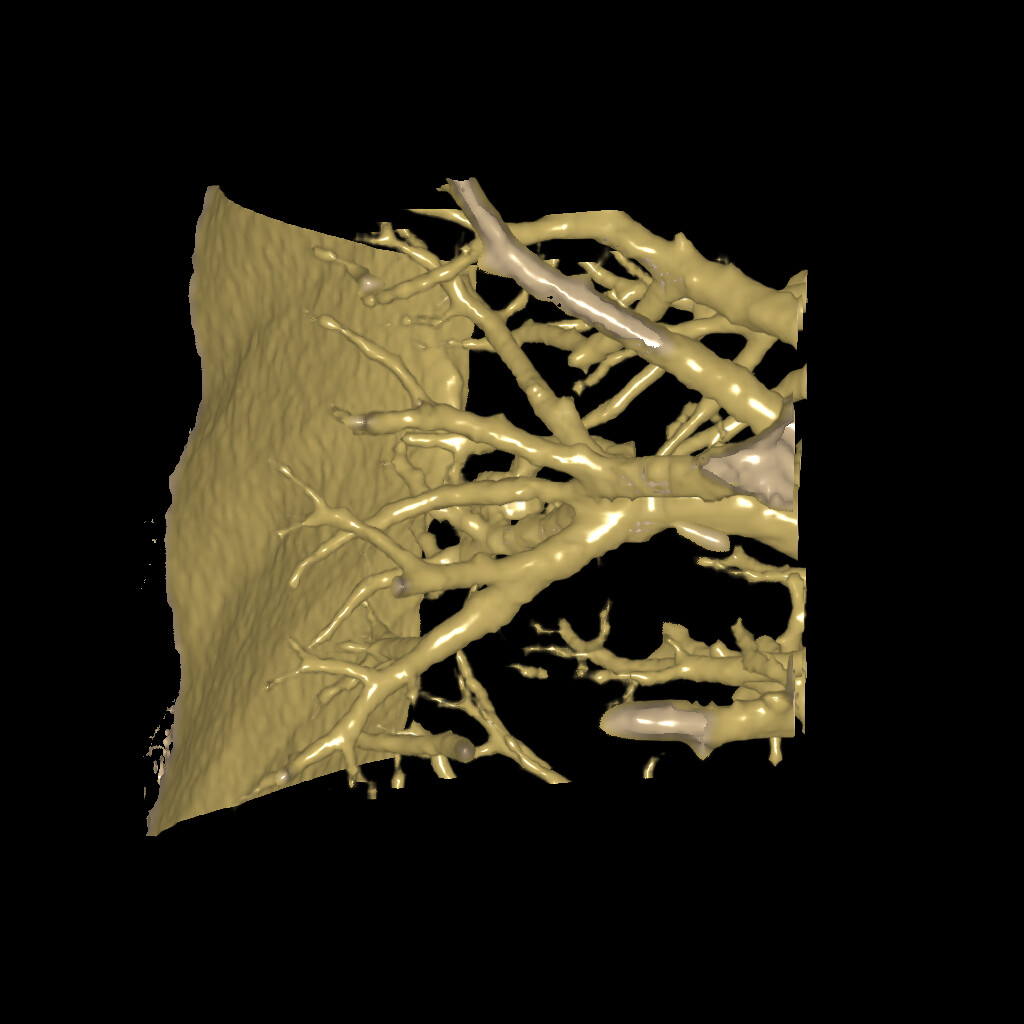
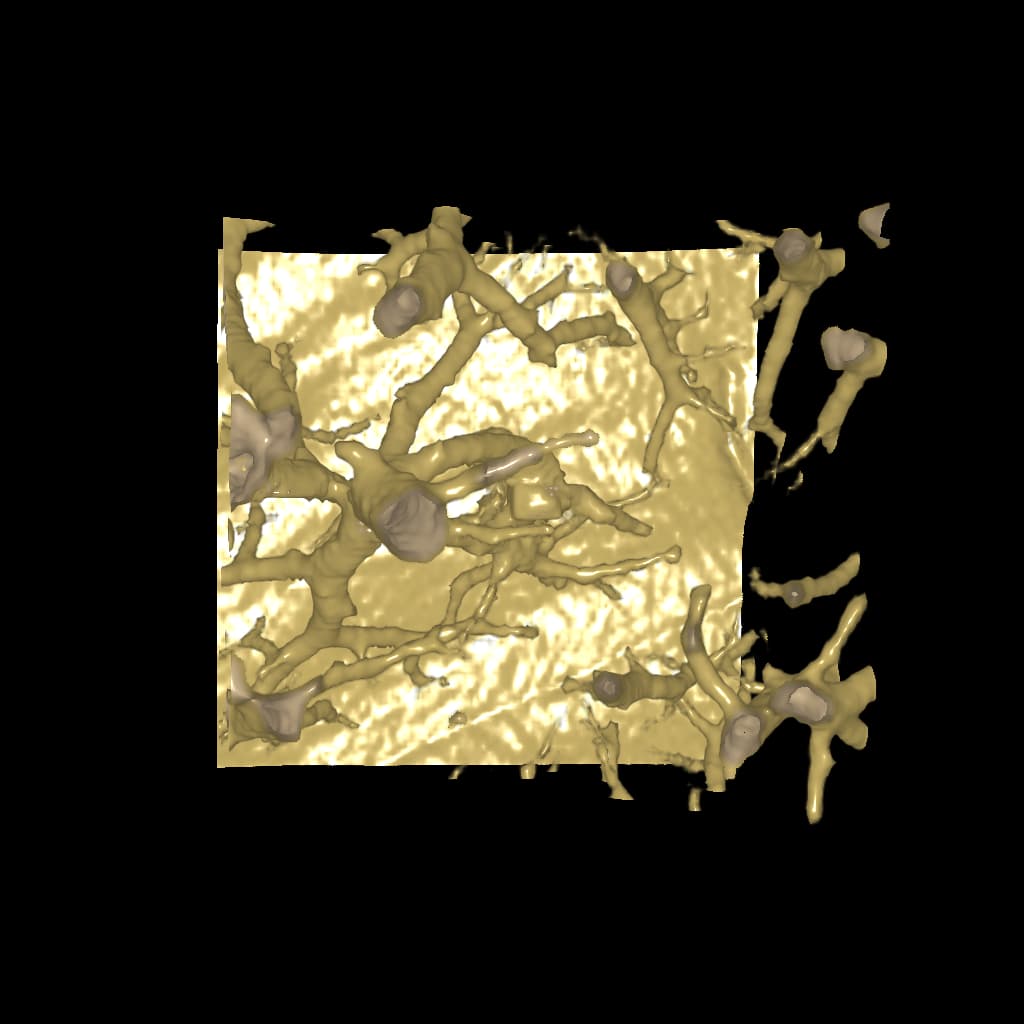
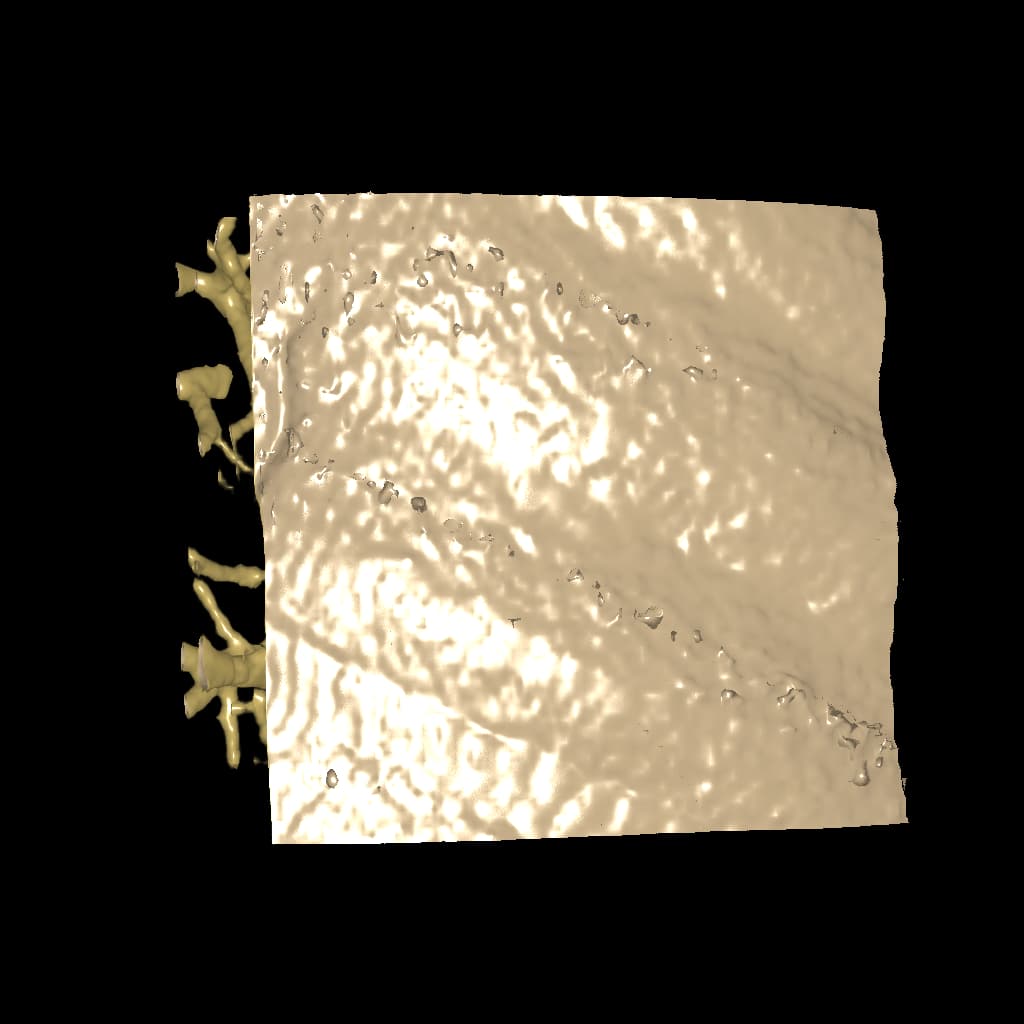

In the following figure, I used the method of vtkMultiVolume.
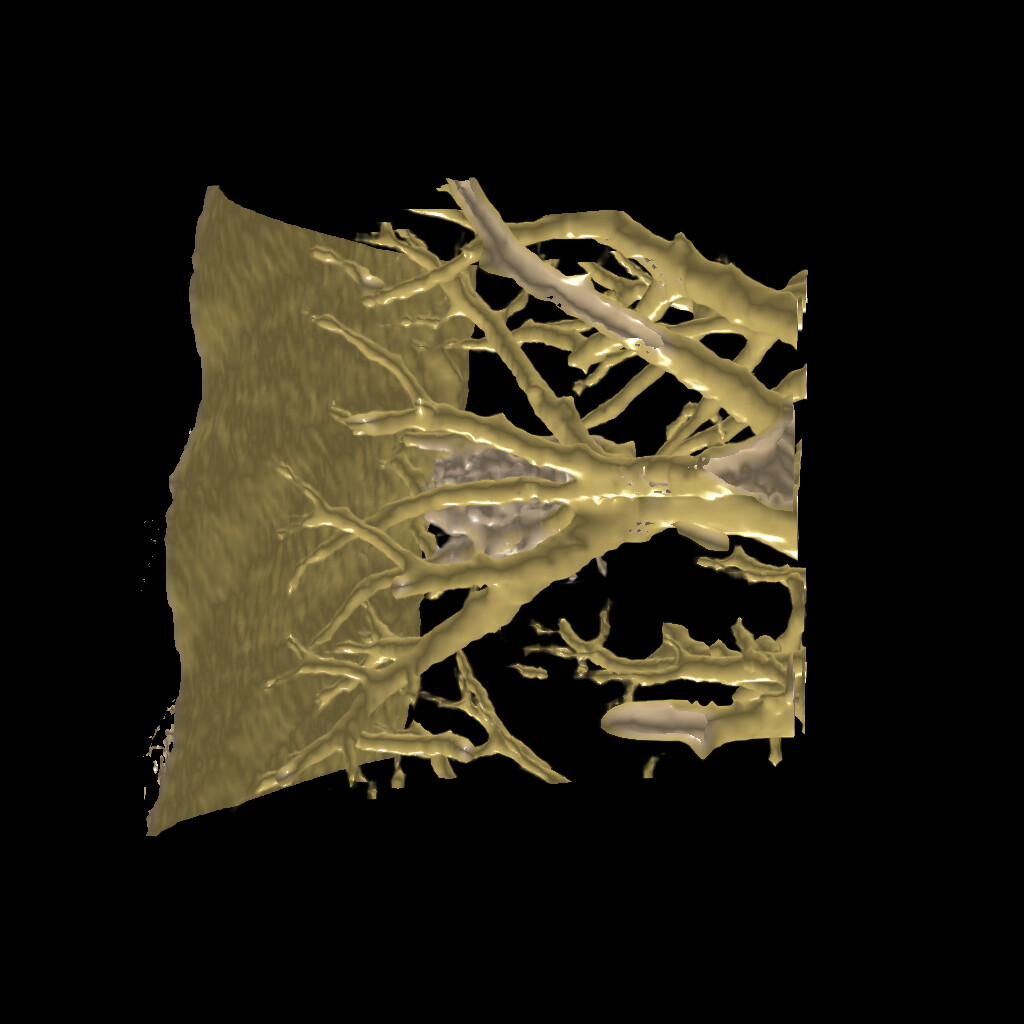
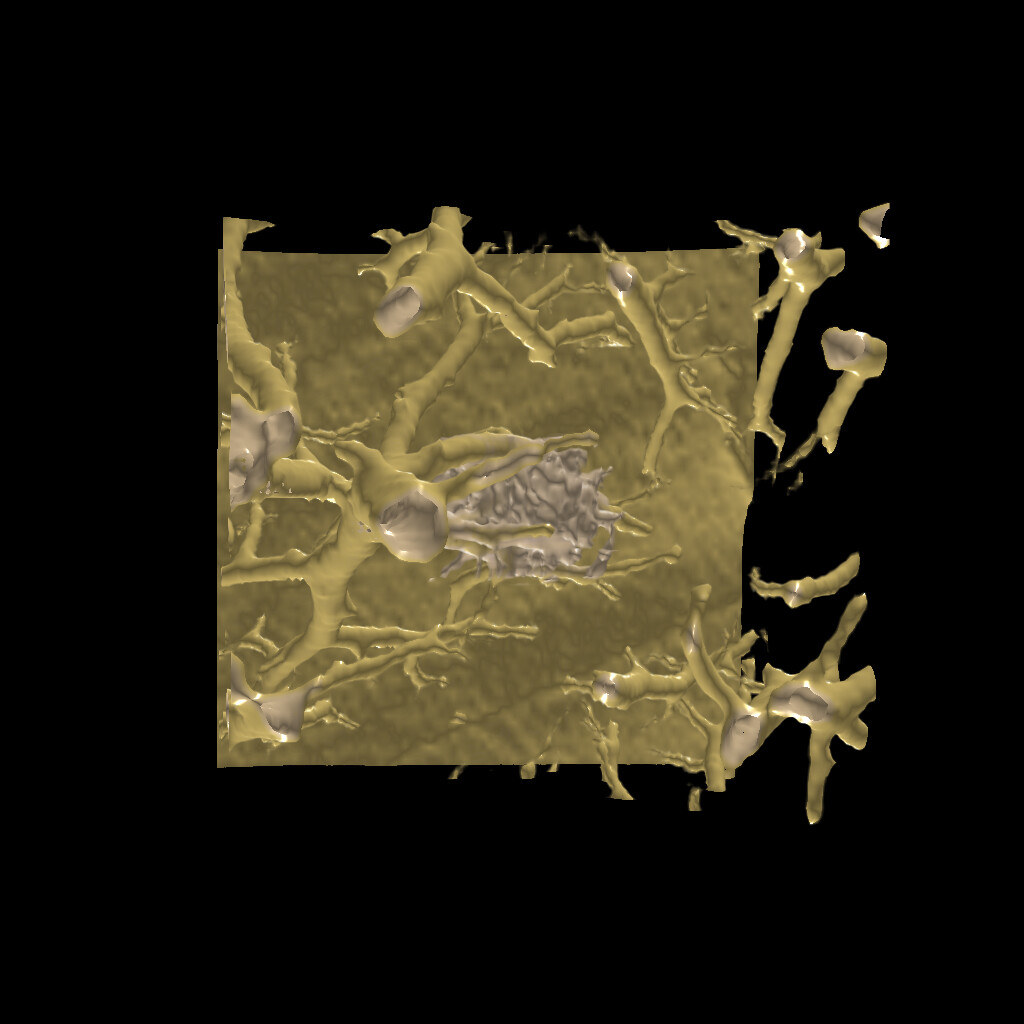
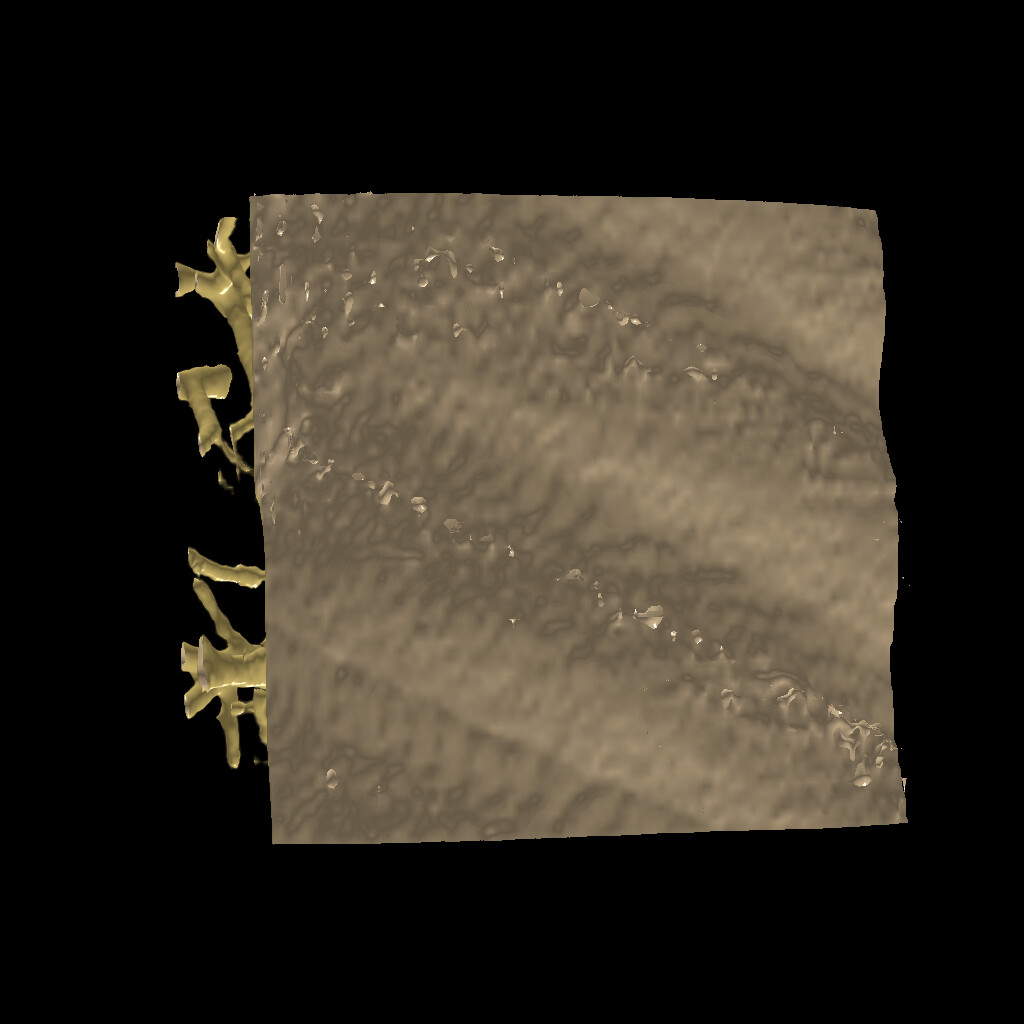
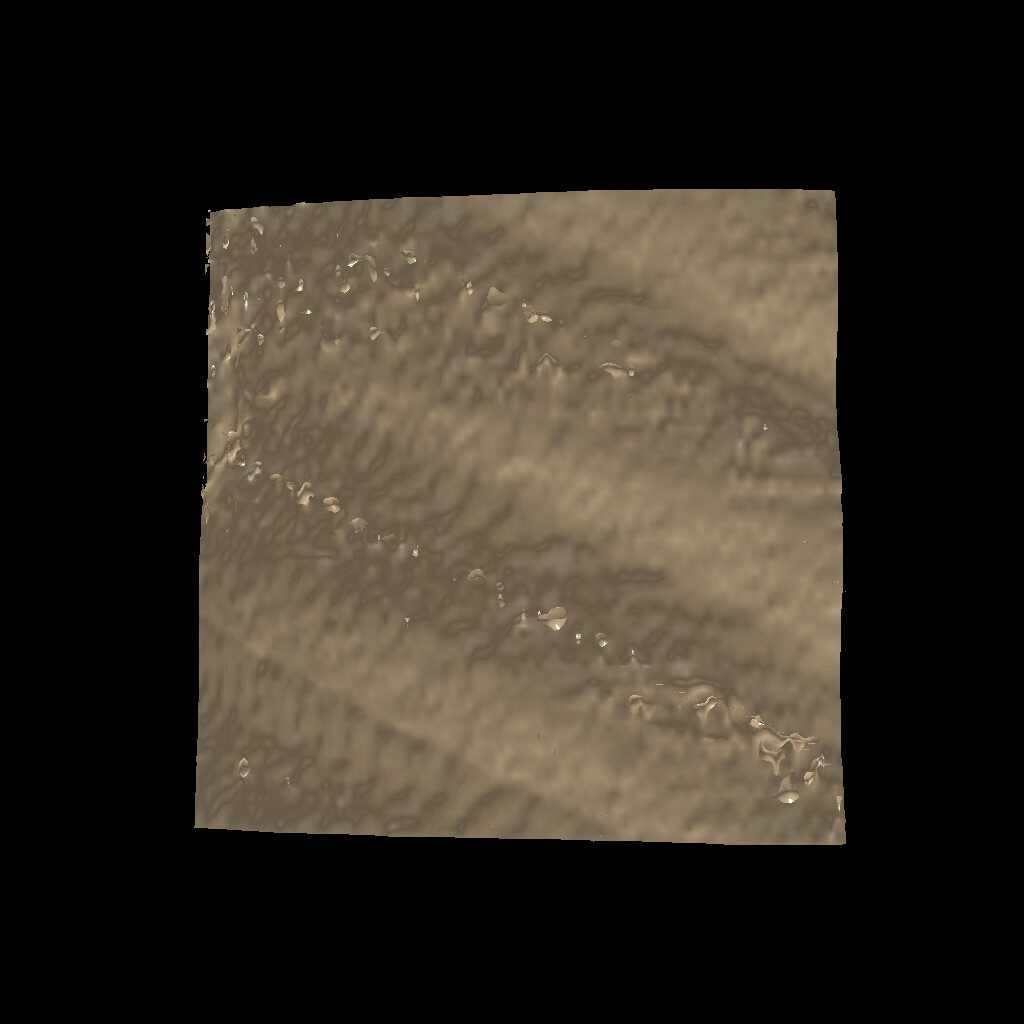
All parameters are the same when I used both volume rendering methods.
When I used the method of vtkMultiVolume, the position and focus of the light are fixed.
But when I use the method of vtkVolume, the light moved with the camera
I hope the light to move with the camera when I use the method of vtkMultiVolume, so how to do?
Can anyone give me some advice? Thanks in advance.
---
### Author:  [@lassoan](https://discourse.vtk.org/u/lassoan)
#### Post date: [August 7, 2022, 10:47am UTC](https://discourse.vtk.org/t/multi-vtkvolume-rendering-problem/9099/2 "2022-08-07T10:47:20Z")
You may try to call `renderer->UpdateLightsGeometryToFollowCamera()` to update the lights positions.
I still consider multi-volume rendering as an experimental feature, because it still has many limitations and bugs (related to transformed volumes, sampling distance computation, cropping, etc).
For lung nodule visualization I would recommend segmenting the nodules and the lung parenchyma using AI-based fully automatic or semi-automatic tools and display them using semi-transparent surface rendering (with depth peeling enabled). You can add in a simple volume rendering for displaying some more anatomical context.
---
### Author:  [@Dawid](https://discourse.vtk.org/u/Dawid)
#### Post date: [August 7, 2022, 12:45pm UTC](https://discourse.vtk.org/t/multi-vtkvolume-rendering-problem/9099/3 "2022-08-07T12:45:46Z")
Thanks for your advice. I’ll try to use your proposal later. But now I want to solve the problem of lights. I just called renderer-\>UpdateLightsGeometryToFollowCamera().but I still get the same result with vtkMultiVolume. Could you give me some other suggestions? Thank you very much!
---
### Author:  [@lassoan](https://discourse.vtk.org/u/lassoan)
#### Post date: [August 7, 2022, 5:02pm UTC](https://discourse.vtk.org/t/multi-vtkvolume-rendering-problem/9099/4 "2022-08-07T17:02:38Z")
> [@Dawid](#):
>
> Could you give me some other suggestions?
I have already given it (don’t use multi-volume renderer for this purpose).
Why are you considering using multi-volume rendering (a very complex and computationally quite expensive technique) for this simple visualization task?
> [@Dawid](#):
>
> I just called renderer-\>UpdateLightsGeometryToFollowCamera().but I still get the same result with vtkMultiVolume
I vaguely remember having this issue when we added multi-volume rendering available in 3D Slicer and solving this with this call. It has to be called after every camera motion (along with resetting camera clipping planes, etc). If this advice does not help then you probably need to debug into it or contract Kitware or some developers familiar with VTK rendering to investigate this for you.