# Python VTK: How to use the filter vtkFeatureEdges() with a PolyData() method?
**URL:** https://discourse.vtk.org/t/python-vtk-how-to-use-the-filter-vtkfeatureedges-with-a-polydata-method/818
**Category:** Support
**Created:** [April 23, 2019, 11:04am UTC](https://discourse.vtk.org/t/python-vtk-how-to-use-the-filter-vtkfeatureedges-with-a-polydata-method/818 "2019-04-23T11:04:57Z")
**Posts on this page:** 2
**Page:** 1
### Author:  [@ramiromena](https://discourse.vtk.org/u/ramiromena)
#### Post date: [April 23, 2019, 11:04am UTC](https://discourse.vtk.org/t/python-vtk-how-to-use-the-filter-vtkfeatureedges-with-a-polydata-method/818/1 "2019-04-23T11:04:57Z")
Dear VTK community,
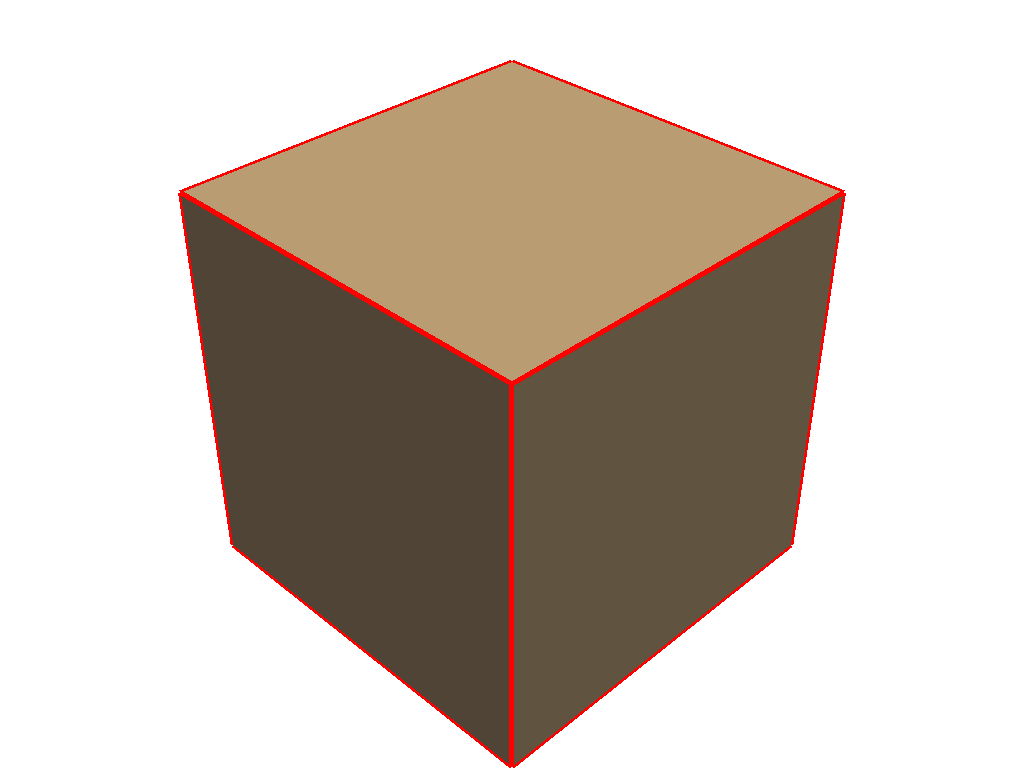
I am trying to plot the Boundary Edges of a 3D solid. For my example, I am using a cube that is generated manually (instead of the vtkCubeSource() method) and as a part of the pipeline, the filter vtkFeatureEdges() is used but when the render is launched, the borders are not generated.
The example that I found in the VTK Github used the filter vtkFeatureEdges() together with the vtkCubeSource() method and it works properly. However, I can not use the after-mentioned method as my final goal is to plot a different geometry that will be provided manually. Then, I need to find a way to use the filter or another one that will plot the borders of my solid.
```
#Case A
#Boundary Edges (defined with vtkCubeSource()) --> Works
featureEdges = vtk.vtkFeatureEdges()
featureEdges.SetInputConnection(cube.GetOutputPort())
#Case B
#Boundary Edges (defined with vtkPolyData()) --> Compiles, but do not show borders
featureEdges = vtk.vtkFeatureEdges()
featureEdges.SetInputData(cube)
```
The expected output is to plot the solid and its border, however at the moment, only the solid is rendered.
Remark: Please, note that I do not want to use the option
`cubeActor.GetProperty().EdgeVisibilityOn()`
As the solid info comes from a FEM file and that option will display the mesh of my solid and not only the border of the part.
Thanks in advance for your help.
---
### Author:  [@banesullivan](https://discourse.vtk.org/u/banesullivan)
#### Post date: [April 23, 2019, 2:45pm UTC](https://discourse.vtk.org/t/python-vtk-how-to-use-the-filter-vtkfeatureedges-with-a-polydata-method/818/2 "2019-04-23T14:45:41Z")
Perhaps you want something like [**this example**](http://docs.vtki.org/examples/01-filter/extract-edges.html) from [`vtki`](http://docs.vtki.org):
_Note that `vtki` is simply a streamlined Python interface to the VTK library and that example uses the `extract_edges` filter which is implemented with a `vtkFeatureEdges` filter_
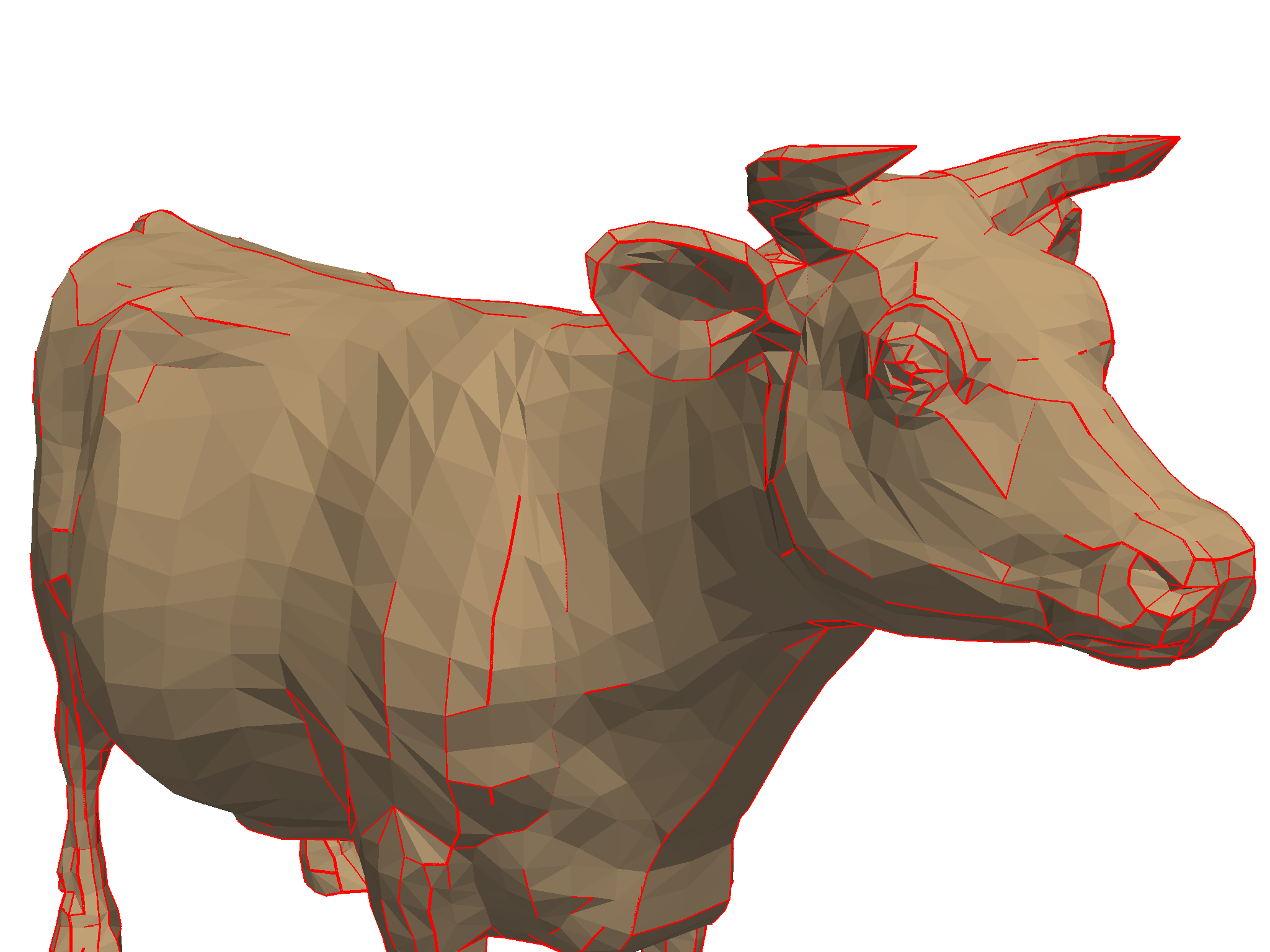
And here’s an example with a cube using `vtki`:
```python
import vtki
cube = vtki.Cube()
edges = cube.extract_edges(20)
p = vtki.Plotter()
p.add_mesh(cube, color=True)
p.add_mesh(edges, color='red', line_width=5)
p.show()
```