# QVTKOpenGLNativeWidget turn to be transparent when pick actor
**URL:** https://discourse.vtk.org/t/qvtkopenglnativewidget-turn-to-be-transparent-when-pick-actor/7445
**Category:** Support
**Created:** [December 21, 2021, 10:13am UTC](https://discourse.vtk.org/t/qvtkopenglnativewidget-turn-to-be-transparent-when-pick-actor/7445 "2021-12-21T10:13:45Z")
**Posts on this page:** 2
**Page:** 1
### Author:  [@zhang-qiang-github](https://discourse.vtk.org/u/zhang-qiang-github)
#### Post date: [December 21, 2021, 10:13am UTC](https://discourse.vtk.org/t/qvtkopenglnativewidget-turn-to-be-transparent-when-pick-actor/7445/1 "2021-12-21T10:13:45Z")
I am implement the project with `QVTKOpenGLNativeWidget`, and it works fine.
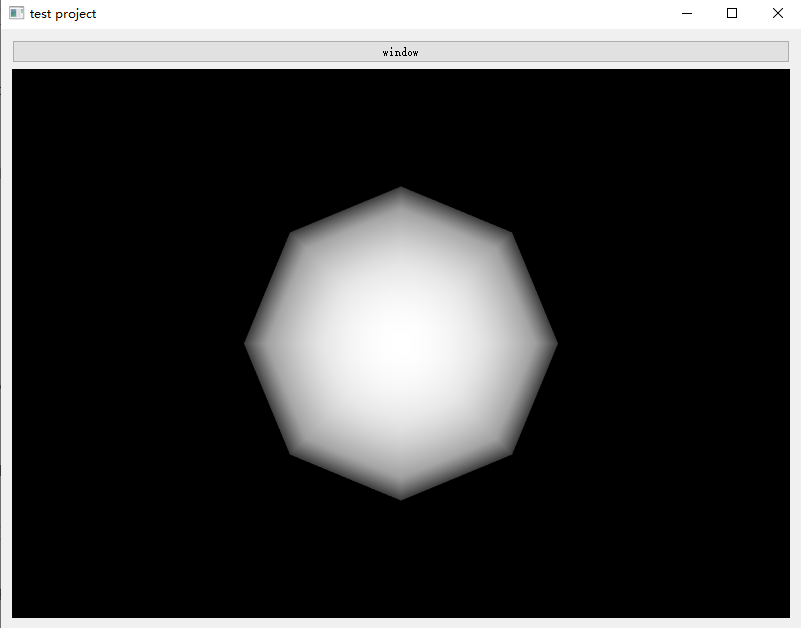
Then, I want to pick actor in the `mouseMoveEvent`, but the widget turn to be transparent when the cursor is move to the button (no click):
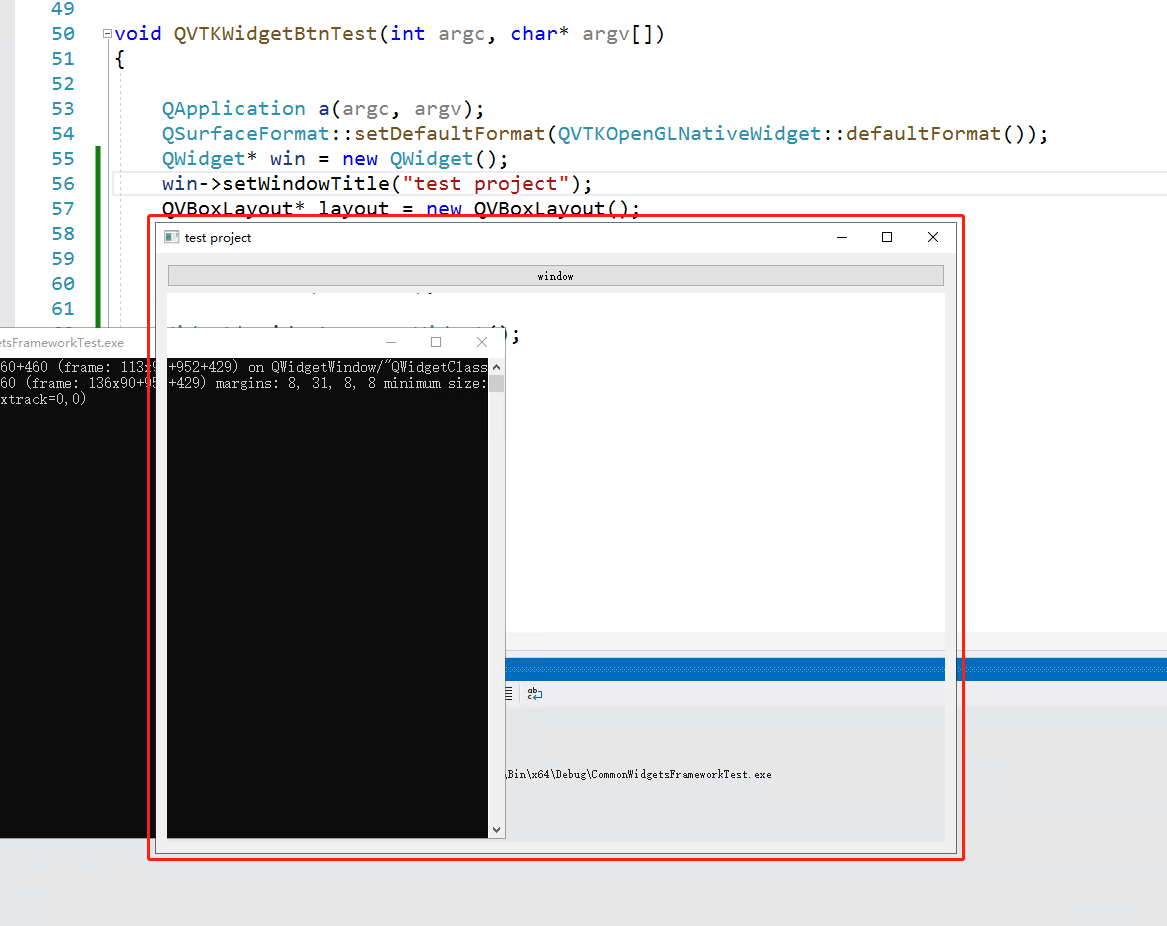
The code to reproduce this bug is:
```auto
class Widget : public QVTKOpenGLNativeWidget
{
public:
Widget()
{
vtkSmartPointer sphere = vtkSmartPointer::New();
vtkSmartPointer mapper = vtkSmartPointer::New();
mapper->SetInputConnection(sphere->GetOutputPort());
vtkSmartPointer actor = vtkSmartPointer::New();
actor->SetMapper(mapper);
render = vtkSmartPointer::New();
render->AddActor(actor);
renWin = vtkSmartPointer::New();
renWin->AddRenderer(render);
this->setRenderWindow(renWin);
picker = vtkSmartPointer::New();
}
void mouseMoveEvent(QMouseEvent* event)
{
QVTKOpenGLNativeWidget::mouseMoveEvent(event);
QPoint pos = event->pos();
picker->PickProp(pos.x(), pos.y(), render);
}
vtkSmartPointer render;
vtkSmartPointer renWin;
vtkSmartPointer picker;
};
void main(int argc, char* argv[])
{
QApplication a(argc, argv);
QSurfaceFormat::setDefaultFormat(QVTKOpenGLNativeWidget::defaultFormat());
QWidget* win = new QWidget();
win->setWindowTitle("test project");
QVBoxLayout* layout = new QVBoxLayout();
win->setLayout(layout);
QPushButton* btn = new QPushButton(win);
btn->setText("window");
Widget* widget = new Widget();
layout->addWidget(btn);
layout->addWidget(widget);
win->show();
win->resize(800, 600);
a.exec();
}
```
My environment is:
```auto
win10
vs 2019
vtk 9.0.3
qt 5.12.4
```
Firstly, I click on the vtkwidget, then I move the cursor to the `QPushButton`, the vtkwidget will be transparent. If I re-click on the vtkwidget, the vtkwidget will turn to be normal.
Any suggestion is appreciated!
---
### Author:  [@zhang-qiang-github](https://discourse.vtk.org/u/zhang-qiang-github)
#### Post date: [December 29, 2021, 1:24am UTC](https://discourse.vtk.org/t/qvtkopenglnativewidget-turn-to-be-transparent-when-pick-actor/7445/2 "2021-12-29T01:24:28Z")
Answer by myself, this bug has been fixed in vtk 9.1.0.