# \[RemoteView\] vtk\_server.py not works because vtk.web module not find
**URL:** https://discourse.vtk.org/t/remoteview-vtk-server-py-not-works-because-vtk-web-module-not-find/8692
**Category:** Web
**Created:** [June 10, 2022, 8:33am UTC](https://discourse.vtk.org/t/remoteview-vtk-server-py-not-works-because-vtk-web-module-not-find/8692 "2022-06-10T08:33:49Z")
**Posts on this page:** 5
**Page:** 1
### Author:  [@Albers\_Steven](https://discourse.vtk.org/u/Albers_Steven)
#### Post date: [June 10, 2022, 8:33am UTC](https://discourse.vtk.org/t/remoteview-vtk-server-py-not-works-because-vtk-web-module-not-find/8692/1 "2022-06-10T08:33:49Z")
Hi,
I am a front-end developer. And not know much about vtk C++.
I get started by follow the doc of [Getting Started Using Linux](https://github.com/Kitware/VTK/blob/master/Documentation/dev/getting_started_linux.md), after build vtk, `vtkpython` command is works for me.
Then I want to test [remoteView](https://kitware.github.io/vtk-js/examples/RemoteView.html) on my computer, when i copy `vtk_server.py` file into `dev/mytest/vtk_server.py` to run locally.
I run `vtkpython vtk_server.py --port 1234` command in MacOS terminal, but there is a error show that vtk.web module not find.
```auto
from vtk.web import protocols
ModuleNotFoundError: No module named 'vtk.web'
```

I don’t know what is the problem of this error, and i even install python vtk through command
```auto
pip install vtk
```
but still the problem not solve.
so maybe someone can give me a more detail document to tell people who is a front-end developer and don’t really know vtk C++ and only want to test remoteview how to start a Vtk Server.
---
### Author:  [@Sebastien\_Jourdain](https://discourse.vtk.org/u/Sebastien_Jourdain)
#### Post date: [June 10, 2022, 2:03pm UTC](https://discourse.vtk.org/t/remoteview-vtk-server-py-not-works-because-vtk-web-module-not-find/8692/2 "2022-06-10T14:03:25Z")
I’m guessing your pip version is grabbing vtk 8 and not vtk 9.1. Only since 9 we bundle the web module of vtk.
You may want to upgrade pip within your venv before doing `pip install -U vtk`.
To summarize, you should have a setup like so:
```bash
python3.9 -m venv .venv
source .venv/bin/activate
pip install -U pip
pip install vtk
python vtk_server.py --port 1234
```
BTW where did you get `vtkpython` as this is not coming from `pip install vtk`?
---
### Author:  [@Albers\_Steven](https://discourse.vtk.org/u/Albers_Steven)
#### Post date: [June 13, 2022, 4:28am UTC](https://discourse.vtk.org/t/remoteview-vtk-server-py-not-works-because-vtk-web-module-not-find/8692/3 "2022-06-13T04:28:40Z")
`vtkpython` is coming from VTK C++ git repo [VTK](https://github.com/Kitware/VTK/) document of how to start on linux [Getting Started Using Linux](https://github.com/Kitware/VTK/blob/f3b52bb559ac84e583ad0d5b65990cd7b5d195f1/Documentation/dev/getting_started_linux.md#verification)
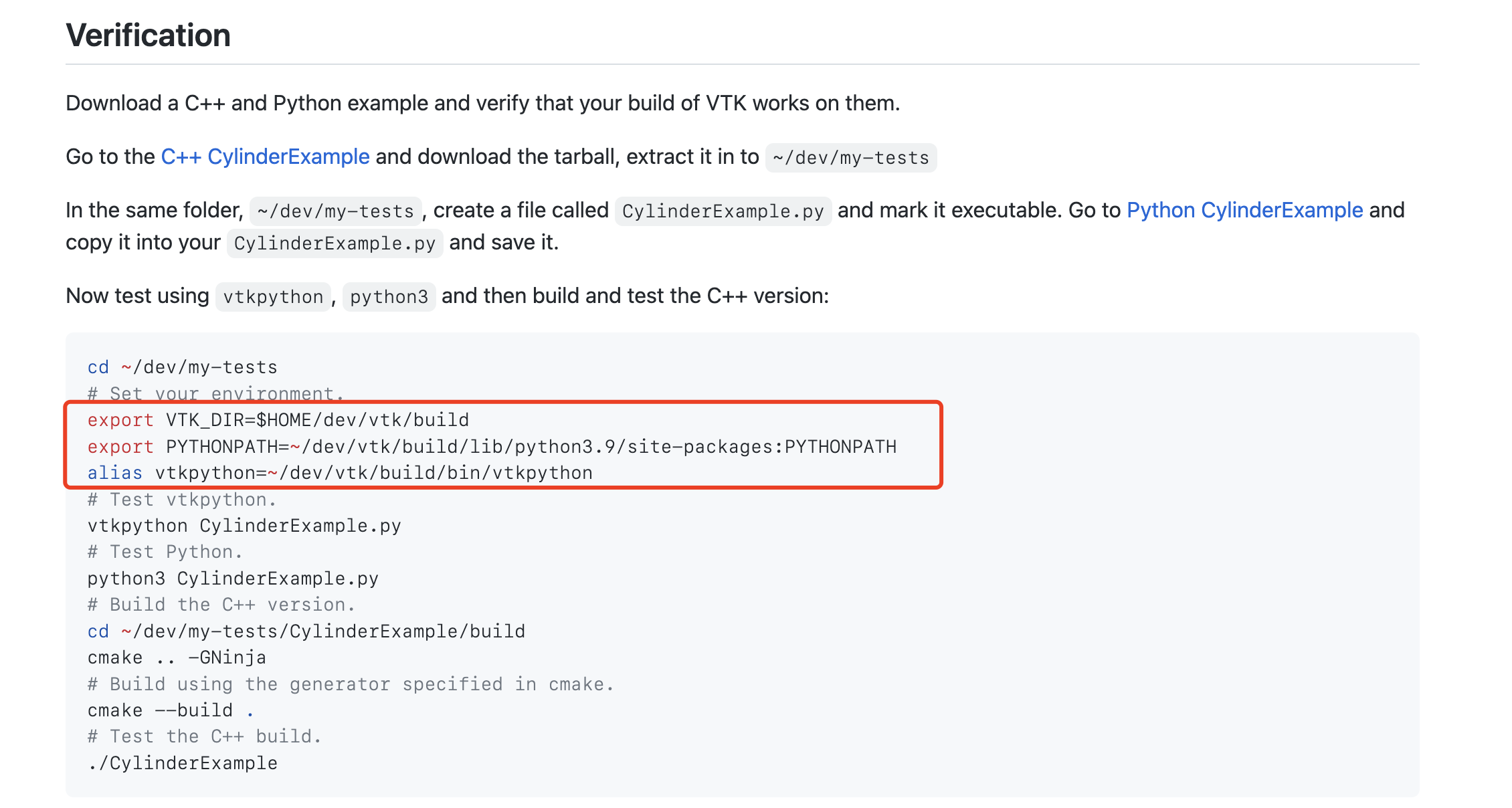
By set `vtkpython` alias through compiled bin file.
* * *
I follow the command you type in last reply, and i start server by `python vtk_server.py --port 1234`, but still can’t start RemoteView example.
Problem show that `RemoteView.js:1 TypeError: Cannot read properties of undefined (reading 'clientToConnect')`

So there still server.py problem that i can’t start the vtkWSLinkClient.newInstance().
---
### Author:  [@Albers\_Steven](https://discourse.vtk.org/u/Albers_Steven)
#### Post date: [June 13, 2022, 7:46am UTC](https://discourse.vtk.org/t/remoteview-vtk-server-py-not-works-because-vtk-web-module-not-find/8692/4 "2022-06-13T07:46:03Z")
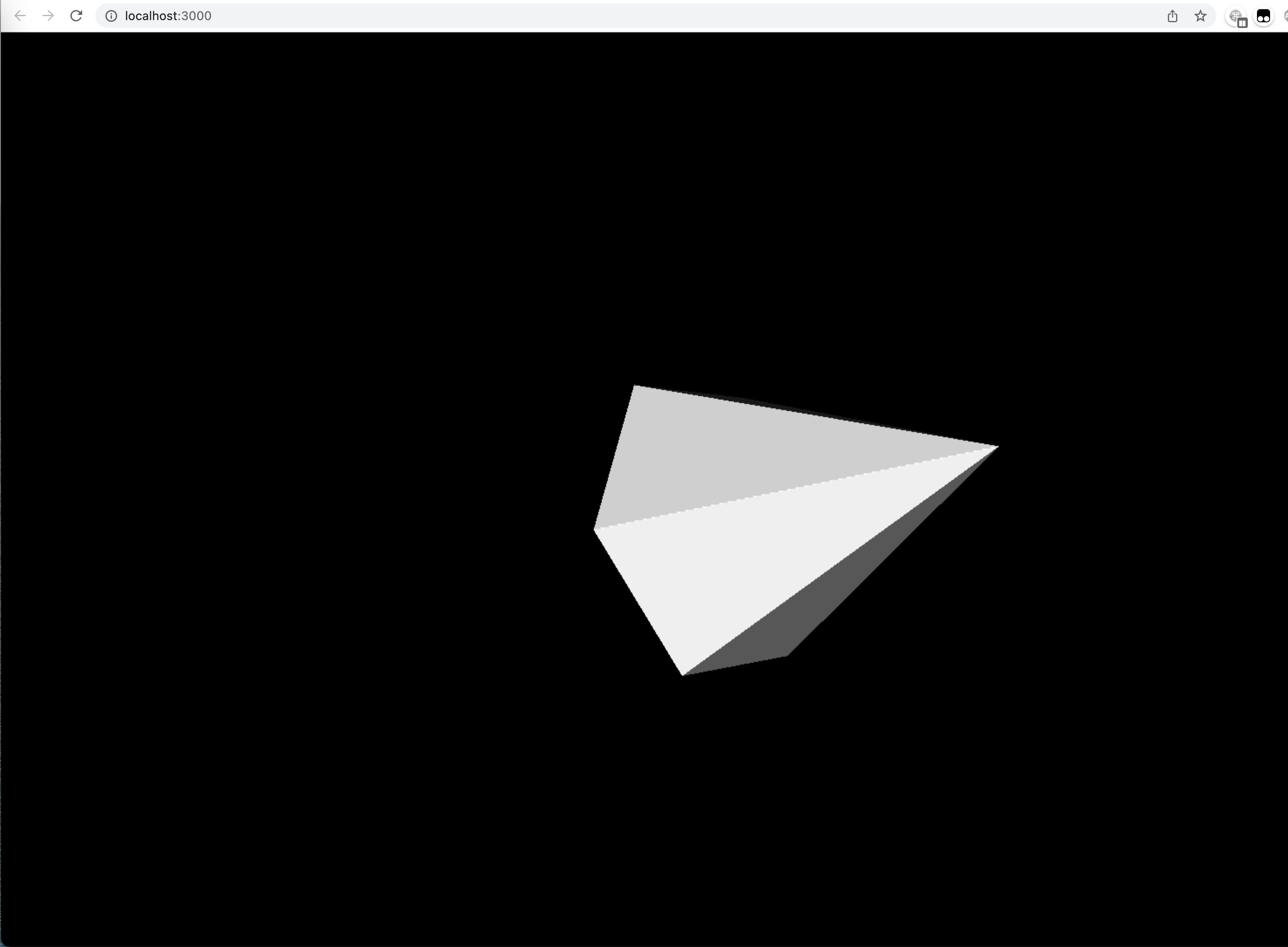
Before I think when i start a python server, then in website `vtk-js/Remoteview` example will be just ok to connect to my localhost. so i think it’s a problem.
But when i start a web application on localhost, i just can see remoteview examle works for me.
---
### Author:  [@Sebastien\_Jourdain](https://discourse.vtk.org/u/Sebastien_Jourdain)
#### Post date: [June 13, 2022, 2:49pm UTC](https://discourse.vtk.org/t/remoteview-vtk-server-py-not-works-because-vtk-web-module-not-find/8692/5 "2022-06-13T14:49:43Z")
If I’m understanding correctly things work with your server (now) and our online example, but not with your local example.
That just mean that your client side code now as an issue.
For your initial server error, it was due because you did not enabled the web module of VTK when you built it. Which is available within the `pip install` version of VTK.