# Show VDB with vtkOpenVDBReader in jupyterlab
**URL:** https://discourse.vtk.org/t/show-vdb-with-vtkopenvdbreader-in-jupyterlab/12258
**Category:** Support
**Tags:** python, code
**Created:** [September 8, 2023, 4:13am UTC](https://discourse.vtk.org/t/show-vdb-with-vtkopenvdbreader-in-jupyterlab/12258 "2023-09-08T04:13:57Z")
**Posts on this page:** 6
**Page:** 1
### Author:  [@Will\_Will](https://discourse.vtk.org/u/Will_Will)
#### Post date: [September 8, 2023, 4:13am UTC](https://discourse.vtk.org/t/show-vdb-with-vtkopenvdbreader-in-jupyterlab/12258/1 "2023-09-08T04:13:58Z")
Hello all,
I am a newbie for VTK, now trying to use Python vtkmodules’ `vtkOpenVDBReade`r as a reader to read vdb files and rendering in jupyterlab.
I reference this [SimpleCone example](https://github.com/Kitware/trame/blob/master/examples/06_vtk/01_SimpleCone/LocalRendering.py#L46) in Kitware/trame with replacing the `vtkConeSource()` with `vtkOpenVDBReader` for my file path as below, other lines remain same.
```python
reader = vtkOpenVDBReader()
reader.SetFileName('/data/test_structure.vdb')
reader.Update()
output = reader.GetOutputPort()
mapper = vtk.vtkPolyDataMapper()
mapper.SetInputConnection(output)
```
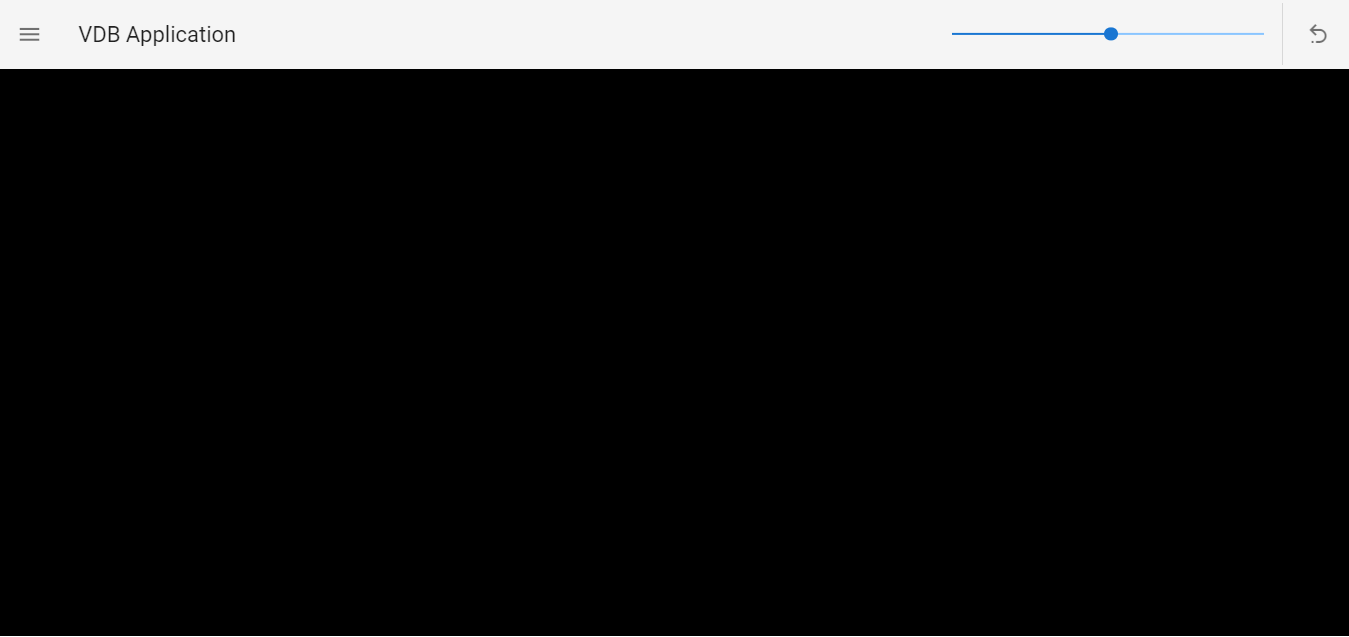
But in jupyterlab, the `jupyter.show()` only shows a blank black background without my vdb actor.
Does anyone have suggestions or experience for this?
(I use this `*kitware/paraview:ci-superbuild-fedora38-20230810*` as my Docker base image.)
Thanks!!
---
### Author:  [@Sebastien\_Jourdain](https://discourse.vtk.org/u/Sebastien_Jourdain)
#### Post date: [September 13, 2023, 3:25am UTC](https://discourse.vtk.org/t/show-vdb-with-vtkopenvdbreader-in-jupyterlab/12258/2 "2023-09-13T03:25:10Z")
replace VtkLocalView by VtkRemoteView then update the mapper and maybe add a filter to properly convert [vtkPartitionedDataSetCollection](https://vtk.org/doc/nightly/html/classvtkOpenVDBReader.html) into something that a mapper can process.
---
### Author:  [@Sebastien\_Jourdain](https://discourse.vtk.org/u/Sebastien_Jourdain)
#### Post date: [September 13, 2023, 3:26am UTC](https://discourse.vtk.org/t/show-vdb-with-vtkopenvdbreader-in-jupyterlab/12258/3 "2023-09-13T03:26:58Z")
Also are you trying to do volume rendering? If that is the case your VTK pipeline need more changes than I mentioned.
---
### Author:  [@Will\_Will](https://discourse.vtk.org/u/Will_Will)
#### Post date: [September 14, 2023, 3:51am UTC](https://discourse.vtk.org/t/show-vdb-with-vtkopenvdbreader-in-jupyterlab/12258/4 "2023-09-14T03:51:03Z")
Hello @Sebastien_Jourdain
Thanks for your response! 😄
After replacing VtkLocalView by VtkRemoteView and adding a `vtkImageDataGeometryFilter` for the mapper, I can render it successfully.
And my further question is that `.GetNumberOfPartitionedDataSets()` shows there are more than 1 (8) set in my data collection.
Does it mean I need to iterate all data sets, createing mapper, actor and render, then `AddRenderer` to the vtkRenderWindow for each of them?
---
### Author:  [@Will\_Will](https://discourse.vtk.org/u/Will_Will)
#### Post date: [September 14, 2023, 3:53am UTC](https://discourse.vtk.org/t/show-vdb-with-vtkopenvdbreader-in-jupyterlab/12258/5 "2023-09-14T03:53:57Z")
yes, my further purpose is to do volume rendering.
To render volume, I use `vtkSmartVolumeMapper`, but there will be error
`vtkSmartVolumeMapper.cx:286 ERR| vtkSmartVolumeMapper (0x558a0c0ff150): Could not find the requested vtkDataArray! 0, 0, -1`
```python
reader = vtkOpenVDBReader()
reader.SetFileName(r'/data/test_structure.vdb')
reader.Update()
output =reader.GetOutputPort()
partitioned_data = vtk.vtkPartitionedDataSetCollection.SafeDownCast(reader.GetOutputDataObject(0))
number_of_partition = partitioned_data.GetNumberOfPartitionedDataSets()
for i in range(number_of_partition):
partition_image = vtk.vtkImageData.SafeDownCast(partitioned_data.GetPartitionAsDataObject(i, 0))
# Convert the image to a polydata
imageDataGeometryFilter = vtk.vtkImageDataGeometryFilter()
imageDataGeometryFilter.SetInputData(partition_image)
imageDataGeometryFilter.Update()
## Create mapper
mapper = vtk.vtkSmartVolumeMapper()
mapper.SetBlendModeToComposite()
mapper.SetInputConnection(imageDataGeometryFilter.GetOutputPort())
```
---
### Author:  [@Sebastien\_Jourdain](https://discourse.vtk.org/u/Sebastien_Jourdain)
#### Post date: [September 15, 2023, 1:50am UTC](https://discourse.vtk.org/t/show-vdb-with-vtkopenvdbreader-in-jupyterlab/12258/6 "2023-09-15T01:50:11Z")
So no, you should not iterate over the partitions. That will be done automatically unless the filter understand the composite dataset directly. Also by converting your data into a surface mesh (vtkImageDataGeometryFilter) you can not render it as volume since you lost that information along the way.
You should really look at volume rendering examples: [https://examples.vtk.org/site/](https://examples.vtk.org/site/)