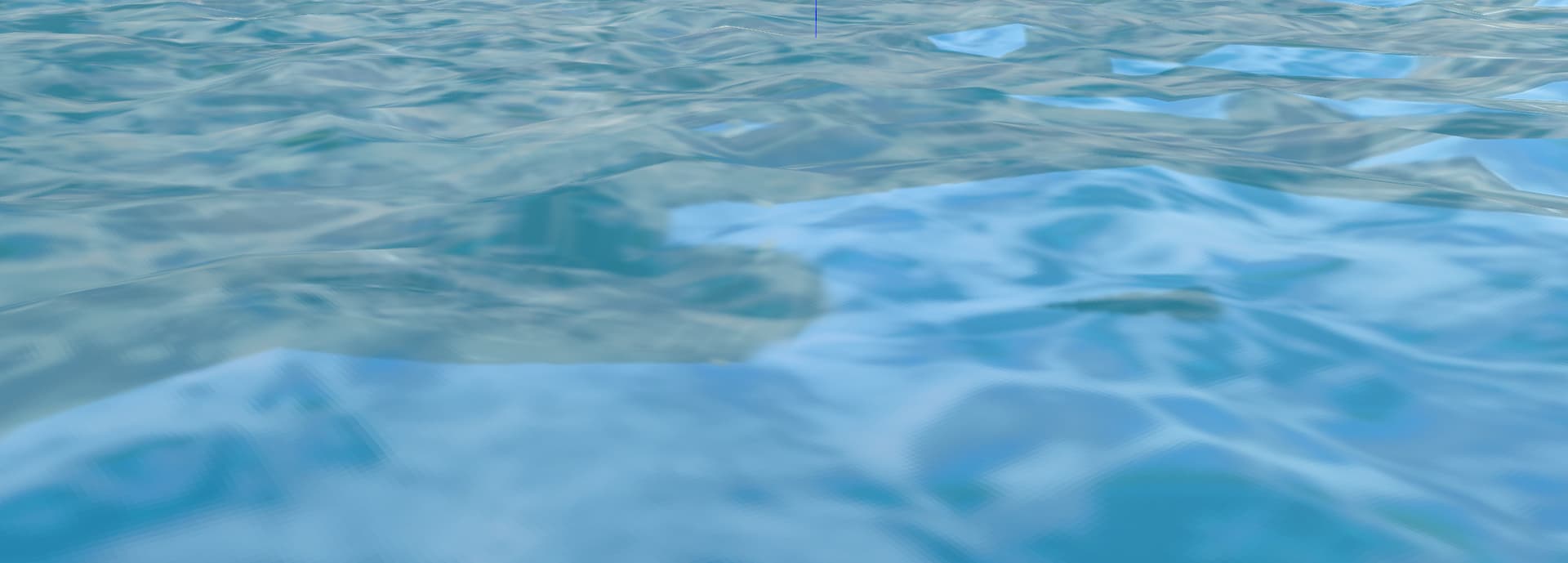
# Smooth interpolation for PBR mesh environment reflections?
**URL:** https://discourse.vtk.org/t/smooth-interpolation-for-pbr-mesh-environment-reflections/14514
**Category:** Support
**Created:** [September 1, 2024, 12:25pm UTC](https://discourse.vtk.org/t/smooth-interpolation-for-pbr-mesh-environment-reflections/14514 "2024-09-01T12:25:36Z")
**Posts on this page:** 2
**Page:** 1
### Author:  [@rdbrn](https://discourse.vtk.org/u/rdbrn)
#### Post date: [September 1, 2024, 12:25pm UTC](https://discourse.vtk.org/t/smooth-interpolation-for-pbr-mesh-environment-reflections/14514/1 "2024-09-01T12:25:36Z")
I’m trying to visualize ocean waves.
I do this by defining vertical displacement for points on a grid. With PBR and texture applied this looks like:
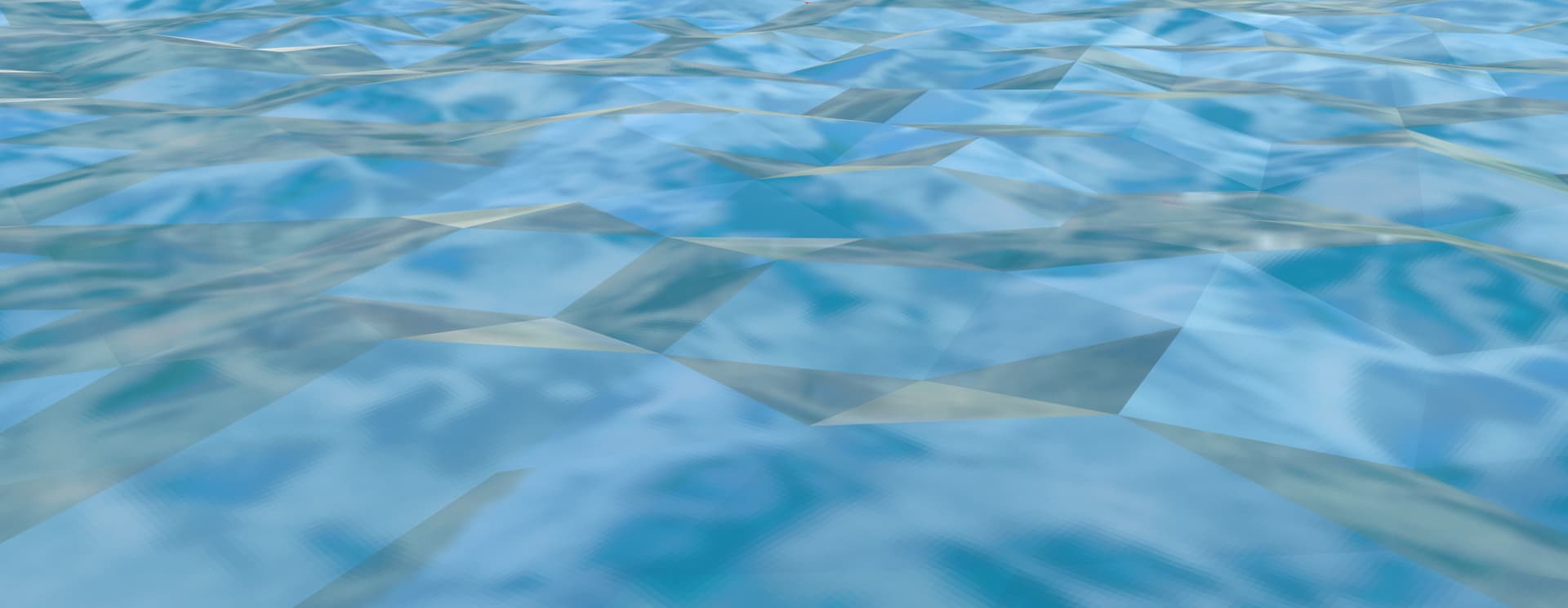
The mesh is clearly visible. Is it possible to make the surface look smoother? Judging from the examples I would think so but can’t get it so work.
My pipeline look as follows:
- Read grid from .stl file.
`grid = reader.GetOutput)`
- Displace the points vertically depending on their location
`grid.GetPoints.SetPoint(...)`
- Add texture coordinates
`grid.GetPointData().SetTCoords(TextureCooridinates)`
- Calculate tangents
`vtkPolyDataTangents`
polydatamapper-\>actor-\>etc.
What am I missing?
.
---
### Author:  [@rdbrn](https://discourse.vtk.org/u/rdbrn)
#### Post date: [September 1, 2024, 12:29pm UTC](https://discourse.vtk.org/t/smooth-interpolation-for-pbr-mesh-environment-reflections/14514/2 "2024-09-01T12:29:45Z")
Found it, have to use Normals, not Tangents 🙈