# vtk.js controlling antialiasing
**URL:** https://discourse.vtk.org/t/vtk-js-controlling-antialiasing/12732
**Category:** Web
**Tags:** vtkjs
**Created:** [November 16, 2023, 1:23pm UTC](https://discourse.vtk.org/t/vtk-js-controlling-antialiasing/12732 "2023-11-16T13:23:22Z")
**Posts on this page:** 2
**Page:** 1
### Author:  [@weuniok](https://discourse.vtk.org/u/weuniok)
#### Post date: [November 16, 2023, 1:23pm UTC](https://discourse.vtk.org/t/vtk-js-controlling-antialiasing/12732/1 "2023-11-16T13:23:22Z")
Hi,
Is there any way to control anti aliasing quality in vtk.js? I couldn’t find any options like renWin-\>SetMultiSamples(x) that’s available in “normal” vtk.
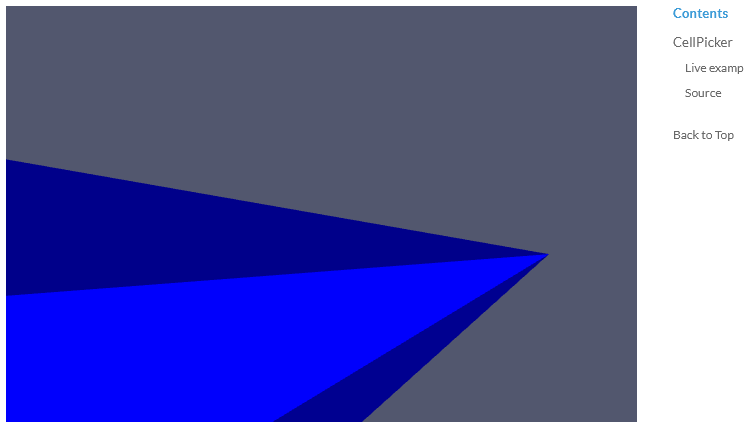
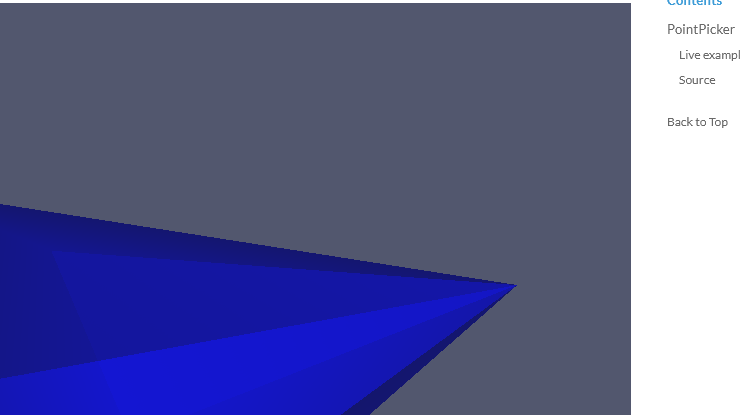
At the moment I think the anti aliasing quality is somewhat automatic? I noticed that it’s much worse for elements with an opacity \< 1, e.g. in the examples the CellPicker example has much smoother lines than the PointPicker example.
> **[vtk.js](https://kitware.github.io/vtk-js/examples/CellPicker.html)**
>
> CellPickerLive example Sourceimport '@kitware/vtk.js/favicon';// Load the rendering pieces we want to use (for both WebGL and WebGPU)import '@kitware/vtk.js/Rendering/Profiles/Geometry
> **[vtk.js](https://kitware.github.io/vtk-js/examples/PointPicker.html)**
>
> PointPickerLive example Sourceimport '@kitware/vtk.js/favicon';// Load the rendering pieces we want to use (for both WebGL and WebGPU)import '@kitware/vtk.js/Rendering/Profiles/Geometr
---
### Author:  [@Thibault\_Bruyere](https://discourse.vtk.org/u/Thibault_Bruyere)
#### Post date: [November 16, 2023, 1:42pm UTC](https://discourse.vtk.org/t/vtk-js-controlling-antialiasing/12732/2 "2023-11-16T13:42:18Z")
Hi,
AFAIK, the only antialiasing vtk has is the browser’s automatic aliasing
A parameter of `getContext` on the canvas can ask for antialiasing
If the browser is able to perform AA and you didn’t explicitly disable it, it will be performed
See: [this link](https://developer.mozilla.org/en-US/docs/Web/API/HTMLCanvasElement/getContext#antialias) to the MDN and [this link](https://registry.khronos.org/webgl/specs/latest/1.0/#5.2.1) to the WebGL spec