# VTK NPM Mouse/Touch interactor is not working
**URL:** https://discourse.vtk.org/t/vtk-npm-mouse-touch-interactor-is-not-working/8699
**Category:** Web
**Created:** [June 11, 2022, 5:40am UTC](https://discourse.vtk.org/t/vtk-npm-mouse-touch-interactor-is-not-working/8699 "2022-06-11T05:40:25Z")
**Posts on this page:** 3
**Page:** 1
### Author:  [@USMANHEART](https://discourse.vtk.org/u/USMANHEART)
#### Post date: [June 11, 2022, 5:40am UTC](https://discourse.vtk.org/t/vtk-npm-mouse-touch-interactor-is-not-working/8699/1 "2022-06-11T05:40:25Z")
Hi, I am using vtk in my NPM VUE project.
After I create a simple example, I can’t interact the window with my mouse click.
I have tried to follow the documentation but it still seems doesn’t work.
Anyone who have idea if I am missing anything?
```auto
export default class Scene{
constructor() {
this.canvas = document.createElement('div');
this.renderer = vtkRenderer.newInstance();
this.window = vtkRenderWindow.newInstance();
this.control = InteractorStyle.newInstance();
this.interactor = vtkRenderWindowInteractor.newInstance();
this.openGL = vtkOpenGLRenderWindow.newInstance();
this.settings();
this.testMesh();
this.render();
}
settings(){
document.querySelector('body').appendChild(this.canvas);
this.window.addRenderer(this.renderer);
this.window.addView(this.openGL);
this.openGL.setContainer(this.canvas);
const { width, height } = this.canvas.getBoundingClientRect();
this.openGL.setSize(width, height);
this.interactor.setInteractorStyle(this.control);
this.interactor.setInteractorStyle(InteractorStyle.newInstance());
this.interactor.setView(this.openGL);
this.renderer.setBackground2(102, 51, 0)
this.renderer.setBackground(0, 102, 104)
}
render(){
this.interactor.initialize();
this.interactor.bindEvents(this.canvas);
}
testMesh(){
const coneSource = vtkConeSource.newInstance({ height: 1.0 });
const mapper = vtkMapper.newInstance();
mapper.setInputConnection(coneSource.getOutputPort());
const actor = vtkActor.newInstance();
actor.setMapper(mapper);
this.renderer.addActor(actor);
this.renderer.resetCamera();
}
}
```
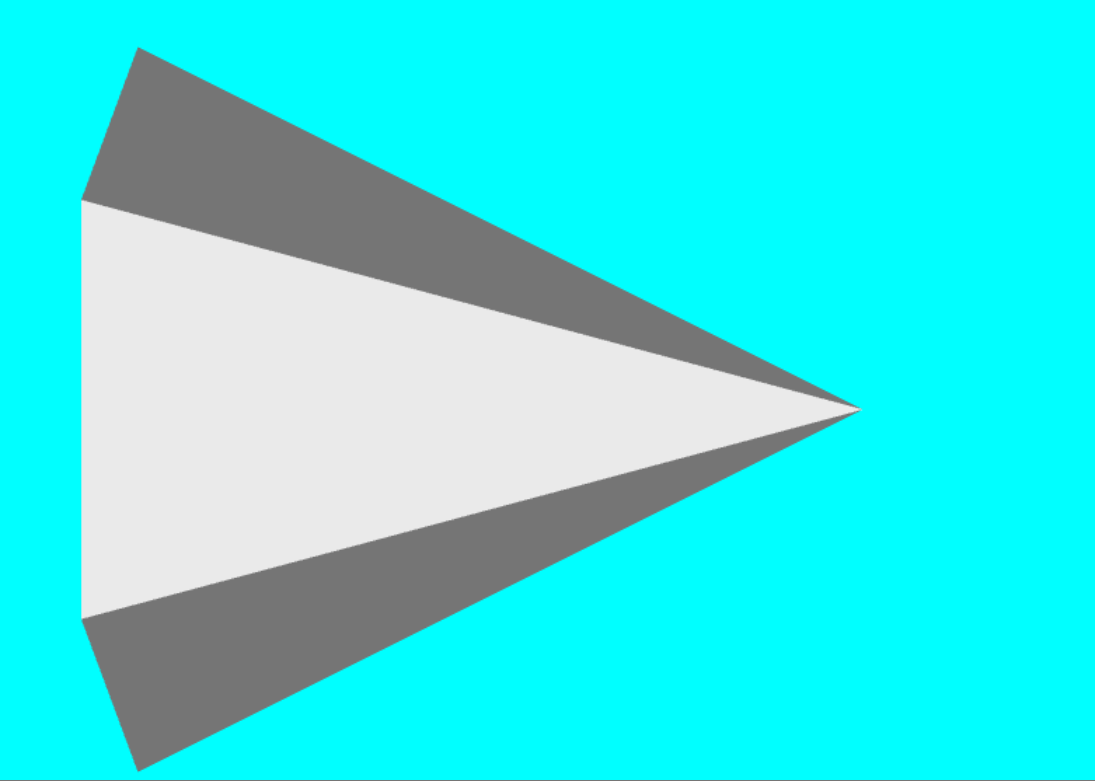
---
### Author:  [@Sebastien\_Jourdain](https://discourse.vtk.org/u/Sebastien_Jourdain)
#### Post date: [June 11, 2022, 4:03pm UTC](https://discourse.vtk.org/t/vtk-npm-mouse-touch-interactor-is-not-working/8699/2 "2022-06-11T16:03:43Z")
Look at [that example](https://kitware.github.io/vtk-js/examples/SimpleCone.html). You will see that you’ve instantiated the abstract class for the style rather than a concrete one that will actually process the events.
---
### Author:  [@USMANHEART](https://discourse.vtk.org/u/USMANHEART)
#### Post date: [June 11, 2022, 5:33pm UTC](https://discourse.vtk.org/t/vtk-npm-mouse-touch-interactor-is-not-working/8699/4 "2022-06-11T17:33:57Z")
I have got the solution.
I replaced `import vtkInteractorStyleTrackballCamera from "@kitware/vtk.js/Rendering/Core/InteractorStyle"`
line with
` import vtkInteractorStyleTrackballCamera from '@kitware/vtk.js/Interaction/Style/InteractorStyleTrackballCamera';`
and it’s working