# why the slice cursor move back to the center?
**URL:** https://discourse.vtk.org/t/why-the-slice-cursor-move-back-to-the-center/1664
**Category:** Support
**Created:** [August 29, 2019, 8:32am UTC](https://discourse.vtk.org/t/why-the-slice-cursor-move-back-to-the-center/1664 "2019-08-29T08:32:49Z")
**Posts on this page:** 2
**Page:** 1
### Author:  [@pingdan](https://discourse.vtk.org/u/pingdan)
#### Post date: [August 29, 2019, 8:32am UTC](https://discourse.vtk.org/t/why-the-slice-cursor-move-back-to-the-center/1664/1 "2019-08-29T08:32:49Z")
my steps:
1. at the upper right view, move the red cursor line from center to right.
2.at he upper left view, I change the slice along z axis through mousewheel backward or forward. but the red line automatic move to center.
I think when I change slice along z axis, the other axis should keep last status.
I use GetOrigin() to get the vtkPlaneSource origin point. the data is right.
defaut figure
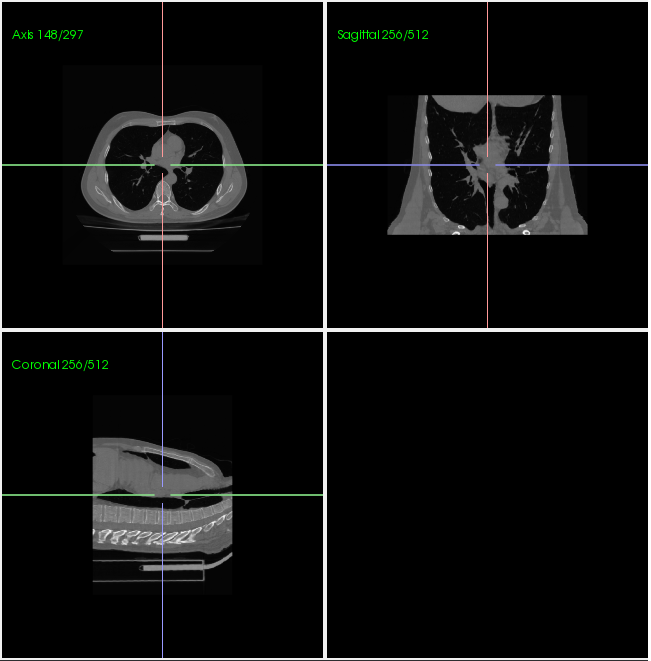
step 1, move the red line
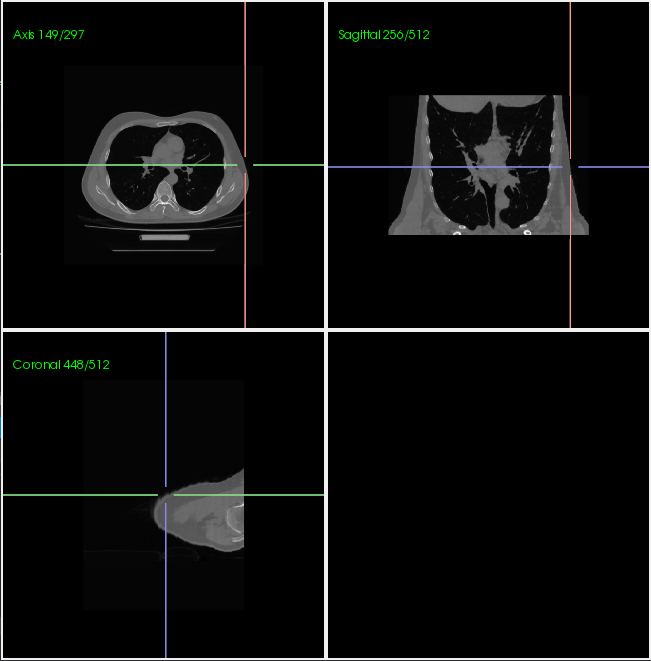
step 2, change the slice with mousewheel
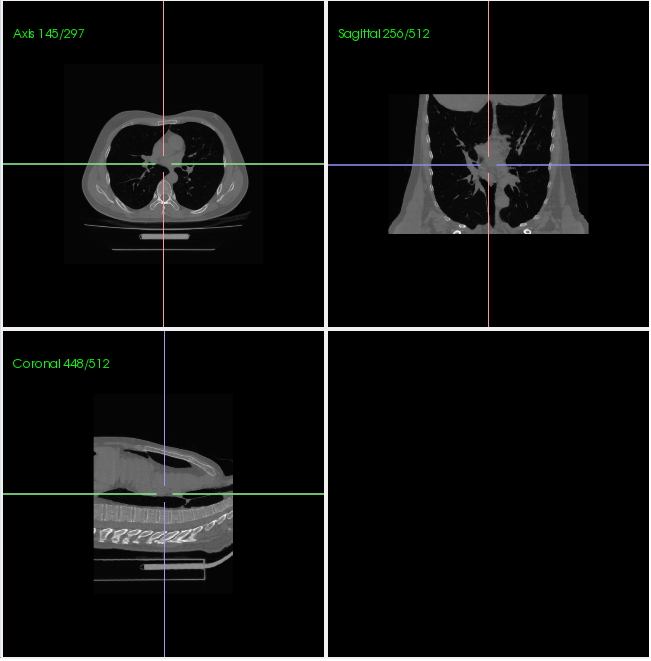
---
### Author:  [@pingdan](https://discourse.vtk.org/u/pingdan)
#### Post date: [August 30, 2019, 2:58am UTC](https://discourse.vtk.org/t/why-the-slice-cursor-move-back-to-the-center/1664/2 "2019-08-30T02:58:02Z")
I have found the reason.