Hello, Cheng. I’m assuming this:
Means this:
vtkSmartPointer<vtkMapper> mapper = vtkTexture<vtkMapper>::New();
Tip: use the code markdown syntax  .
.
Answering your question: No, from the design of vtkActor class.
However, you can achieve the same effect of “multiple textures” by tiling your four textures in a single larger image like this:
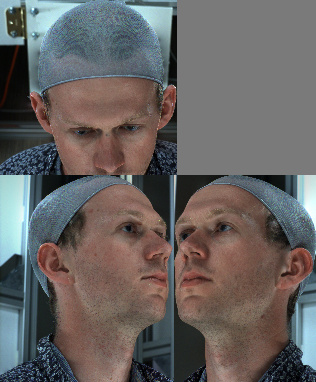
Then you assign different texture coordinates (2D UV coordinates) to each vertex (3D XYZ coordinates) of your actor to match each tile in your texture image to a face of your model. VTK has some ready-to-use texture mappers to save you the trouble of computing UV coordinates by hand (specially handy when it comes to curved surfaces). I suggest you to study the vtkTexture class and googling for vtkTextureMapTo* classes and their examples.
Texture mapping can be visualized as unfolding a 3D polyhedron into the 2D plane of the texture image:
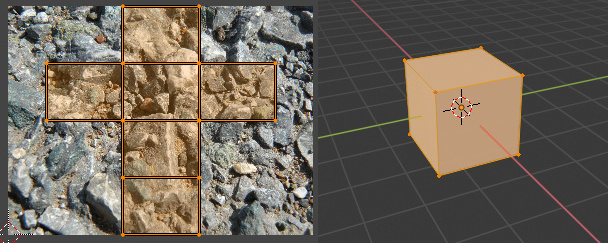
(made with Blender)
Here’s an example of someone trying to map an image into a cube (the closest thing to your problem): c++ - Apply an image on cube faces - VTK - Stack Overflow . It’s in Pyton, but the API is the same.
all the best