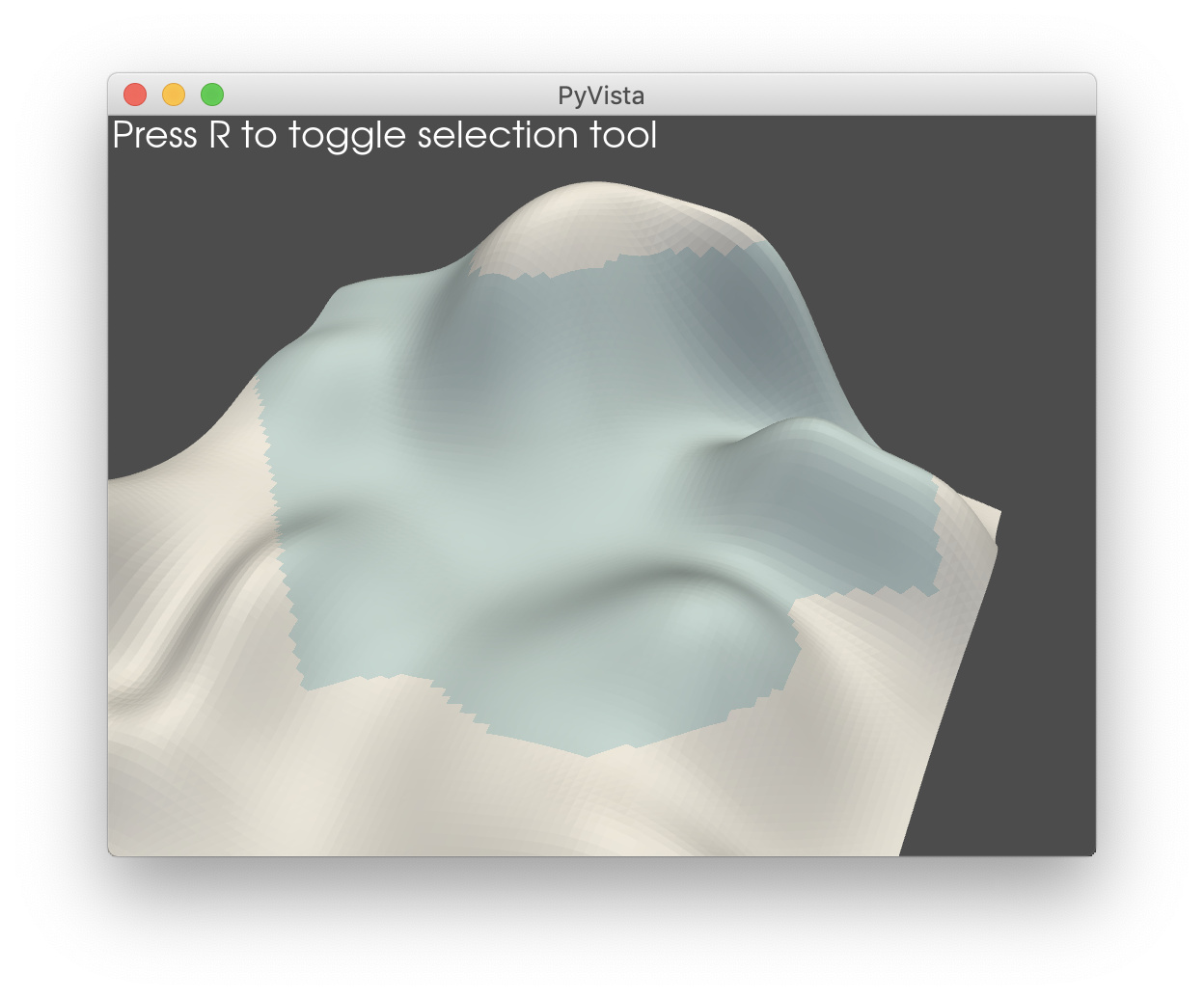
I do not think there is anyway to get around the jagged edges of the selection - even a tube around the feature edges would be jagged.
Here is the best thing I currently can do with PyVista by adding the selection (as an extracted mesh) to the scene with opacity and using SetInterpolationToPhong for smooth shading on that selected mesh:
from pyvista import examples
import pyvista as pv
pv.set_plot_theme('default')

mesh = examples.load_random_hills()

p = pv.Plotter(notebook=False)
p.add_mesh(mesh, color='white')

def overlay(selection):
    p.add_mesh(selection, name='selection', color='lightblue',
               opacity=0.5, smooth_shading=True)
    return

p.enable_cell_picking(mesh=mesh, show=False,
                     callback=overlay)
p.show()