``` py
import vtk
-----------------------------------------------------------------------------
Points
-----------------------------------------------------------------------------
points = vtk.vtkPoints()
point_coordinates = [
# Surface points
(0.0, 0.0, 0.0), # 0
(1.0, 0.0, 0.0), # 1
(2.0, 0.0, 0.0), # 2
(0.0, 1.0, 0.0),  # 3
(1.0, 1.0, 0.0),  # 4
(2.0, 1.0, 0.0),  # 5

(0.0, 2.0, 0.0),  # 6
(1.0, 2.0, 0.0),  # 7
(2.0, 2.0, 0.0),  # 8

# Separate bar points
(3.0, 0.0, 0.0),  # 9
(4.0, 0.0, 0.0),  # 10

(3.0, 0.6, 0.0),  # 11
(4.0, 0.6, 0.0),  # 12

(3.0, 1.2, 0.0),  # 13
(4.0, 1.2, 0.0),  # 14

(3.0, 1.8, 0.0),  # 15
(4.0, 1.8, 0.0),  # 16
]
for p in point_coordinates:
points.InsertNextPoint(p)
-----------------------------------------------------------------------------
Unstructured grid
-----------------------------------------------------------------------------
mesh = vtk.vtkUnstructuredGrid()
mesh.SetPoints(points)
-----------------------------------------------------------------------------
Helper for adding triangles
-----------------------------------------------------------------------------
def add_triangle(mesh, p0, p1, p2):
triangle = vtk.vtkTriangle()

triangle.GetPointIds().SetId(0, p0)
triangle.GetPointIds().SetId(1, p1)
triangle.GetPointIds().SetId(2, p2)

mesh.InsertNextCell(
    triangle.GetCellType(),
    triangle.GetPointIds()
)
-----------------------------------------------------------------------------
Helper for adding lines
-----------------------------------------------------------------------------
def add_line(mesh, p0, p1):
line = vtk.vtkLine()

line.GetPointIds().SetId(0, p0)
line.GetPointIds().SetId(1, p1)

mesh.InsertNextCell(
    line.GetCellType(),
    line.GetPointIds()
)
-----------------------------------------------------------------------------
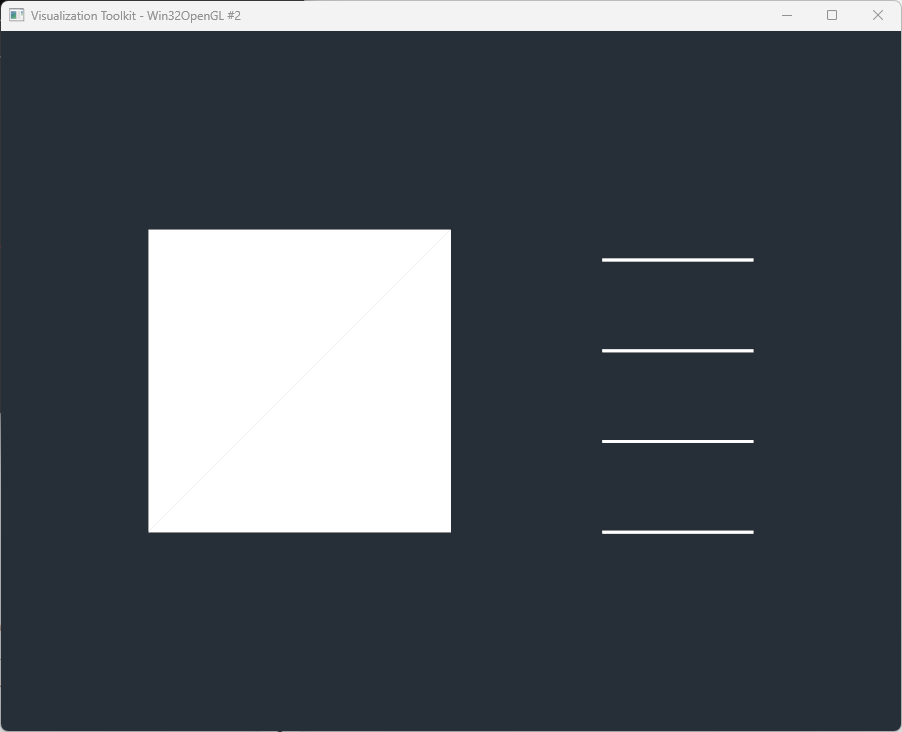
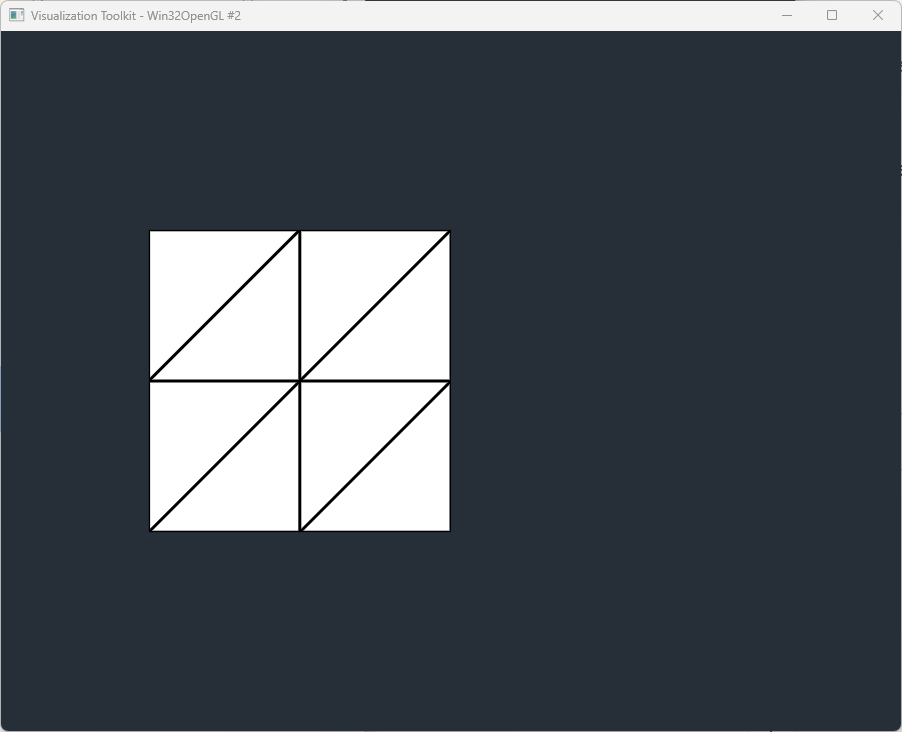
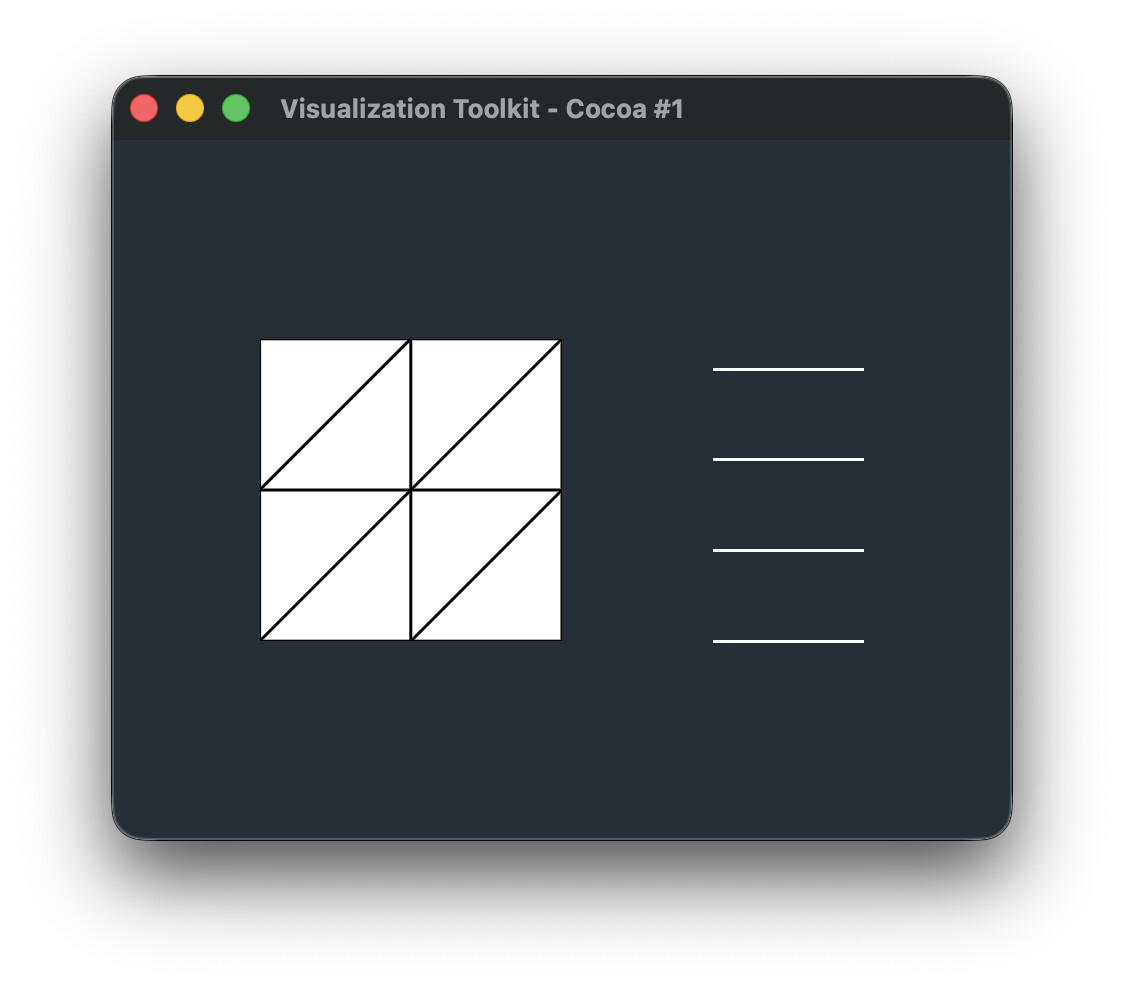
Add 8 triangles
6 ----- 7 ----- 8
| \ | \ |
| \ | \ |
3 ----- 4 ----- 5
| \ | \ |
| \ | \ |
0 ----- 1 ----- 2
-----------------------------------------------------------------------------
add_triangle(mesh, 0, 1, 4)
add_triangle(mesh, 0, 4, 3)
add_triangle(mesh, 1, 2, 5)
add_triangle(mesh, 1, 5, 4)
add_triangle(mesh, 3, 4, 7)
add_triangle(mesh, 3, 7, 6)
add_triangle(mesh, 4, 5, 8)
add_triangle(mesh, 4, 8, 7)
-----------------------------------------------------------------------------
Add 4 disconnected lines
Comment these out to test triangles without line elements.
-----------------------------------------------------------------------------
add_line(mesh, 9, 10)
add_line(mesh, 11, 12)
add_line(mesh, 13, 14)
add_line(mesh, 15, 16)
mesh.Modified()
-----------------------------------------------------------------------------
Geometry extraction
vtkUnstructuredGrid → vtkDataSetSurfaceFilter → vtkPolyData
-----------------------------------------------------------------------------
surface_filter = vtk.vtkDataSetSurfaceFilter()
surface_filter.SetInputData(mesh)
-----------------------------------------------------------------------------
Mapper
Filtered:
vtkDataSetSurfaceFilter → vtkPolyDataMapper
-----------------------------------------------------------------------------
mapper = vtk.vtkPolyDataMapper()
mapper.SetInputConnection(surface_filter.GetOutputPort())
-----------------------------------------------------------------------------
Actor
-----------------------------------------------------------------------------
actor = vtk.vtkActor()
actor.SetMapper(mapper)
actor.GetProperty().SetRepresentationToSurface()
actor.GetProperty().EdgeVisibilityOn()
actor.GetProperty().SetLineWidth(3.0)
-----------------------------------------------------------------------------
Renderer
-----------------------------------------------------------------------------
renderer = vtk.vtkRenderer()
renderer.AddActor(actor)
renderer.SetBackground(0.15, 0.18, 0.22)
-----------------------------------------------------------------------------
Render window
-----------------------------------------------------------------------------
render_window = vtk.vtkRenderWindow()
render_window.AddRenderer(renderer)
render_window.SetSize(900, 700)
-----------------------------------------------------------------------------
Interactor
-----------------------------------------------------------------------------
interactor = vtk.vtkRenderWindowInteractor()
interactor.SetRenderWindow(render_window)
renderer.ResetCamera()
render_window.Render()
interactor.Start()