I’m using vtk.js version 35.15.2. After switching to the WebGPU backend, I cannot adjust the lighting parameters of 3D models via APIs during rendering. What could be the cause?
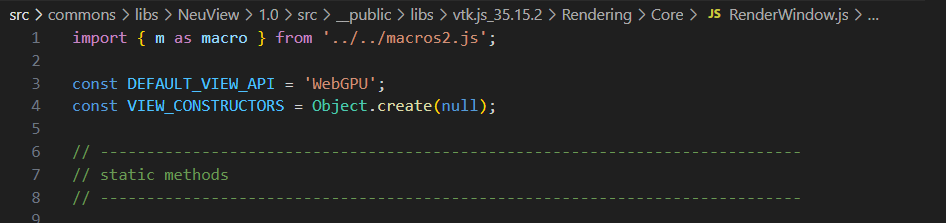
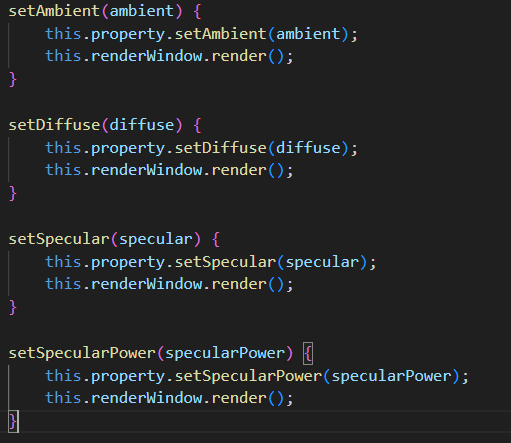
Hola! The PBR lighiing model in WebGPU backend needs normals on the polydata. Perhaps thats it?
Lighting is only applied when the mesh has normals. If your polydata lacks normals, the WebGPU mapper falls back to a flat (unlit) path where setRoughness, setMetallic, setSpecular, setAmbient all do nothing — only setColor / setOpacity show changes. Run the data through vtkPolyDataNormals to get normals.
Also, better double check the properties that are used by the PBR shader, they are not always the same as the Phong model shader in WebGL.
Also WebGPU is very much work in progress. See ya on the hub.
Thanks for your reply.I used the vtkVolumeMapper to perform volume rendering on 3D CT volume data.I found that vtkPolyDataNormals cannot be used to set normals when performing volume rendering with vtkVolumeMapper.
Ah volume rendering, right vtkPolyDataNormals wont help there. Normals for volumes come from the gradient:
For WebGPU, the only property is shade at the moment, turn on and off a “headlight”.
const property = actor.getProperty();
property.setShade(true);            // enable shading (1) / disable (0/false)
Lots of fun coding still to do before parity with WebGL volume shader.