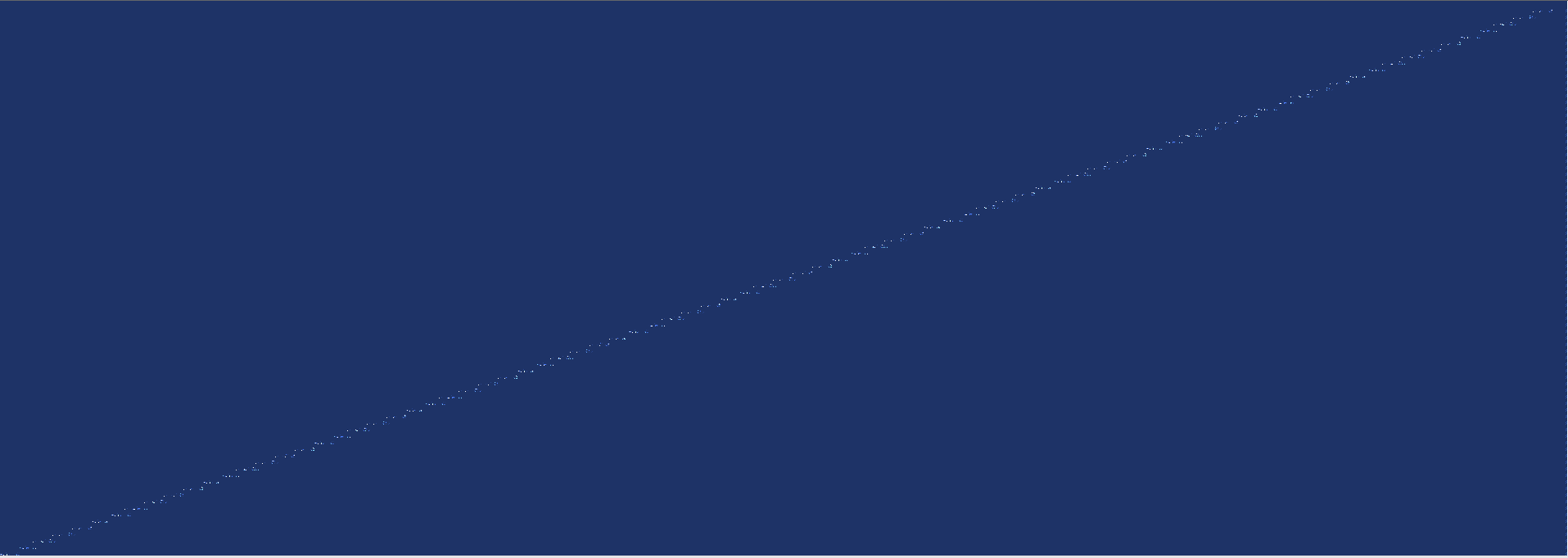
I started with VTK.wasm. My first goal was, display an empty blue screen. But the display contains white pixel from the bottom left to the top right corner.
In a second step, I added a cone. The diagonal white pixel disappeared. Then I removed the cone from the renderer. The diagonal pixel appeared again together with some pixel of the cone.
Any idea what happens here? Thank you for any help.
Hi again, I tried the cone example from the VTK web page and removed the cone to display an empty window. I also got the white diagonal ‘ghost pixel’ in the browser.
I can start my application also in native mode, using my own VTK build. This works fine, without any ‘ghost pixel’.
May there something be wrong with my VTK.wasm build?
The described behaviour seems to be related to NVIDIA graphics cards. I use NVIDIA Quadro P5000. On other machines with an Intel graphics adapter, the issue doesn’t appear.
A quick fix is as follows: deactivate “Use hardware acceleration when available” in the Chrome browser settings. Settings → System → Use hardware acceleration when available