Please provide additional context about your data and the code snippets you are using, along with a clearer description of the current results and your desired outcome. That would help provide an effective answer to your question.
This is main part for volumeRenderer.
   vtkSmartPointer<vtkImageGaussianSmooth> gaussianSmooth =
            vtkSmartPointer<vtkImageGaussianSmooth>::New();
        gaussianSmooth->SetInputData(twoImgData);
        gaussianSmooth->SetStandardDeviations(1.5, 1.5, 1.5);
        gaussianSmooth->SetRadiusFactors(1.0, 1.0, 1.0);
        gaussianSmooth->Update();


        vtkSmartPointer<vtkOpenGLGPUVolumeRayCastMapper> volumeMapper =
            vtkSmartPointer<vtkOpenGLGPUVolumeRayCastMapper>::New();
        volumeMapper->SetInputData(gaussianSmooth->GetOutput());
        volumeMapper->SetBlendModeToComposite();
        volumeMapper->SetSampleDistance(0.5);
        volumeMapper->SetUseJittering(true);

        vtkSmartPointer<vtkColorTransferFunction> colorFun =
            vtkSmartPointer<vtkColorTransferFunction>::New();
        colorFun->AddRGBPoint(0.0, 0.0, 0.0, 0.0);
        colorFun->AddRGBPoint(20.0, 0.0, 0.0, 0.0);
        colorFun->AddRGBPoint(20.1, 0.973, 0.486, 0.207);
        colorFun->AddRGBPoint(100.0, 0.973, 0.486, 0.207);
        colorFun->AddRGBPoint(100.1, 0.051, 0.639, 0.059);
        colorFun->AddRGBPoint(180.0, 0.051, 0.639, 0.059);
        colorFun->AddRGBPoint(180.1, 0.019, 0.302, 0.890);
        colorFun->AddRGBPoint(256.0, 0.019, 0.302, 0.890);

        vtkSmartPointer<vtkPiecewiseFunction> opacityFun =
            vtkSmartPointer<vtkPiecewiseFunction>::New();
        opacityFun->AddPoint(20, 0.00);
        opacityFun->AddPoint(20.1, 0.00, 0.6, 0.5);
        opacityFun->AddPoint(40.0, 0.02);
        opacityFun->AddPoint(40.1, 0.02);
        opacityFun->AddPoint(70, 0.02);
        opacityFun->AddPoint(70.1, 0.02);
        opacityFun->AddPoint(75.0, 0.02);
        opacityFun->AddPoint(85.0, 0.08, 0.7, 0.1);
        opacityFun->AddPoint(120.0, 0.10, 0.25, 0.1);
        opacityFun->AddPoint(166.0, 0.30, 0.3, 0.1);
        opacityFun->AddPoint(200.0, 0.35);


        vtkSmartPointer<vtkPiecewiseFunction> gradientOpacityFun =
            vtkSmartPointer<vtkPiecewiseFunction>::New();

        gradientOpacityFun->AddPoint(0.0, 0.3);
        gradientOpacityFun->AddPoint(1.0, 0.6);
        gradientOpacityFun->AddPoint(3.0, 0.8);
        gradientOpacityFun->AddPoint(5.0, 1.0);
        gradientOpacityFun->AddPoint(10.0, 1.0);

        vtkSmartPointer<vtkVolumeProperty> volumeProperty =
            vtkSmartPointer<vtkVolumeProperty>::New();
        volumeProperty->SetColor(colorFun);
        volumeProperty->SetScalarOpacity(opacityFun);
        volumeProperty->SetGradientOpacity(gradientOpacityFun);
        volumeProperty->SetInterpolationTypeToLinear();
        volumeProperty->SetScalarOpacityUnitDistance(1, 3.0);
        volumeProperty->ShadeOn();
        volumeProperty->SetAmbient(1.0);
        volumeProperty->SetDiffuse(0.0);
        volumeProperty->SetSpecular(0.3);
        volumeProperty->SetSpecularPower(20);
        volumeProperty->IndependentComponentsOff();
        volumeProperty->SetDisableGradientOpacity(0);

        vtkSmartPointer<vtkVolume> volume = vtkSmartPointer<vtkVolume>::New();
        volume->SetMapper(volumeMapper);
        volume->SetProperty(volumeProperty);

        volumeRenderer->AddVolume(volume);
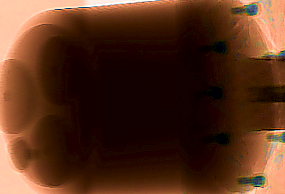
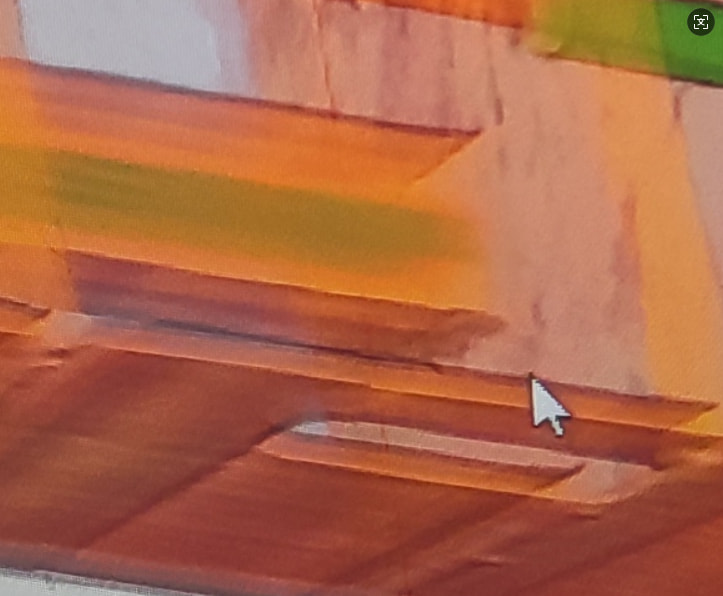
This is current result.
I want to enhance 3d outline of volumeData and improve the surface effect.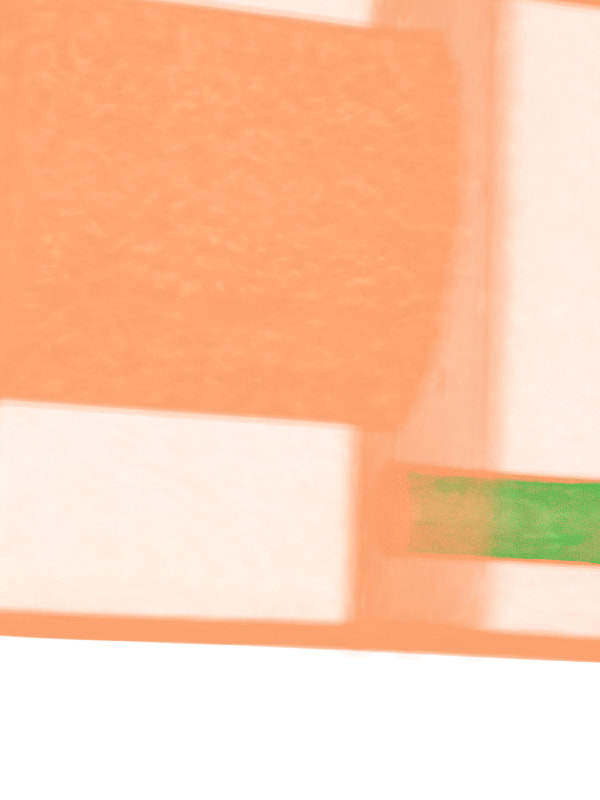
Thank you for providing the code snippet. The vtkImageGaussianSmooth is smoothing out edges of the data. Have you tried removing that filter and/or playing with its parameters to see the differences in the result?
Another thing to test would be whether the gradient opacity function values are correct.
I see that you’ve disabled independent components. Is that a RGB volume? If so, the best bet would be manipulate the RGB values coming in to ensure that edges are well defined.
My volumeData have two components.The first component is used for color and the second component is used for opacity.
How can I make different sides of this cylinder have varying brightness? For example, the side directly facing the camera should be brighter, while the further it deviates from the camera, the darker it becomes.The current show there is no difference in different sides.
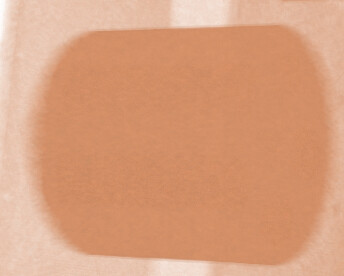
That is not standard volume rendering. The color function is over the scalar values of the volume. To enable depth based coloring, you’d have to add a shader substitution that changes the fragment color based on sample depth.