Hi,
My goal is to use vtk to render different TPMS structure for bone scaffolding. Initially I am trying to render just a simple cylinder to get the GUI layout correct so I can add the buttons and sliders later to get the interactive TPMS app.
I am using Windows 10 with msvs 2022 and qt 6.8.3. I compiled the library and did render a cylinder in QMainWindow.
The code snippet:
void cylinder::render(vtkSmartPointer *QtMainWindowRendered)
{
    vtkNew cylinderMapper;cylinderMapper->SetInputConnection(cylinderSource->GetOutputPort());
    vtkNew<vtkActor> cylinderActor;
    cylinderActor->SetMapper(cylinderMapper);
    cylinderActor->GetProperty()->SetColor(colors->GetColor4d("Tomato").GetData());

    cylinderActor->RotateX(30.0);
    cylinderActor->RotateY(-45.0);

    renderer->AddActor(cylinderActor);
    renderer->SetBackground(colors->GetColor3d("BkgColor").GetData());

    renderer->ResetCamera();
    renderer->GetActiveCamera()->Zoom(1.5);

    *QtMainWindowRendered = this->renderer.Get();
}
MainWindow::MainWindow(QWidget *parent): QMainWindow(parent)
                                       , ui(new Ui::MainWindow)
                                       , vtkWidget(nullptr)
{
    c = new cylinder(5,10);ui->setupUi(this);
    vtkWidget = ui->vtkWidget;

    if (!vtkWidget) {
        qCritical() << "ERROR: Could not find QVTKOpenGLNativeWidget in UI! "
                << "Check that the promoted widget's objectName is exactly 'vtkWidget'";
        return;
     }

     // === RENDER THE CYLINDER ===
     vtkSmartPointer<vtkRenderer> renderer;
     c->render(&renderer);

     // create a render window
     renderWindow = vtkSmartPointer<vtkGenericOpenGLRenderWindow>::New();
     vtkWidget->setRenderWindow(renderWindow); // set the render window

     // add renderer
     renderWindow->AddRenderer(renderer);
     renderWindow->Render();
}
void MainWindow::resizeEvent(QResizeEvent *event)
{
    // Window size
    QSize windowSize = this->size();qDebug() << “MainWindow size:” << windowSize.width() << “x” << windowSize.height();

    // VTK widget size
    if (ui->vtkWidget)
    {
        QSize vtkSize = ui->vtkWidget->size();
        qDebug() << "VTK Widget size:" << vtkSize.width() << "x" <<
        vtkSize.height();
    }

    // Call base class implementation
    QMainWindow::resizeEvent(event);
}
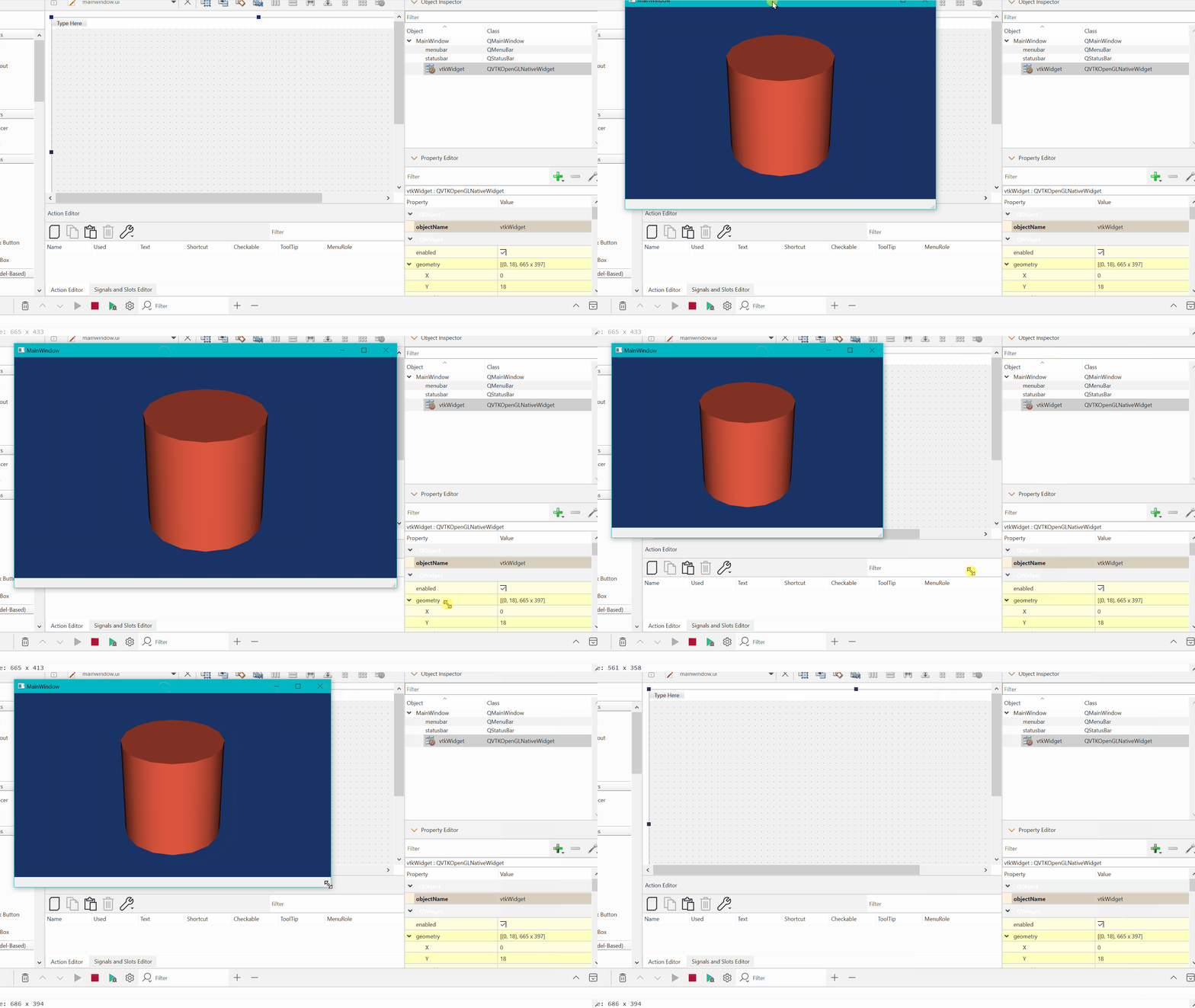
Now mainwindow.ui consists a mainwindow, centralwidget and toolbar as a default design. The central widget is inherent part of mainwindow. I can promote the central widget(renamed vtkWidget) to QVTKOpenGLNativeWidget. So when I maximize or minimise the main window that will scale and fill the entire main window.
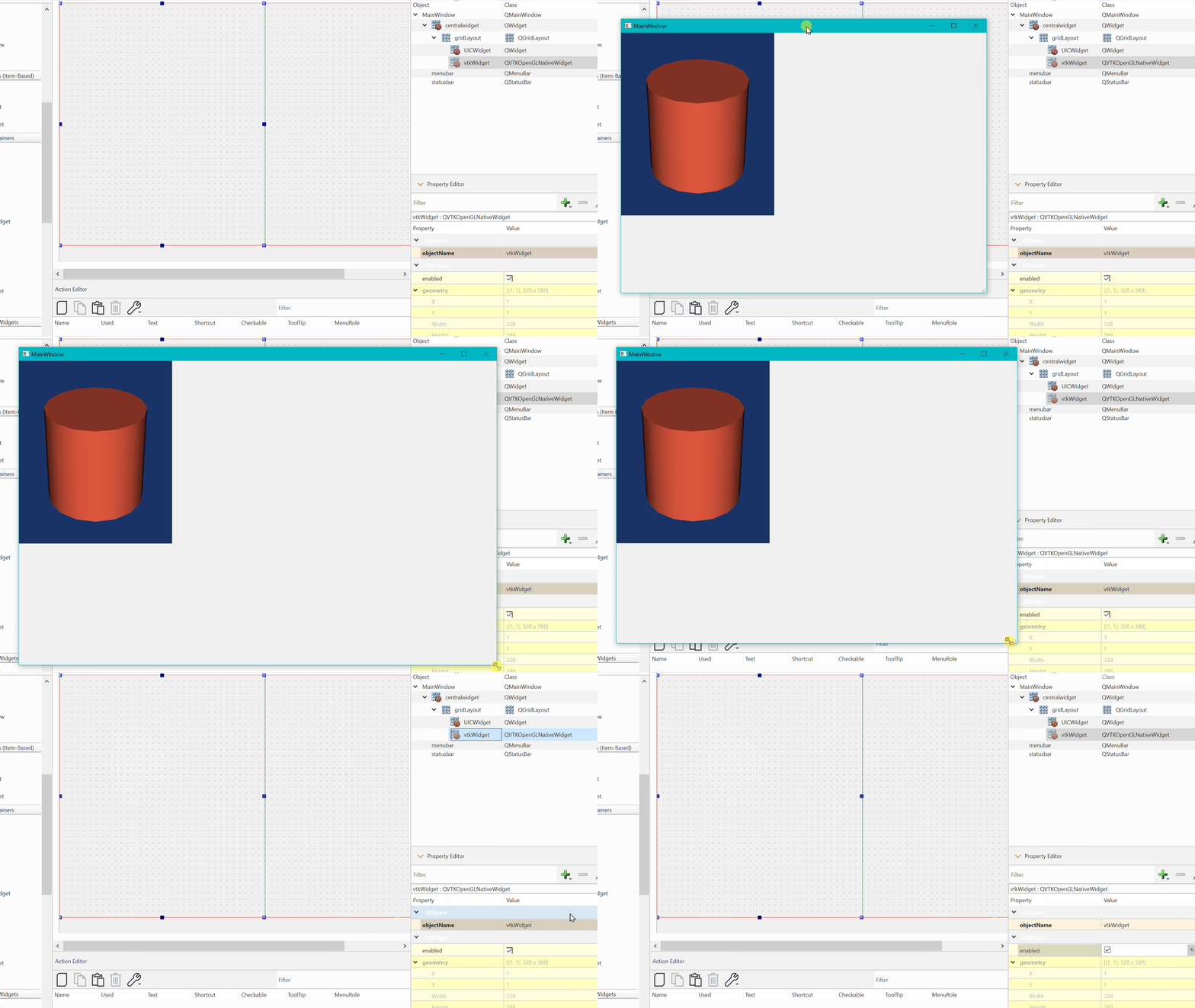
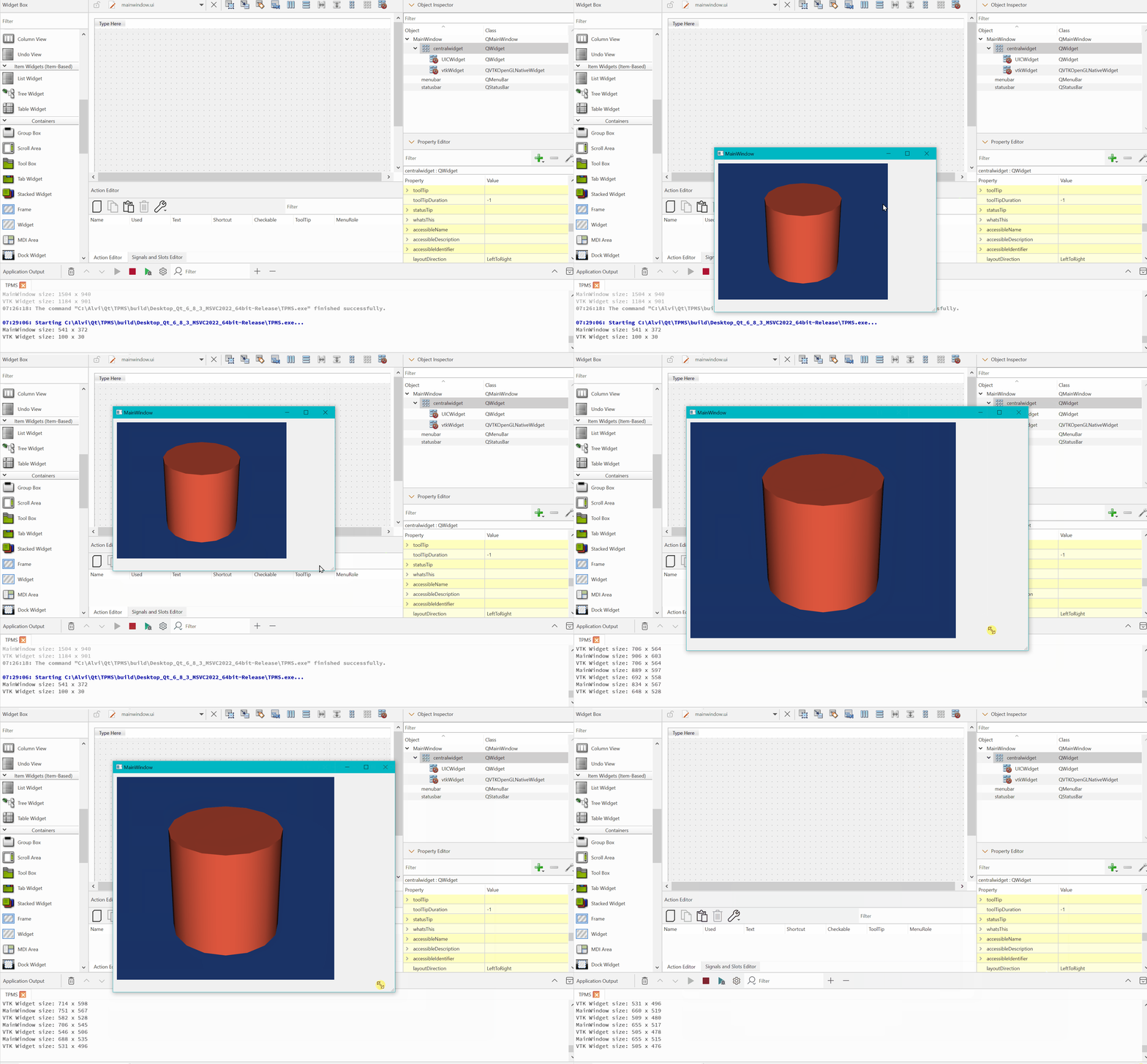
But to have buttons and sliders I need some grid layout so that scaling happens automatically. I tried by mainwindow→centralwidget→gridlayout→ QVTKOpenGLNativeWidget + QWidget(general one to hold the buttons etc.). When I try to resize or maximise the mainwindow, the QVTKOpenGLNativeWidget do not resize. It stays its default size. I know the centralwidget can sync with main window to resize. My understanding is that child gridlayout is not connected to centralwidget. How can I make the QVTK…..window response to mainwindow resizing?