VTK_POLY_VERTEX rendering issue

I have a rendering issue with VTK_POLY_VERTEX cells. In my situation the vertex cells have enlarged point sizes, set via Actor->GetProperty()->SetPointSize(14).

The vertex cells are placed inside a box mesh, i.e. they are completely enclosed in the mesh. However, under certain camera angles the vertex cells shine through the box. How can I control this, i.e. where in the renderer/actor/mapping settings can I switch this behaviour off?

Here’s an example with 3 polyvertex cells shining through - one fully, two partially.
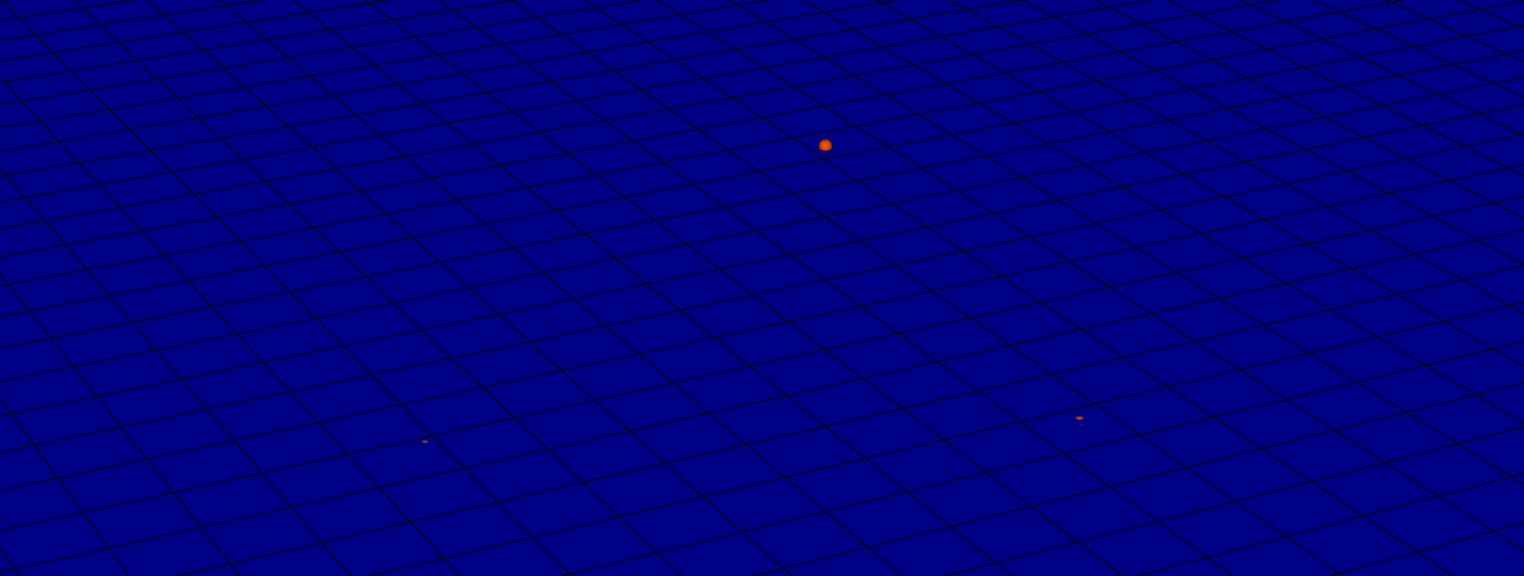
Hello @PeterFranzSeequent Can you confirm that you are drawing points as spheres? (looks like it in the image, but it’s small)

@jaswantp yes, but I tried both drawing as spheres on and off and it doesn’t make a difference for this case.

try this on the actor used to render the points. actor->GetMapper()->SetRelativeCoincidentTopologyPointOffsetParameter(16)

If that doesn’t work, try 64, 100, 200.

Thanks, that appears to be working.

Okay, you’re welcome.

VTK sets the default global offset for points=-8.0 here https://gitlab.kitware.com/vtk/vtk/-/blob/master/Rendering/Core/vtkMapper.cxx#L38 and it combines the global offset with relative offset here https://gitlab.kitware.com/vtk/vtk/-/blob/master/Rendering/Core/vtkMapper.cxx#L283

I suggested to start with 16 to achieve a reasonably high net offset. If you ever want to reduce it, 8.0 is the minimum you can try.