Seun
April 17, 2026, 12:55pm
1
Hello everyone, I would appreciate it if someone could help with this. I have been trying to follow the following tutorial to no avail. https://docs.vtk.org/en/latest/modules/vtk-modules/Rendering/WebGPU/README.html#configuring-and-building-vtk
here’s what I have done thus far.
git clone https://github.com/google/dawn dawn && cd dawn
git checkout v20250621.085109
whilst in the folder dawn
cmake -S . -B install_output/bin -GNinja -DDAWN_FETCH_DEPENDENCIES=ON -DDAWN_ENABLE_INSTALL=ON
cmake --build install_output/bin
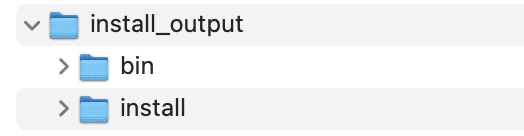
I created a folder in dawn --> `install_output/install` for installation
cmake --install install_output/bin --prefix install_output/install
thus far I have this
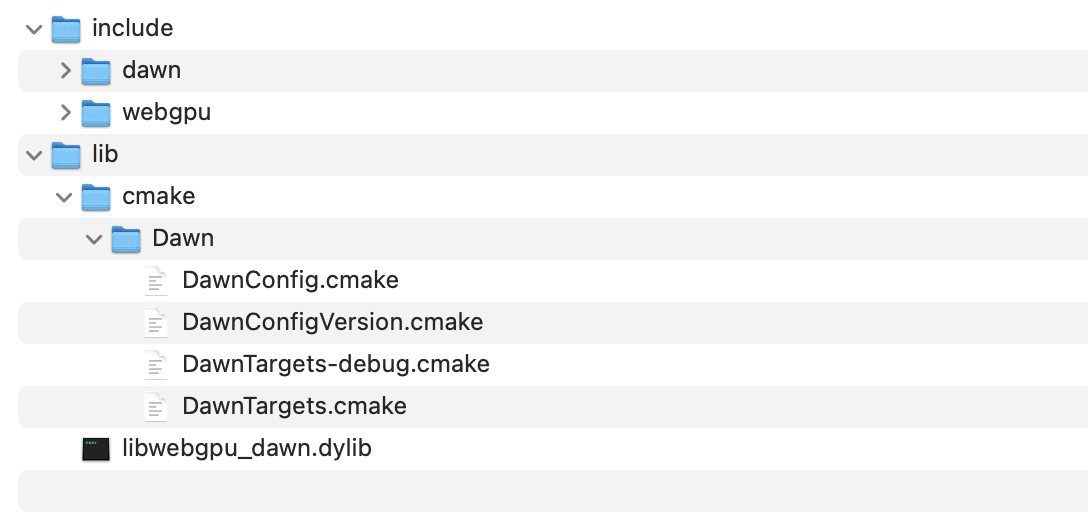
and the content after successful installation is as follow
– so I guess everything when well.
next I decide to go the route `When building on desktop (x86_64/aarch64), configure with`
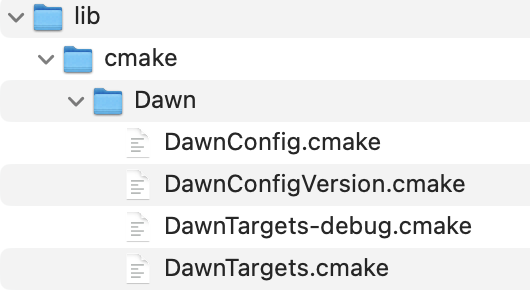
/path/to/vtk/src is pointing to a checkout of vtk/path/to/vtk/build points to a folder where I want to build called vtk-debug-webgpu-binDDawn_DIR= points to the installation folder in the screenshot below
– then I execute the following from the folder vtk-debug-webgpu-bin I created, mentioned earlier.
note .. below is used to shorten the path description.
cmake -S ../vtk
-B .
-GNinja
-DVTK_ENABLE_WEBGPU=ON
-DDawn_DIR=../dawn/install_output/install/lib/cmake/Dawn
-DVTK_BUILD_TESTING=ON

cmake --build .
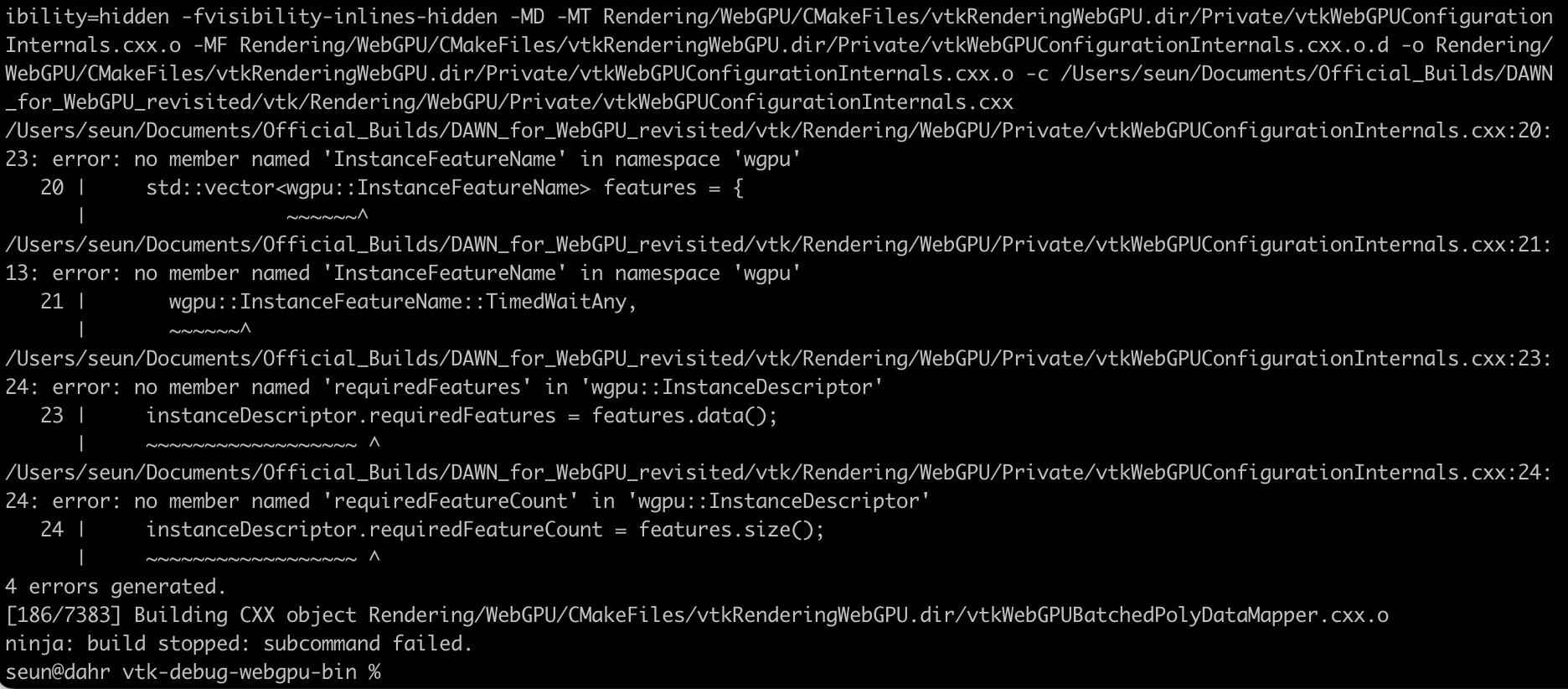
I get the following error.
Has anyone encountered this? if so, what’s the workaround / solution?
jaswantp
April 17, 2026, 1:17pm
2
Hi @Seun
Please try git checkout v20251002.162335 instead. The docs are being updated in https://gitlab.kitware.com/vtk/vtk/-/merge_requests/13067 .
@Quinn_Powell can you please review that MR. Let’s aim to get it in soon so users can follow updated instructions.
@Seun , apologies for the inconvenience.
Seun
April 17, 2026, 1:46pm
3
Hi Jaswant,
No worries. I’ll try the version you suggested. Do you think the current instructions available will be sufficient to at least get something going?
Seun
April 17, 2026, 1:54pm
4
I think that version is problematic. v20251002.16233
jaswantp
April 17, 2026, 1:56pm
5
you have a typo. try v20251002.162335
Seun
April 17, 2026, 1:58pm
6
Sorry, this is the actual error I get. Ignore the initial post. I tried it twice and accidentally left out the last digit.
jaswantp
April 17, 2026, 2:00pm
7
The tag definitely exists on github GitHub - google/dawn at v20251002.162335 · GitHub .
Maybe try git fetch --tags first?
Seun
April 17, 2026, 2:04pm
8
Perhaps there is a difference between https://dawn.googlesource.com/dawn which is what the build was based on and https://github.com/google/dawn you are referring to. I’ll try that, hopefully all goes well. Thanks.
Seun
April 17, 2026, 3:14pm
9
Hi Jaswant, I was able to get everything up and running following your suggestion. Looking forward to the MR. Thanks a lot.