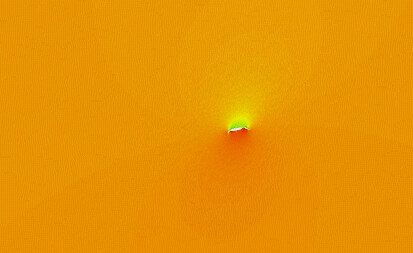
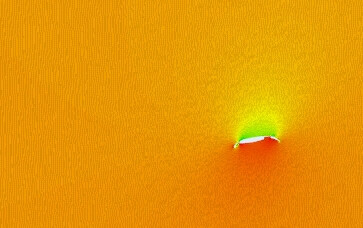
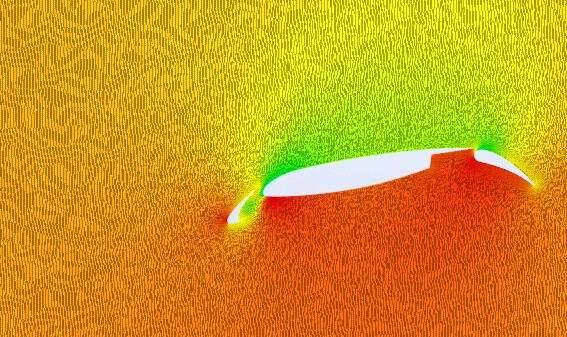
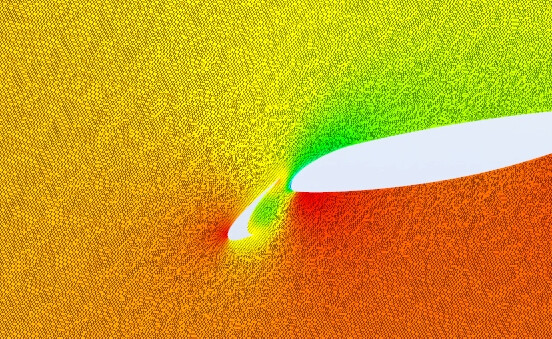
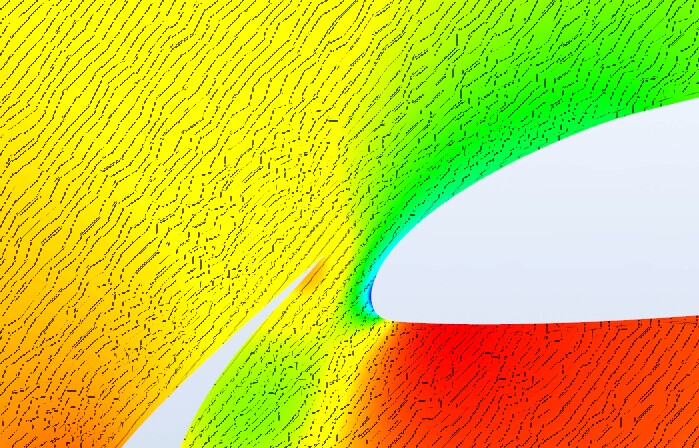
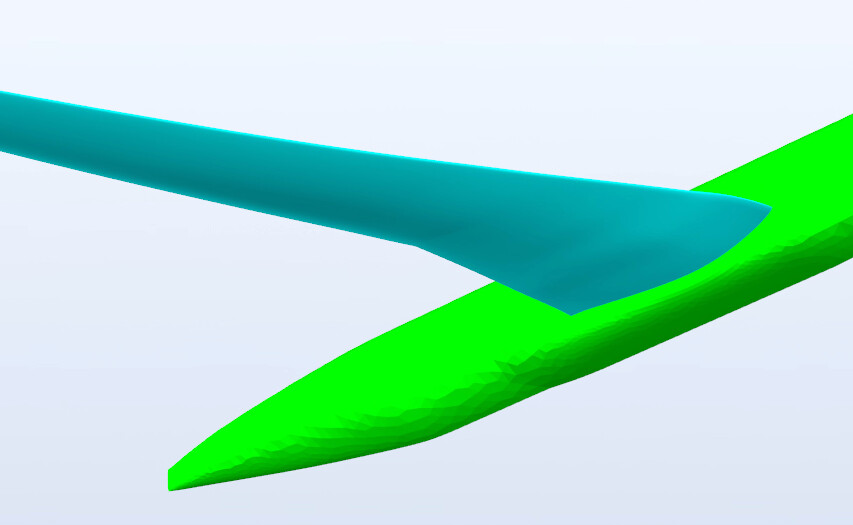
I have met one strange problem, I have the rendererd image in display area, when I zoom in with mouse, it gradually display some strange lines, more zoomed-in(closer), more clearer the dashed lines. But I have not set anything for such strange lines. I don’t know where these lines came from.
I attached some screenshots in this thread, please somebody help me diagnose from these images.
If you need the implementation code, I can add some c++ codes later.
This effect seems strange to me, because there isn’t anything inherently different about the precision of parallel vs. perspective transformations. It makes me wonder if the problem is actually VTK’s interaction code rather than the shader code. Let me briefly explain:
When VTK implements perspective zoom by bringing the camera closer to the focal point, the geometry remains close to the “sweet spot” of the depth range, i.e. close to the camera.
But, if I’m not mistaken, the parallel projection zoom is implemented by simply narrowing the field of view in X and Y, but Z (i.e. the positions of the near and far clipping planes) is left unchanged. So when you zoom in really tight, the orthographic “box” for the projection becomes very long in the depth direction compared to the X, Y directions. This is not what we want. Ideally, when we zoom we want the near and far clipping planes to come closer together as the FOV becomes narrower. This should keep us from losing precision in the transformation to view coordinates.
There is a caveat, though: if we bring the near & far clipping planes closer to the focal point, then any geometry that isn’t close to the focal point (in the depth direction) will be clipped away.
I believe this is a known problem with data that does not supply surface normals. The normals are estimated in the shader and as you zoom in the normals estimated near the boundaries of polygons are off.
A workaround is to compute cell normals on your dataset. If they are available, then the shader will use them instead of coming up with a bad normal estimation.